
What this guide is really about
Threads is a text-first platform. That is what Meta built, and that is what most people love about it. But text is not the only option, and choosing the wrong format for a post is one of the fastest ways to undercut your own work.
Every time you compose a post, you make a format decision without realizing it. You could write text. You could attach an image. You could record a short video. You could build a multi-slide carousel. Each choice changes how many people stop scrolling, how many reply, and how much production effort you spend.
This guide gives you a decision framework for when to use each format on Threads, grounded in real engagement data from large-scale studies and the official Threads API specifications.
On Threads, video earns the highest median engagement rate at 5.55 percent, followed by images at 4.55 percent, then text-only posts at 2.79 percent, according to Buffer's analysis of 52 million posts. Use text for starting conversations and sharing quick thoughts. Use images when the visual carries the message. Use video for process, personality, and behind-the-scenes moments. Use carousels for step-by-step guide...
Know which format to choose for each type of Threads post
Understand what real engagement data says about each format
Have a decision matrix you can apply in under 30 seconds
Be able to test your own format mix without guessing
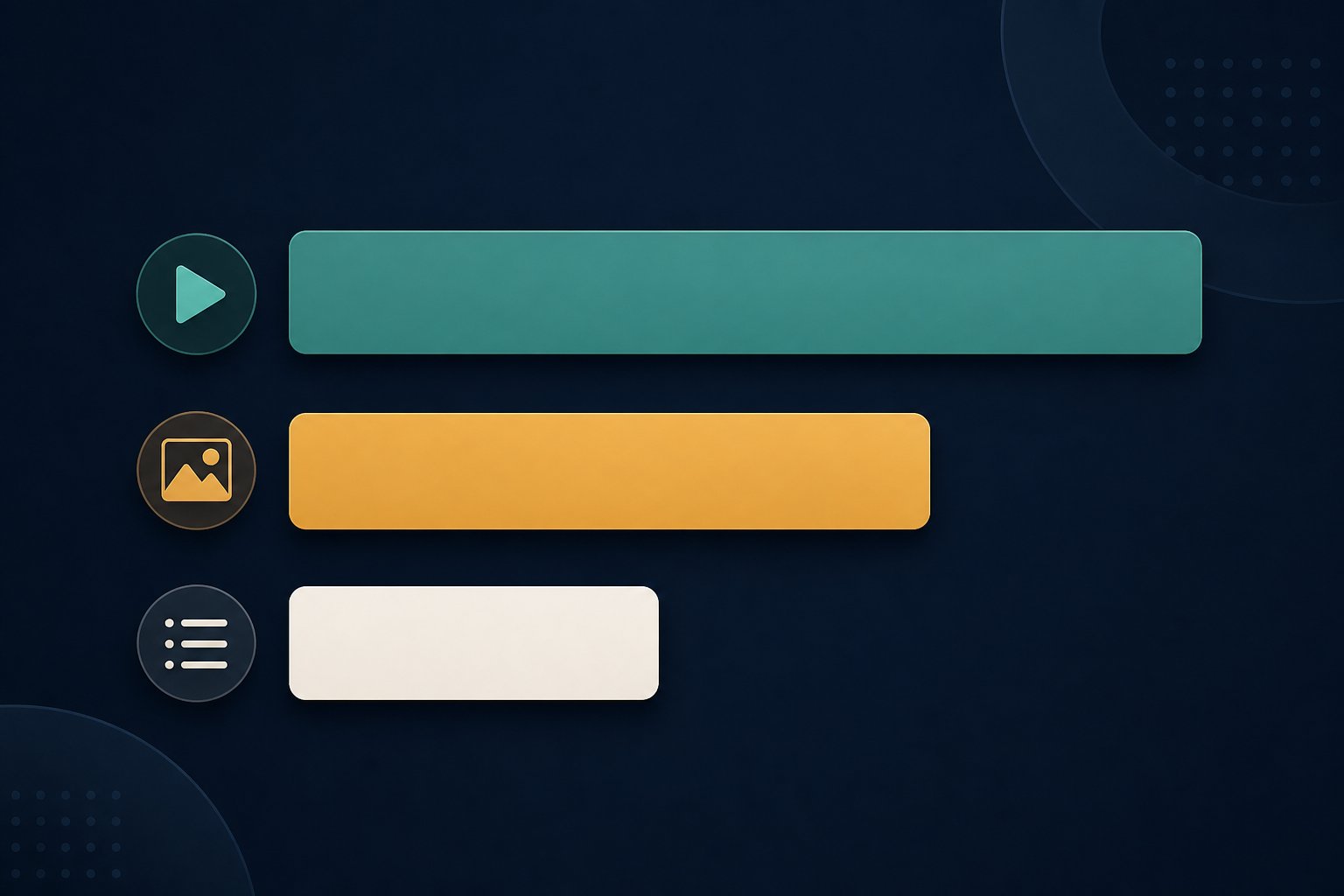
Video leads Threads engagement at 5.55 percent median rate, nearly double text-only at 2.79 percent, per Buffer's 52 million post study
Visual posts of any kind earn roughly three times the engagement of text-only posts, according to Teract's analysis of 10,000 Threads posts
Text-only posts still get more views and reach on Threads, making format choice a tradeoff between reach and depth of engagement
Threads supports four post formats: text, single image, single video, and carousels up to 20 items
The right format depends on your content goal, not on a universal rule
The Four Post Formats on Threads
Threads supports four post formats you can use right now. Knowing what each one does best is the foundation of every format decision you will make.
Text posts are the native format. You get 500 characters to make a point, ask a question, or start a conversation. Text is the fastest to produce and the format Threads was built around. It is ideal for opinions, questions, hot takes, and any moment where the words themselves are the content. For text styling techniques like bold and line breaks, our guide on how to format Threads posts covers the practical details.
Image posts attach a single photo or graphic to your text. According to the official Threads API documentation, images must be JPEG or PNG, with a maximum file size of 8 MB and a minimum width of 320 pixels. Images work when the visual adds information that text alone cannot deliver, like a chart, a screenshot, a photo of your workspace, or a quote card.
Video posts attach a single video clip. The official Threads API documentation specifies MP4 or MOV format, up to 5 minutes long, with a maximum file size of 1 GB. Video is the highest-engagement format on the platform. Use it for process demonstrations, quick tutorials, behind-the-scenes clips, and personality-driven moments where motion and sound carry the message. Carousel posts let you attach up to 20 images, videos, or a mix of both in a single post. Carousels are built for step-by-step breakdowns, multi-point comparisons, before-and-after sequences, and any content that benefits from a slide-by-slide structure. Each item can have its own caption, and the carousel counts as a single post against your rate limit.
What the Engagement Data Says About Each Format
Two large-scale studies provide the clearest picture of how format affects engagement on Threads. Both point in the same direction.
Buffer analyzed 52 million posts across platforms for their 2026 State of Social Media Engagement report. On Threads specifically, video posts earned a median engagement rate of 5.55 percent. Image posts followed at 4.55 percent. Text-only posts came in at 2.79 percent. That means video earned nearly double the engagement of text on a platform known for conversation.
Teract analyzed 10,847 Threads posts from 127 creators over 12 weeks in early 2026. They found that posts with images or videos earned roughly three times the engagement of text-only posts, with visual posts averaging 4.8 percent engagement versus 1.5 percent for text. They also observed that visual content performed especially well because Threads inherited Instagram's visual culture rather than X's text-first approach.
There is a catch. Multiple creators report that text-only posts get more views and wider reach on Threads, even though media posts earn deeper engagement per person who sees them. This means format choice is a tradeoff. Text gives you broader distribution. Media gives you more meaningful interaction from the people who do see the post. Neither extreme is right for every account. A creator who wants maximum visibility for an opinion might choose text. A creator who wants deeper conversation around a tutorial might choose video. The data tells you what happens on average, not what will happen for your specific audience. To interpret your own numbers, our Threads analytics guide explains which metrics actually matter for format decisions.
The Format-Purpose Decision Matrix
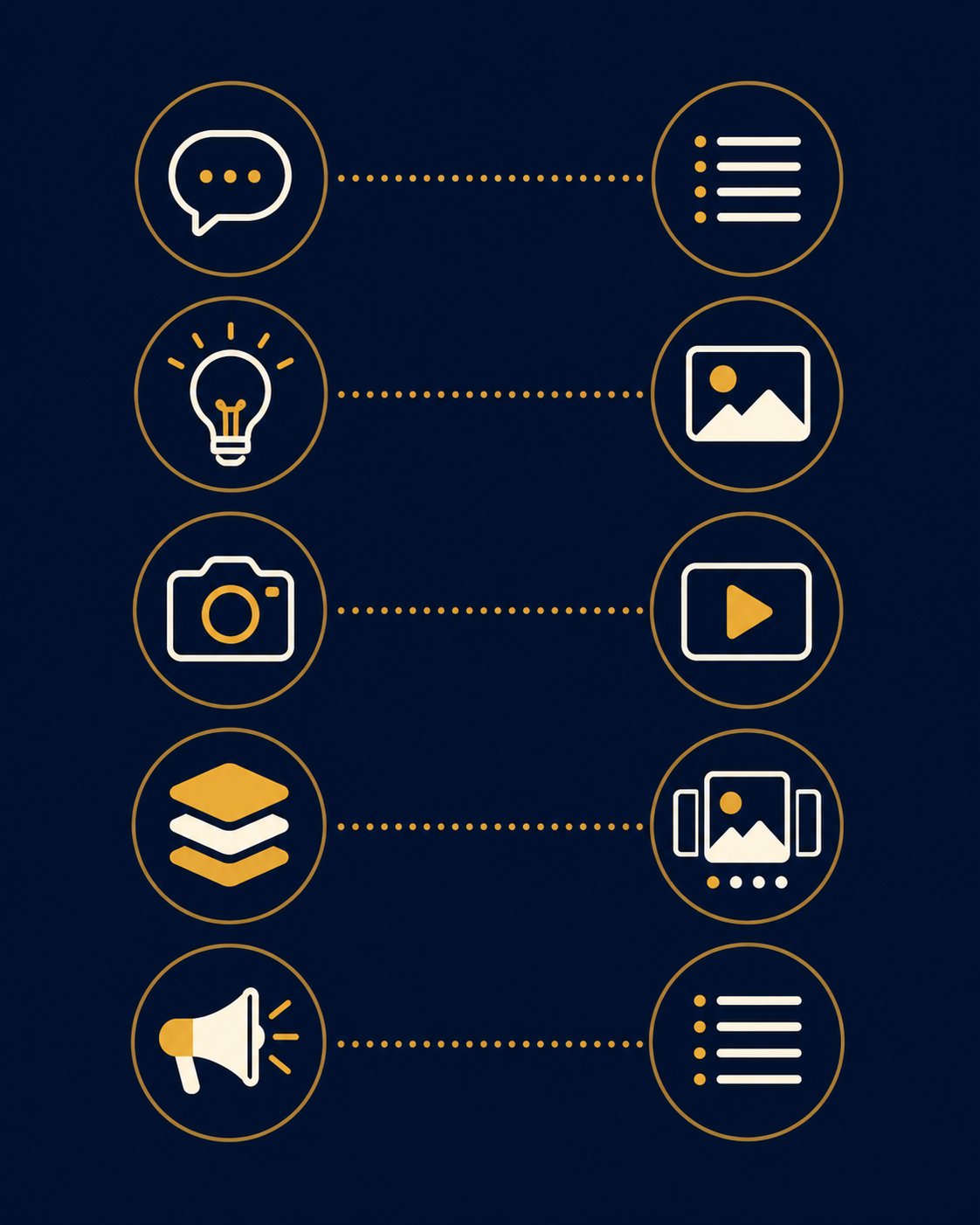
Data tells you what happens on average. A decision matrix tells you what to choose for each specific post. Here is a framework that maps five common content goals to the format that serves each one best.
Goal one, start a conversation. Choose text. Threads rewards text-first conversation. A sharp question or opinion in 500 characters will get more replies than the same idea buried in a video. Text removes friction between thought and response. This is why Threads post ideas organized around open questions tend to perform well as text.
Goal two, share an insight or teachable point. Choose an image. A single chart, quote card, or annotated screenshot gives people something concrete to react to. The visual anchors the idea while your text adds context. This is the sweet spot for data visualizations and framework diagrams.
Goal three, show a process or personality. Choose video. Motion and voice carry more of you than any other format. Use video for behind-the-scenes moments, quick demos, and anything where seeing the process matters more than reading about it. Goal four, break down a multi-step topic. Choose a carousel. Carousels let you structure information as slides, which works for tutorials, comparisons, and frameworks. Each slide carries one idea, and people swipe at their own pace. Use the full carousel capacity when the topic genuinely needs it, not just because 20 slots are available. Goal five, maximize reach for a timely take. Choose text. Text posts tend to spread faster on Threads because they are frictionless to read and repost. Save media production for ideas that benefit from visual anchoring. Strong opening lines matter here, which is why learning how to write Threads hooks that earn opens helps every format choice.
Defaulting to text for every post because it is fastest, then wondering why engagement is flat. Text is the backbone, but if you never test media formats you will not know whether your audience responds to them.
Assuming video is always better because the data shows higher engagement. Video costs more to produce, and if your audience does not watch video on Threads, the extra effort produces nothing.
Building 20-slide carousels because the limit exists. Long carousels work when the topic genuinely needs step-by-step structure. A bloated carousel adds friction without adding value.
Posting identical media across all platforms without adaptation. What works on Instagram does not automatically work on Threads. Adapt the format and framing to each platform.
Ignoring alt text on images. Accessibility matters for ethical reasons, and it also helps your content appear in more contexts. Adding alt text takes seconds and costs nothing.
Production Cost vs Engagement Payoff
Engagement data is only half the equation. The other half is production cost. A format that earns 2 percent more engagement is not worth it if it takes five times longer to produce and you burn out before the end of the month.
Text posts are the cheapest format. You think, type, and post. Production time is under two minutes for most creators. This is why text should remain the backbone of your Threads strategy even if media posts earn higher per-post engagement.
Image posts add a moderate cost. You need to source or create a visual, resize it appropriately, and write the accompanying text. Production time ranges from 5 to 20 minutes depending on whether you are using an existing photo or creating a graphic from scratch. This is where knowing how to batch content pays off, because producing several images in one session drops the per-post cost significantly.
Video posts carry the highest production cost. Even a short clip requires recording, editing, and sometimes captions. Production time can range from 15 minutes for a raw behind-the-scenes clip to over an hour for a polished tutorial. The engagement payoff is real, but only sustainable if video fits your workflow without sacrificing social media consistency over the long haul. Carousels sit between images and video in cost. A simple two-image carousel might take 10 minutes. A 10-slide tutorial carousel could take an hour or more. The key question is whether the carousel structure adds enough clarity to justify the production time compared to a single image or a text thread.
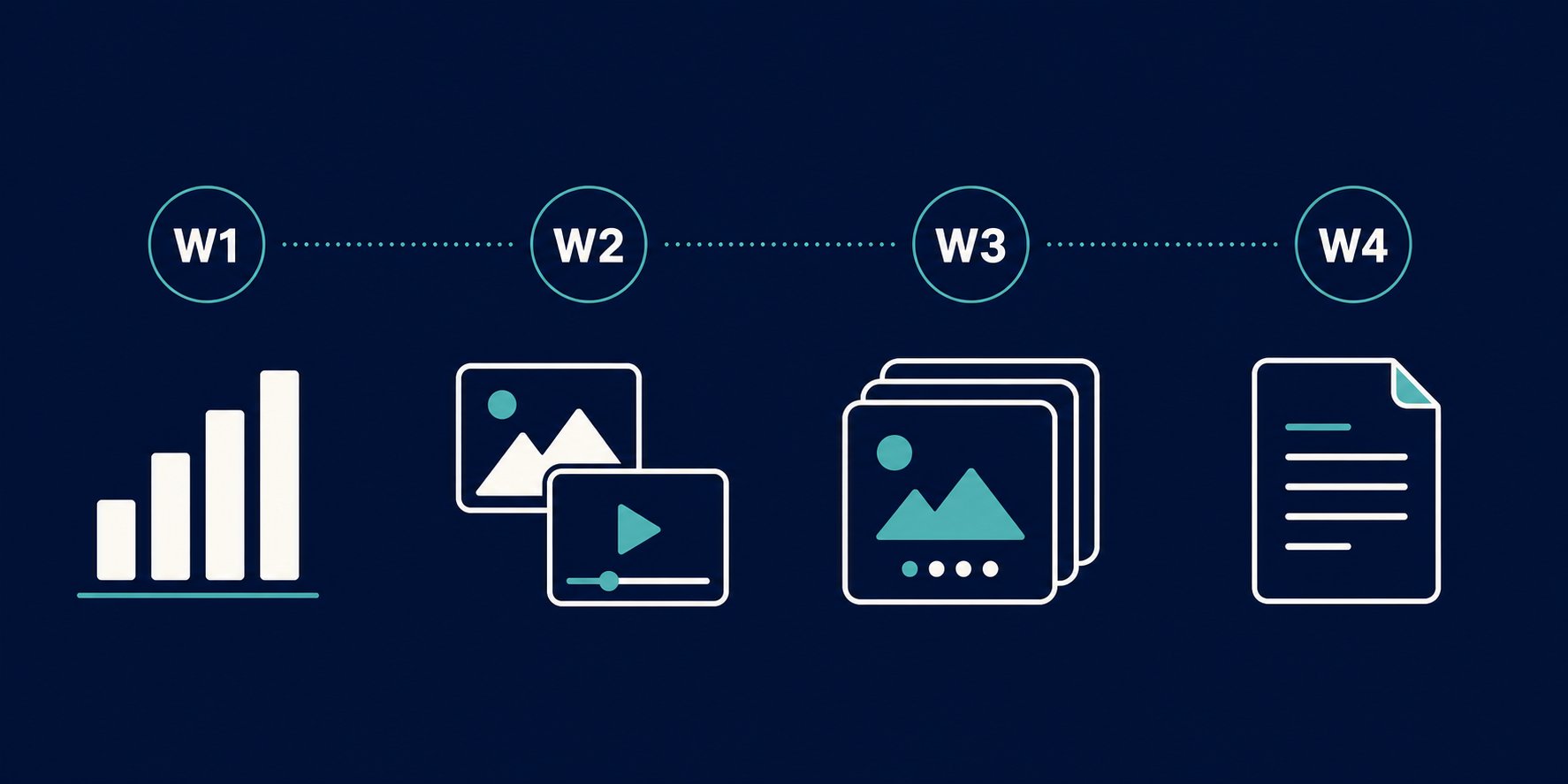
How to Test Your Format Mix Over Four Weeks
Universal format ratios do not work because every audience is different. Instead of copying what works for someone else, run a structured test to find what works for you.
Week one, establish your baseline. Post in your current format mix without changing anything. Track four signals for each post: impressions, replies, reposts, and profile visits. You need a baseline before you can measure whether a change improves anything.
Week two, increase visual formats. Replace roughly one-third of your text posts with image or video posts on the same topics. Keep everything else consistent, including your posting frequency and the times you post. At the end of the week, compare the four signals against your baseline. Knowing how often to post on Threads matters here because adding media without changing your frequency isolates the format variable.
Week three, test carousels. Take your best-performing text or image post from the previous two weeks and rebuild it as a carousel. Track whether the carousel version earns more engagement than the original. This tells you whether your specific audience responds to the carousel format or whether it adds friction. Week four, test text-heavy. Go the other direction and post primarily text for the entire week. Compare reach and impressions against weeks two and three. This reveals whether text truly earns wider distribution for your account, as the aggregate data suggests, or whether your audience behaves differently from the average. After four weeks, look at the data holistically. If video consistently outperformed text on engagement without a meaningful reach penalty, shift more of your posts toward video. If text earned more total engagement through wider reach, keep text as your primary format. The goal is to find your own ratio, not to adopt a universal prescription. These insights feed directly into your broader plan for how to grow on Threads over time.
Technical Limits and Media Specifications
Before you build a media strategy, you need to know the actual constraints. The Threads API documentation defines what you can and cannot attach to a post.
Text posts are limited to 500 characters. Emojis are counted by their UTF-8 byte length, which means some emoji take up more character space than others. If your post includes a URL, the first URL becomes the link preview. For exact counting rules, our Threads character limit guide breaks down every detail.
Image posts accept JPEG and PNG files up to 8 MB each. The minimum width is 320 pixels, and the maximum is 1440 pixels. The aspect ratio limit is 10:1, meaning extremely wide or tall images will be cropped. Threads converts all images to the sRGB color space.
Video posts accept MP4 and MOV files up to 1 GB. Videos can be up to 5 minutes long with a frame rate between 23 and 60 FPS. The recommended aspect ratio is 9:16 to avoid cropping. Video bitrate can go up to 100 Mbps, and audio is capped at 128 kbps with AAC codec. Carousels can include up to 20 items, which can be a mix of images and videos. Each item needs a minimum of two children, meaning a carousel is always at least two slides. A carousel counts as a single post against your rate limit, which matters if you are publishing through the API or a scheduling tool. GIFs are supported as attachments to text posts through GIPHY integration. Alt text can be added to images for accessibility. These specifications come directly from the official Threads publishing documentation and apply whether you post natively or through the API.
Cross-Posting Considerations for Multi-Platform Creators
If you create content for more than Threads, your format decisions have ripple effects. A video that performs well on Threads might need reformatting for LinkedIn. A carousel built for Threads might need restructuring for Instagram.
The key principle is to adapt rather than duplicate. Identical cross-posting without sounding robotic is harder than it looks because each platform has different format expectations. Threads rewards conversation, Instagram rewards polish, LinkedIn rewards professional framing, and X rewards brevity.
A practical approach is to create your highest-effort format first, then adapt downward. Record a video, then pull a key frame as an image for platforms where video underperforms. Build a carousel, then extract the strongest slide as a standalone image post. Write a text thread, then condense it into a single sharp post for X.
This source-first approach means you produce once and adapt many times, rather than creating separate content for each platform from scratch. It is essentially a content repurposing system applied to format decisions, and it keeps your Threads format choices intentional rather than accidental.
Action checklist
Use this as the practical next pass after reading the guide.
- +Audit your last 20 Threads posts and note which format each one used
- +Compare the engagement rates across your text, image, video, and carousel posts
- +Pick one content goal from the decision matrix and choose the matching format for your next post
- +Run a four-week format test using the protocol in this guide
- +Add alt text to every image and video you post on Threads
- +Create one carousel from a topic you previously posted as text, and compare results
Conclusion
There is no universal answer to whether text, images, video, or carousels are best on Threads. The data points toward media earning higher engagement, but your audience, your content goals, and your production capacity all shape the right answer for you.
Use the decision matrix to choose formats intentionally rather than defaulting to whatever is fastest. Run the four-week test to find your own ratio. And remember that consistency matters more than format perfection. A creator who posts text every day will outperform one who plans the perfect video but never ships it.
If you want help generating Threads post ideas across all four formats, try the free Threads post creator to jump-start your next batch of content.