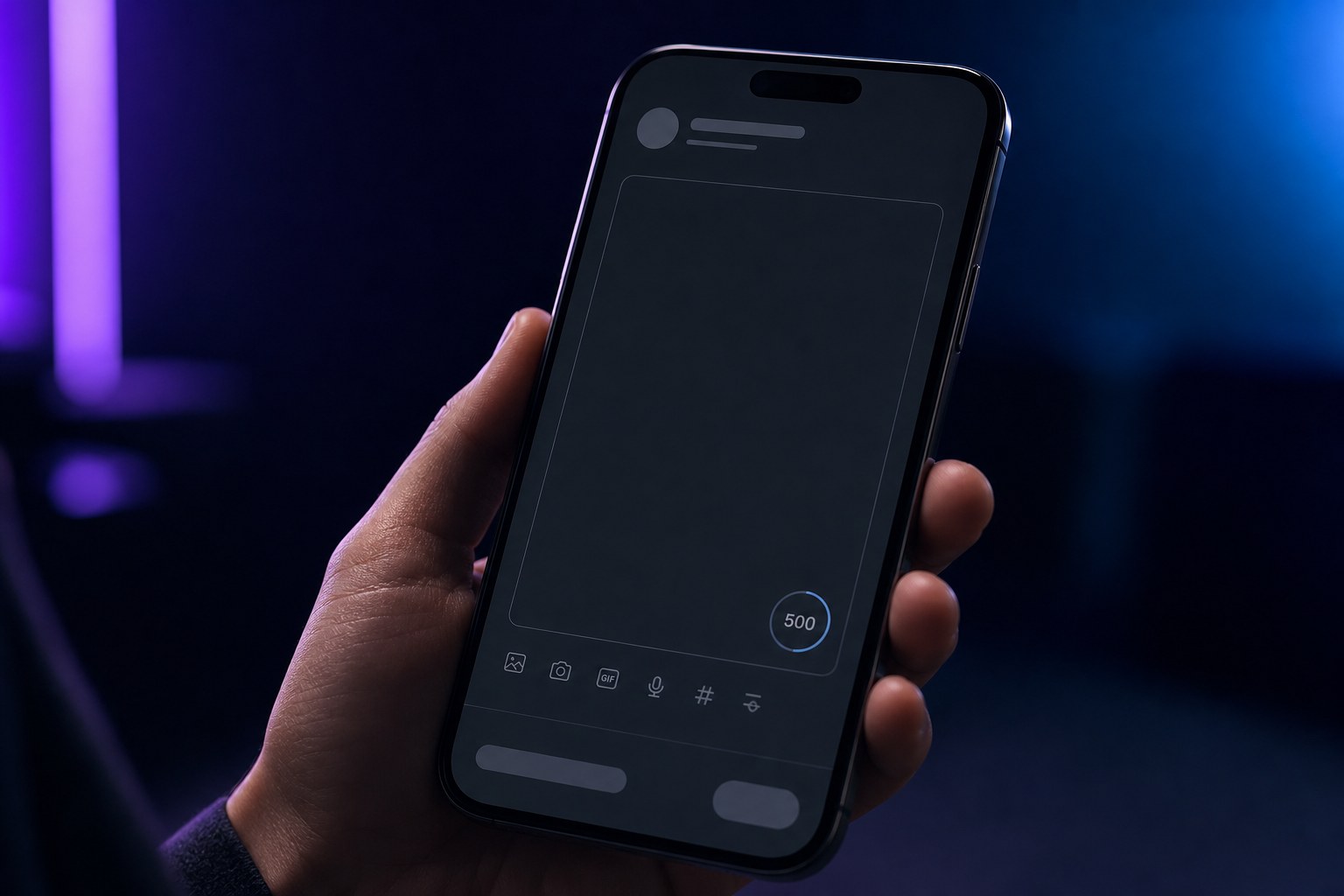
A normal Threads post gives you 500 characters. That is enough for a focused opinion, a short story, a question, or a compact list, but it is not enough for every idea.
Threads also supports text attachments for longer perspectives. The important distinction is that the feed post and the attached text serve different reading moments: the post earns attention, while the attachment carries depth.
Quick answer
Use the standard 500-character post for one clear idea. If the idea genuinely needs more room, attach longer text instead of shrinking it into an unreadable block or splitting it without a reason.
What the 500-character limit is for
The standard composer is designed for concise public conversation. Letters, punctuation, spaces, line breaks, and pasted links all occupy room in the post, so draft inside the real composer or a counter that applies the same limit.
Do not treat 500 as a target. A complete 180-character post is better than a padded 500-character post. The useful test is whether removing another sentence would make the meaning weaker.
- One opinion with a reason
- One practical lesson
- A short scene with a clear turn
- A question that supplies enough context to answer
When a text attachment is the better format
Meta announced text attachments of up to 10,000 characters for longer perspectives. The official Threads announcement describes attachments as a way to share depth while keeping a link in the main post when relevant.
Use an attachment when the reader needs a sequence, explanation, or full argument. The opening post should still make a specific promise; “read this” is weaker than telling the reader what problem the attached text resolves.
How to format a concise Threads post
Start with the point, tension, or scene. Put supporting context after it. Use line breaks where the idea changes, not after every sentence by habit. End when the thought is complete rather than adding a generic engagement question.
Dense blocks are harder to scan on a phone. Two or three short paragraphs usually communicate more clearly than one wall of text, while excessive one-line fragments can feel theatrical and waste space.
- Lead with the specific idea
- Keep one purpose per post
- Break at meaningful transitions
- Remove throat-clearing and repeated conclusions
Posts, replies, and multi-part threads
A reply is useful when it adds evidence, an example, or the next step. A multi-part thread is useful when each part advances a sequence. Neither should exist only because the first draft was not edited.
Before turning one idea into several posts, try a sharper main post plus an optional supporting reply. That keeps the core message understandable when the reply is not shown beside it.
A practical drafting workflow
Write the complete thought without watching the counter. Then identify the one sentence the reader must remember. Rebuild the post around that sentence and move optional context into a reply or attachment.
JoltSage provides a character-aware drafting workflow and can keep multi-part content organized. You can also use the free Threads post creator to create a concise starting draft.
Action checklist
- State one clear idea
- Check the post in a real character counter
- Use line breaks only at idea changes
- Move necessary depth to a reply or text attachment
- Read the post once on a phone-sized screen