What this guide is really about
Threads added native music in 2026, and a Music button now sits in the composer toolbar beside the attachments you already know. It attaches a song clip you choose. It does not lay a soundtrack under your text, and Meta does not say the clip vanishes if you add a photo. How photos and videos fit is a display choice, covered below.
It is not available on computers. Meta documents it in the iPhone and Android apps, so everything below applies there. This guide covers the posting steps, the clip and display limits, and what Meta says happens when the rights to a song change after you have posted it. The sequence is a short set of taps once you know where they are.
By the end you will know the five-tap flow, which display mode to pick when, the limits Meta has published, and how music fits with scheduling tools that publish through the Threads API.
Tap Music in the composer toolbar before you post. Pick a song from the list or search for the one you want, then tap Adjust clip and slide to the section that should play, up to 30 seconds. Tap Done, add your text, and tap Post. The same steps work for replies. You get one clip per post or reply, and the whole feature lives in the mobile apps.
What the Music Button Actually Does
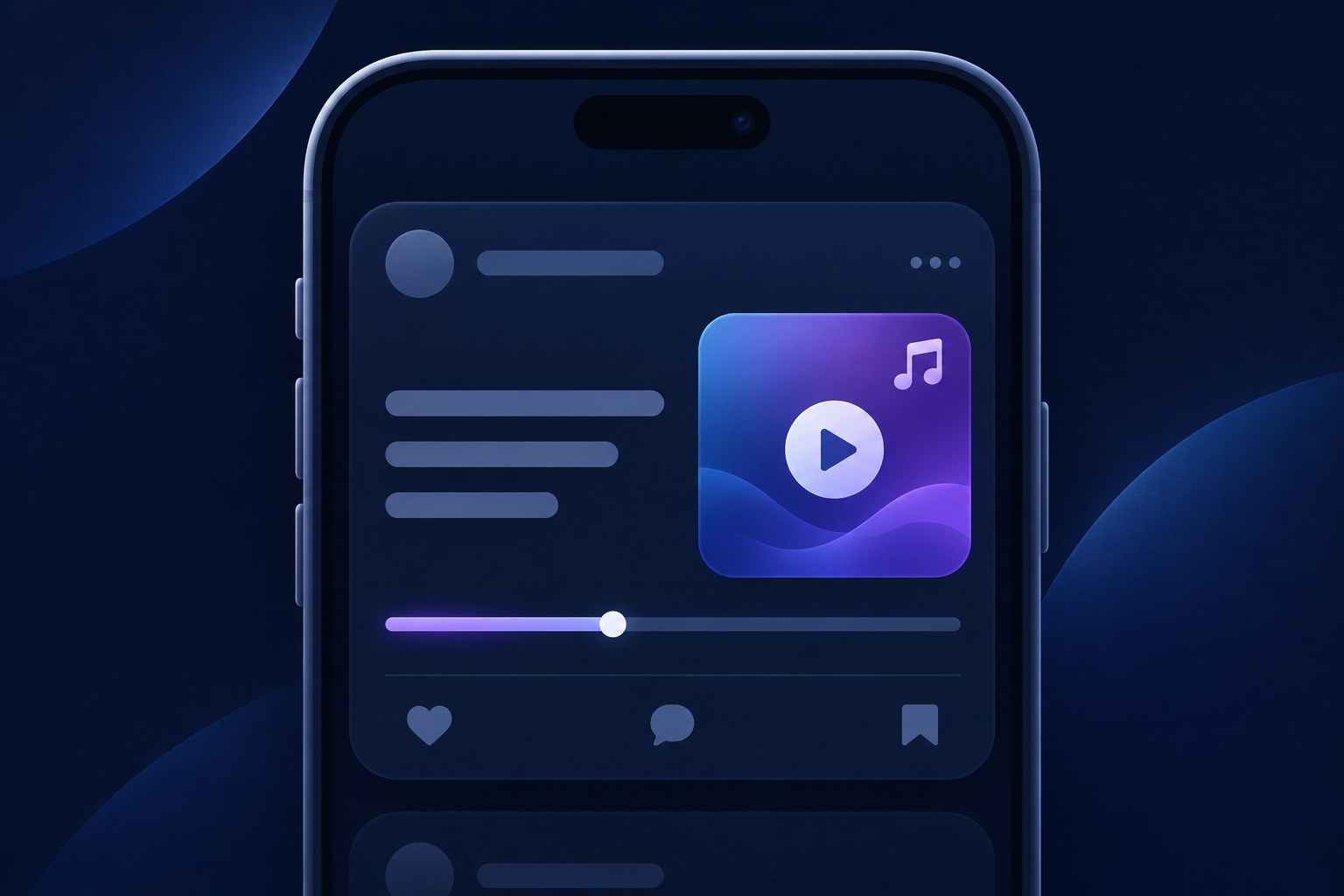
The Music button attaches a song clip to a post or a reply. The clip plays up to 30 seconds, and each post or reply carries exactly one. In the feed it shows as a sticker viewers tap to play the sample. Cover art is one display choice, not what every post shows.
According to the official Meta help article, the same flow covers posts and replies on iPhone and Android. After a test with selected users, the feature became available to all users, as Social Media Today reported. That report, not the Meta help note, is what names the three display modes: cover art, art and lyrics, or just the song and artist.
What the button does not do is turn your post into audio. The clip behaves like an attachment with its own card, not a soundtrack running behind your text. That distinction shapes the display choices below, because the song sits beside your words rather than under them.
How to Add Music to a Threads Post, Step by Step
1. Before posting your post or reply, tap Music in the composer toolbar. 2. Tap a song to select it. You can also search for a specific song. 3. Tap Adjust clip to select the part of the song you want to play. Slide back and forth to set the timing, then tap Done. 4. Add any text or other content to your post. 5. Tap Post to publish.
The help text is the same for iPhone and Android, so the same taps apply in both apps. If the Music button is missing, you are not in those apps. Meta says the feature is not available on computers.
Two checks are worth making before you tap Post. First, tap the clip once to review how it displays; the next section walks through those options. Second, do not import rules from a different Meta page. The guidelines covering music in your videos on Instagram or Threads are about recorded music in videos and live broadcasts. They recommend shorter clips, a visual component in the video, and recorded audio that is not the primary purpose of the video. They do not set the 30-second cap on this composer clip. That cap is in the post-music help note, and it is a maximum.

Choosing How the Song Displays: Art, Lyrics, or Text
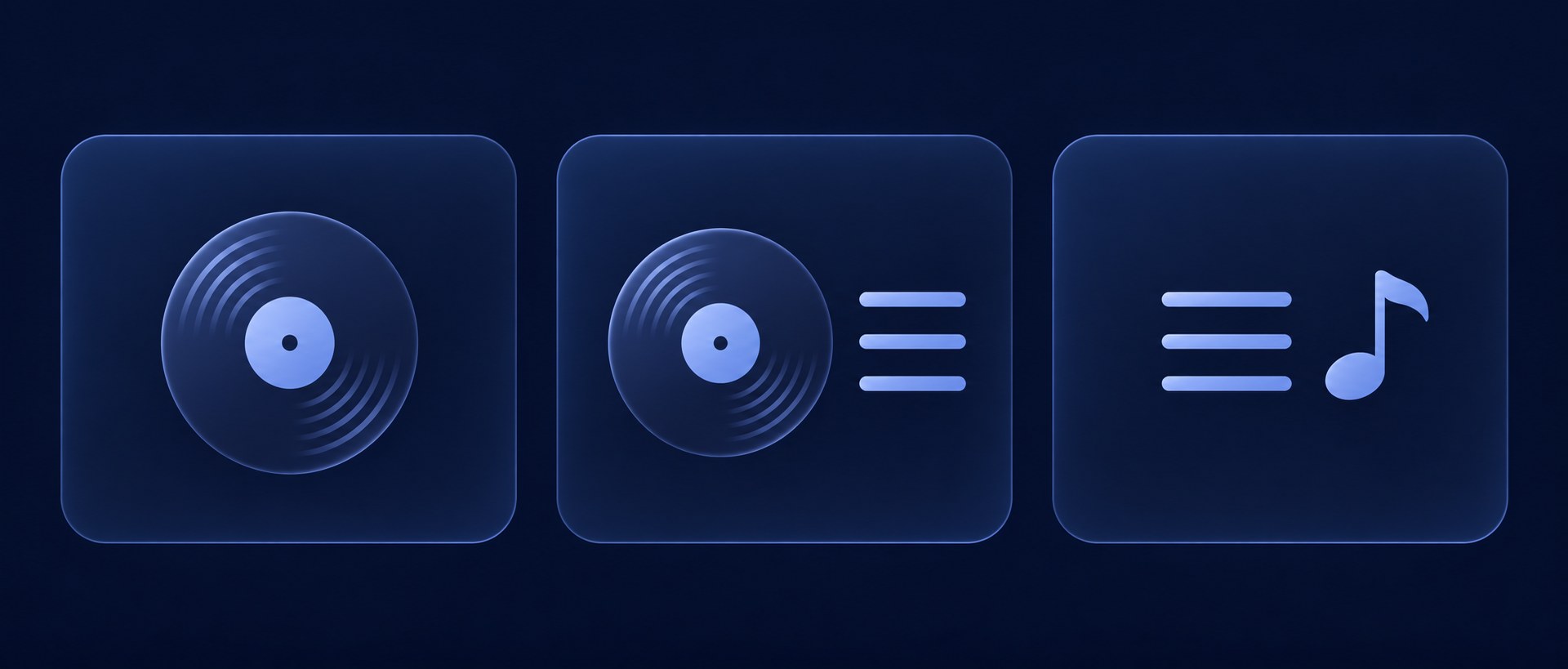
Tap the music clip before posting and you can switch between three display modes. Cover art shows the album image on the card. Art and lyrics adds the song's lyrics to the display. The third mode drops the imagery entirely and shows just the song and artist as text.
The text-only mode has one clear advantage: when you choose it, you can also add photos and videos to the post. That makes it the natural pick whenever your own photos or videos should do the visual work while the song rides along.
A few rules of thumb for choosing:
- Use cover art when the post is mostly text and you want a compact, familiar card. The album image reads at a glance and asks little attention from the reader. - Use art and lyrics when the lyric itself is part of the point. The lyric sits next to your words, so choose a section of the song where the two reinforce each other. - Use the song-and-artist text mode if you also want photos or videos. That is the mode Social Media Today says can carry them. It does not say the other two modes accept photos, and it does not say they strip a clip. Whatever you pick, decide before you publish. Meta documents the display change as a tap on the clip in the composer, before you post. It does not document a control for changing that display after the post is live. The choice stays editable until you post, so you can tap through all three and compare before committing.
The Limits That Catch People Out
Meta states these limits in the help note. It does not describe an error message for each one, so read them before you post:
- One clip per post or reply. You cannot stack two songs in a single post. - Thirty seconds is the maximum clip length. Adjust clip is how you pick the time in that song. Meta does not describe a separate end-time control, or a slider locked to the song bounds. - The feature is not available on computers. Attach the clip from the iPhone or Android app. - Replies count separately. Each reply can carry its own single clip, separate from the original post and from other replies. - Meta documents clip timing and display changes only before you post. It does not document a way to edit or swap the music after publishing. Delete-and-repost is not a recovery step in the help note.
One more limit sits outside the app: the Threads publishing API documents only three media types for posts, TEXT, IMAGE, and VIDEO, and its posts reference lists no music parameter at all. There is no documented way for a scheduling tool that publishes through the API to attach a song clip to a post. The API can carry a video that already contains your audio, but the music sticker itself is an in-app composer feature. If you publish Threads posts through the API from a scheduler, plan for those posts to go out without a clip.
What Happens When Music Rights Change
Meta's Threads help note says this directly. If the rights to a song change and Meta no longer holds them, a post carrying that song will be muted or blocked from being viewed by other people. Other photos, videos, or posts that do not have the music will not be affected. The note does not say your account is untouched, and it does not say media inside that muted or blocked post stays viewable on its own. The Business Help page it links is about Facebook Reels and Stories, not a Threads edit or dispute flow.
The Threads help note does not describe a dispute step for this mute. A dispute option appears in the separate video and live music guidelines, and that page ties it to a muted or blocked video, not to a composer clip. Do not treat a short text post as if it satisfies those video rules.
Should You Add Music to a Text Post?
The honest answer is that nobody knows. No public data shows that music raises replies, follows, or reach on Threads, and no platform statement claims it does. Anyone promising that a song lifts a post's performance is guessing. Treat music as a format choice you can test, not a lever you pull for growth.
The framing that holds up: your text is the reason the post exists, and the song is presentation. If a lyric sharpens the point or sets up a joke, the clip earns its place. If the song is only atmosphere, it puts a play button between your reader and your sentence for no clear return.
A simple test settles it for your account. Draft the post away from the composer so the words get full attention first; a free Threads post creator gives you a clean place to write and schedule before the song enters the picture. Then publish similar posts with and without a clip over a few weeks and compare replies and profile visits. Give it a month before you judge, because small samples lie.
Also question the premise before you test. If what your post actually needs is a visual rather than a sound, the guide on when to use images, video, and carousels on Threads is the better starting point. Music is one format option among several, not a default.
What to Do Instead if You Wanted Audio
If you came here looking for a way to speak to your audience, that door closed: voice notes on Threads were removed, and recorded voice is no longer a post type in the app.
What remains documented is video. You can post a video on Threads so the sound sits in the video file rather than on the music sticker. Meta does not say a video may carry a licensed sample longer than the 30-second post clip. The video rules recommend shorter clips, a visual component in the video, and recorded audio that is not the primary purpose of the video.
The practical split for creators who schedule most of their work: let scheduled posts carry text, images, and video, and reserve the songs for the posts you publish by hand in the app. That keeps your calendar moving while the music posts stay possible where the feature actually lives.
Conclusion
The mechanics are short: open the composer, tap Music, pick a song, slide Adjust clip to the time worth hearing, and post. The documented limits are one 30-second clip, not available on computers, and display choices Meta only describes before you post. Take your next scheduled post, find a lyric that matches it, and watch what your audience does with the play button.
If a song you used stops being licensed, expect that one post to be muted or blocked for viewers while the rest of your content carries on untouched, which is Meta's documented behavior. Plan the clip, publish it in the app, and keep the rest of your calendar on schedule.