What this guide is really about
Older Threads guides tell you to tap a microphone in the post composer. If you cannot find it, you are not overlooking a hidden menu: the voice-note option described in those guides is no longer available in the current composer.
Threads documented the recording flow in March 2025 but has not announced why it disappeared or whether it will return. This guide lays out what the dated evidence establishes, then covers practical ways to post with sound or turn a spoken idea into text.
No, voice notes are not available on Threads posts or replies right now, and Threads DMs do not offer them either. Meta has not announced a reason or a return date. To share your voice publicly, put the audio in a video post or link to a hosted recording. To write faster, dictate with your phone's keyboard and edit the text before posting.
What the dated evidence does and does not establish
How to spot instructions for the old composer
Practical options for sound, dictated text, and private messages
A short workflow for editing a spoken idea into a post
Voice notes were being tested in December 2023, and the official Threads account documented a 30-second recording flow in March 2025. Neither source establishes a 2024-wide rollout.
The composer option disappeared without a Meta removal announcement; user reports cannot establish one universal removal date.
Old tutorials can accurately describe the former interface while being unusable today.
For public sound, use a video containing audio or link to a hosted recording. Keyboard dictation creates text, not a voice note.
The publishing API lists no audio-only media type, but an API change would not by itself confirm the return of an in-app voice-note button.
What Happened to Voice Notes on Threads
Voice notes on Threads were real. Meta began testing post editing and voice notes in late 2023. That report establishes a test, not the date when every account gained the feature. The December 2023 report described both additions together: an edit button with a limited window and short audio posts, tested with a subset of accounts before any wider release.
The official Threads account published a how-to on March 28, 2025. It described the full flow: tap the microphone icon in the composer, press the red button to record for up to 30 seconds, and let Threads transcribe the audio automatically, with a chance to edit the text before posting. Posts carried a waveform players could tap. Those are instructions for the interface shown at the time, not proof that the button is still present.
Users later reported losing the microphone option, including after app updates. The reports do not establish a single removal date for every account. Meta has not announced why the option disappeared or whether it will return.
Why Old Voice-Note Tutorials No Longer Help
The leading how-to results still describe tapping a microphone in the Threads composer. Two of the top ten results are YouTube walkthroughs of the removed flow; the rest are how-to blogs and rollout coverage written when the feature shipped. Their steps match the former interface, but they do not help when the button is absent. None of the ten results that dominate the query today acknowledge that the composer changed, which is why the same wrong instructions keep circulating month after month.
Check whether a tutorial acknowledges the missing option, not just when it was published or updated. A recent date alone does not mean its screenshots or steps reflect the current composer. Two faster signals: read the comments on a video, where viewers usually say the button is gone within weeks of a removal, and compare the attachment row in the tutorial's screenshots against your own app.
If a guide tells you to tap a mic that is not there, stop troubleshooting that guide. Choose whether you need actual sound in a public post or simply a faster way to write. The alternatives are different for each job.
Is It Just Your App? How to Check
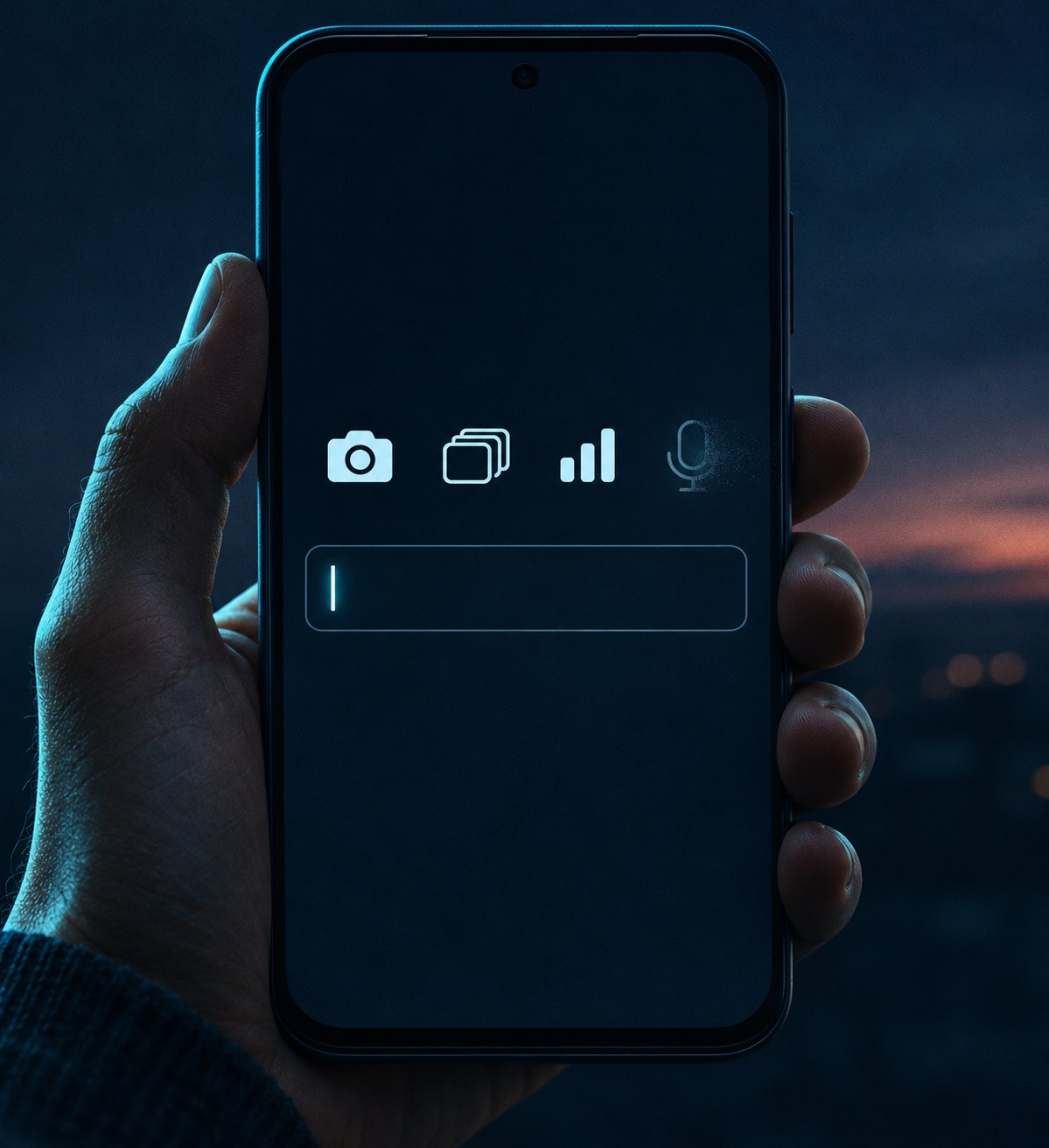
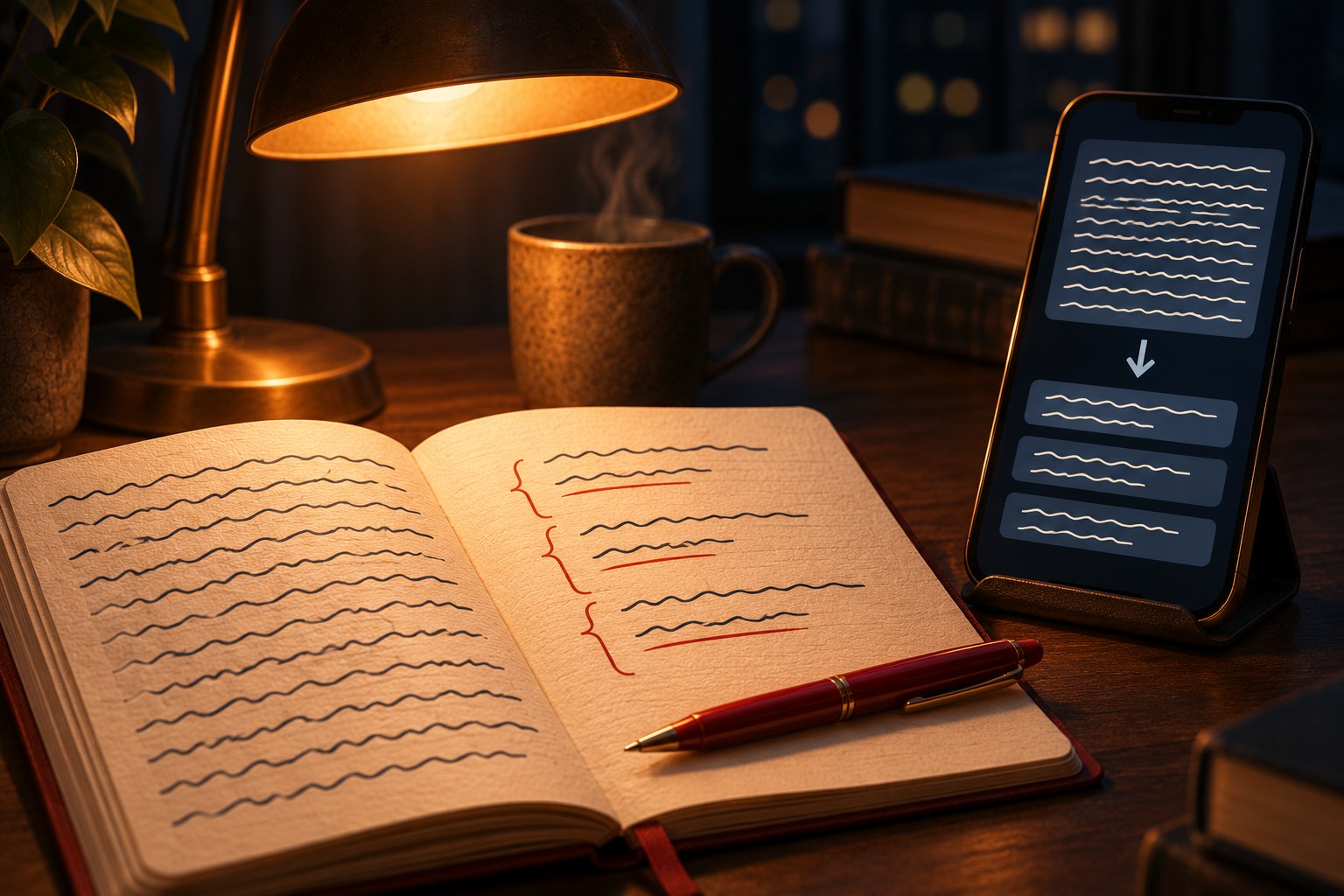
Update Threads, close and reopen it, then start a new post and check the attachment row, the strip where the camera, GIF, and poll controls live. If there is no voice-note button there after a full update, do not assume there is a setting you still need to enable. The older mic-icon instructions do not apply to your current app.
One common false alarm: the microphone on your keyboard is not the same control. iOS and Android keyboards put a small mic on the keyboard itself for dictation, and it is easy to mistake it for the old composer option. The keyboard mic types text as you speak. The voice-note feature was a separate button in the attachment row that produced an audio clip, and that is the one that is missing.
You are not the only person to report this. A Reddit discussion titled Why can't I post voice threads anymore includes accounts of the option disappearing, and creators have posted about losing voice notes after updating too. These are user reports, not a confirmed platform-wide removal schedule. Reinstall anecdotes are inconsistent and are not a reliable fix.
Instagram DM voice notes are a separate feature. Reporting on Threads DMs has found no voice-note option there, so switching from a public post to a Threads message does not solve the same problem. If you need to send audio privately, use a messaging app that currently supports voice messages.
Following old screenshots in search of a microphone button that is absent from the current composer.
Mistaking the keyboard's dictation mic for the old composer voice-note button.
Treating a user report as proof of the exact date or scope of the change.
Confusing keyboard dictation, which posts text, with a voice note that listeners can play.
Assuming Threads DMs and Instagram DMs offer the same voice-message features.
Four Practical Alternatives to Threads Voice Notes
For faster writing, dictate into the text field with your phone's keyboard, then edit the transcript. This creates a text post, not an audio post. The threads character limit still applies, so cut repetitions and check punctuation before publishing; both keyboards support spoken punctuation commands like period and new line, which reduce the cleanup. Dictation also preserves one thing typing quietly loses: the first phrasing that comes out of your mouth is usually the plainest version of the idea, and editing plain language beats editing a labored draft.
For public sound, make a video that contains your recording and a visual component, then upload it as a video post. The visual can be as simple as a static image, a caption card with your key sentence, or a waveform animation. The official API specifications list AAC audio at up to a 48 kHz sample rate for video, alongside a 5-minute duration and 1 GB file limit. Those are API specifications, so check the current in-app upload requirements if you post through the app.
For audio hosted elsewhere, paste a public link into your post and explain what listeners will hear before they leave Threads; the first URL in the post text becomes its link preview, and it is worth checking the card before publishing. For a private recording, send a voice message through an app that supports one, such as Instagram or WhatsApp, and use Threads for the public text summary. The last option is not a way to put audio in a Threads post.
A Workflow That Keeps Your Tone Without Voice
Voice notes carried emphasis and pacing that plain text cannot reproduce exactly. If you want the speed of speaking, dictate a draft, then edit it into short paragraphs with a clear opening. The guide on how to format Threads posts for readability covers line breaks and structure that can help the finished text.
The editing pass matters more than the drafting one. Spoken drafts open with the point, which is good, but they also carry filler words, run-ons, and tangents that read worse on screen than they sounded in the room. Cut the filler, keep the spoken opening, and split anything longer than two breaths into its own line. A weekly pass works well: dictate short raw notes on the go, then batch the cleanup into one sitting instead of polishing each post at the moment of speaking.
Save an unfinished post if you need another editing pass; Threads has its own drafts folder. You can also use the free Threads post creator to shape the text before posting. Neither approach restores audio, but both give a spoken idea room to become a readable post.
If hearing your actual voice matters to a particular post, choose video instead of trying to make text imitate sound. Use dictated text when the message matters more than the recording, and watch the replies: if a format you used to record goes quiet as text, move that one format to video.
If You Want Voice Notes Back
Meta has not announced a return date or explained the missing composer option. Watch the official Threads account for a direct product update. The operator guide to Threads API publishing describes the API's current media options, but API support for audio would not, on its own, prove that consumer voice notes are back.
If you want the feature restored, send feedback through the app. Avoid reinstall loops and third-party unlock claims: isolated reports of a mic returning briefly do not establish a dependable way to restore it.
Action checklist
Use this as the practical next pass after reading the guide.
- +Update Threads and check the attachment row in a new post.
- +Choose the job: dictate for faster text, make a video for public sound, link to hosted audio, or use a separate app for a private voice message.
- +If publishing through the API, check its current video and audio specifications before uploading.
- +Edit dictated text for length, punctuation, and readability.
- +Check an external audio link and its preview before posting.
- +Look for a direct Threads product announcement before treating a rumored return as confirmed.
Conclusion
Threads documented a voice-note flow in March 2025, but the microphone instructions in old tutorials no longer match the current composer. Meta has not explained the disappearance or announced a return.
For now, dictate when you need writing speed, use video when listeners need to hear you, and link to hosted audio when the recording lives elsewhere. A private voice message belongs in an app that supports it. The missing button is a workflow change, not a dead end.
Pick the path that matches today's post, keep an eye on the official account for a real announcement, and you lose a lot less than the missing button suggests.