What this guide is really about
The Threads API publishing path is two calls: create a media container, wait until it reports FINISHED, then publish that container. Everything else an automation needs, quotas, media specs, token lifespans, and retry rules, hangs off that flow. This guide walks it end to end for operators building schedulers, client pipelines, or internal tools.
The container call also accepts polls, quote posts, GIFs, spoilers, text attachments, and a topic_tag parameter. Reposts skip the container and use their own endpoint. The polls, quote posts, reposts, and GIFs section covers what each one accepts and where it fails.
If you do not build anything and just want a calendar that posts for you, the consumer-level scheduling guide is the better start. This page is the technical runbook behind tools like that.
Threads API publishing is two calls: create a media container, poll its status until FINISHED (about 30 seconds on average), then publish the container ID. Limits are 250 published posts per rolling 24 hours, 1,000 replies, and 100 deletions per profile. Never blind-retry a publish; query container status first to avoid double posts. The API also publishes polls, quote posts, reposts, and GIFs.
The exact two-call publishing flow with the processing wait that prevents errors
Every rate limit and media specification that shapes a pipeline
The extra parameters: polls, quote posts, reposts, GIFs, spoilers, and text attachments
Retry and token rules that prevent double posts and silent failures
Publishing is two calls: create a media container, poll until FINISHED, then publish the container ID; never fire the second call blind.
The binding constraint is 250 published posts per profile per rolling 24 hours, enforced at the publish call and queryable in advance.
Polls, quote posts, reposts, GIFs, spoilers, and text attachments are documented publish parameters, each with its own constraints.
Media has to meet the documented specs on a public server. Unreachable URLs and video encoding are the failures the status endpoint names.
Long-lived tokens last 60 days; refreshing extends the 90-day grant only for app users with public profiles.
Before the First Publish: App, Permissions, and a Public Server
Everything starts in the Meta App Dashboard with an app created for the Threads use case. One detail trips up first-time integrators: the dashboard shows two app IDs with two secrets, and the official getting started guide is explicit that Threads work belongs to the Threads app ID and its matching secret. Use that pair. The other one is not what this API authorizes against.
Permissions are granular. Every endpoint needs threads_basic. Publishing needs threads_content_publish, replying needs threads_manage_replies, reading replies needs threads_read_replies, and insights need threads_manage_insights. Threads testers, including your own account once invited, can grant these without App Review. Users without a role on the app need each permission approved through App Review, and the app published, before they can authorize it.
One requirement shapes your whole architecture: Meta downloads media from a URL you provide at container creation, so images and video must sit on a publicly accessible server when the call fires. Expiring signed URLs and intranet paths surface later as FAILED_DOWNLOADING_VIDEO errors. Authentication is OAuth 2.0: a one-hour short-lived token exchanges for a long-lived token valid 60 days.
The Two-Call Publish, End to End
A single post is two steps, and the separation is not cosmetic. Step one creates a media container: POST to /{threads-user-id}/threads with media_type set to TEXT, IMAGE, or VIDEO, the text, which obeys the 500-character limit with emojis counted as UTF-8 bytes, and for media posts the image_url or video_url. The response is a container ID, not a published post.
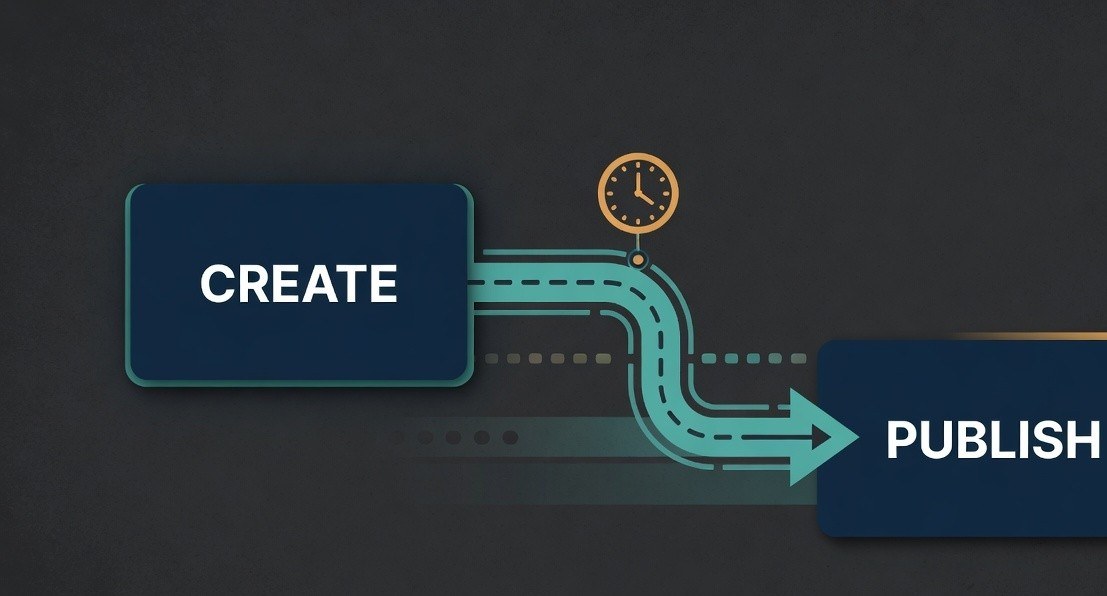
Step two publishes the container: POST to /{threads-user-id}/threads_publish with creation_id set to that container ID. Meta recommends waiting on average 30 seconds between the calls so its servers finish processing the upload, which is why production pipelines poll the container status endpoint instead of sleeping a fixed interval. The Threads posts documentation describes this as a two-step process, and the carousel extension works the same way: one container per child with is_carousel_item true, a parent CAROUSEL container holding between 2 and 20 children, then one publish call that counts as a single post against your quota.
Link previews are text-only. Set link_attachment to the URL you want as the card. If you omit it, the first URL in a text-only post becomes the preview. Image, video, and carousel posts do not get that card. A post with more than five unique links fails at container creation with THREADS_API__LINK_LIMIT_EXCEEDED. For the consumer-level side of timing and calendars, see how to schedule Threads posts without code, and for what fits inside the text field, the Threads character limit explainer counts every character type.
Polls, Quote Posts, Reposts, and GIFs
Polls attach to text-only posts through a poll_attachment object, as the polls documentation specifies: two to four options, each 1 to 25 characters. Retrieving the media later returns vote percentages per option, total votes, and an expiration timestamp, which makes polls usable as lightweight audience research inside a scheduler.
Quote posts add a quote_post_id parameter to the container creation call, the quote posts documentation shows, pointing at the post being quoted; retrieved media then carries is_quote_post and quoted_post fields you can audit. Reposts skip containers entirely. The reposts documentation uses POST /{threads-post-id}/repost, which fires directly, and the repost lands under the profile's Reposts tab with media_type REPOST_FACADE when retrieved. Treat that endpoint as its own code path in your retry logic.
GIFs attach only to text-only posts through gif_attachment, which takes gif_id and provider set to GIPHY, the only documented provider, as the Threads posts documentation describes. Spoilers are not their own media type. The spoilers documentation uses text_entities for text, with entity_type SPOILER, offset, and length, at most 10 per post, and is_spoiler_media for image, video, and carousel.
Text attachments are text-only, up to 10,000 characters, and the text attachments documentation says they cannot be combined with a poll. If the post already has a link attachment, the text attachment cannot add another link. A dedicated topic_tag parameter sets the post's single topic tag directly, 1 to 50 characters with no periods or ampersands, preferred over in-text tags; the hashtag guide on this site covers which tag to pick.
Firing threads_publish without confirming container status, then retrying blindly and posting twice.
Treating the two app IDs in the App Dashboard as interchangeable; only the Threads pair works for this API.
Checking the publishing limit after errors appear instead of before draining a scheduled queue.
Letting a 60-day long-lived token expire because nothing calendared the refresh, killing every scheduled post silently.
Hosting media on expiring signed URLs or private paths, which surfaces as FAILED_DOWNLOADING_VIDEO containers.
Media Specs and the Error Codes They Trigger
The API downloads your file and checks it. Video mismatches come back as container errors, not warnings. Images must be JPEG or PNG, 8 MB maximum, with an aspect ratio within 10:1. Width outside 320 to 1440 pixels is scaled into that range, and a non-sRGB image is converted to sRGB rather than rejected.
Video is stricter: MP4 or MOV with the moov atom at the front and no edit lists, H.264 or HEVC at 23 to 60 fps, at most 1920 columns wide, aspect ratio between 0.01:1 and 10:1, VBR up to 100 Mbps, AAC audio at 48 kHz maximum and 128 kbps, mono or stereo, five minutes and 1 GB maximum. Validate files against the full image and video specifications before creating containers, not after they fail.
When validation fails, the container status endpoint returns ERROR with a code that reads like a checklist of encoding sins: FAILED_DOWNLOADING_VIDEO, FAILED_PROCESSING_AUDIO, FAILED_PROCESSING_VIDEO, INVALID_ASPEC_RATIO, INVALID_BIT_RATE, INVALID_DURATION, INVALID_FRAME_RATE, INVALID_AUDIO_CHANNELS, INVALID_AUDIO_CHANNEL_LAYOUT, or UNKNOWN. Yes, ASPEC is missing a T; that is the literal code Meta returns. Meta recommends polling about once per minute for no more than five minutes.
Rate Limits: 250 Posts, 1,000 Replies, and the Impressions Budget
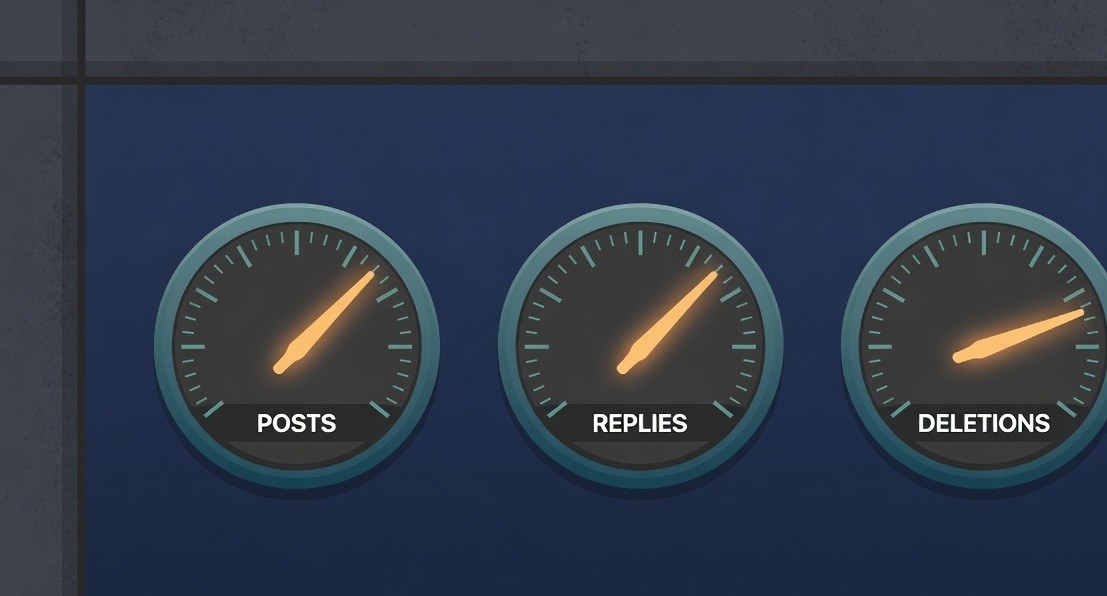
Two quota layers shape a scheduler. The profile layer: 250 published posts per rolling 24-hour window, enforced at the publish call rather than container creation, with separate caps of 1,000 replies and 100 deletions, plus 500 location searches. Carousels count as one post.
The app layer: calls are counted per app and user pair in a rolling 24-hour window, and the Threads API overview defines the budget as 4800 multiplied by the number of impressions the account earned in the last 24 hours, with impressions floored at 10. CPU time and total time budgets scale off the same figure. Small accounts therefore get a floor of 48,000 calls per window, and the ceiling grows with reach.
Both layers are visible in advance through GET /{threads-user-id}/threads_publishing_limit, which returns quota_usage with config, reply_quota_usage with reply_config, delete_quota_usage with delete_config, and location_search_quota_usage with location_search_config. Log those numbers beside every publish and alert before the rolling window pinches, especially when draining a backlog after an outage. Spacing retries across minutes instead of dumping them into one burst keeps the windows stable.
Statuses, Retries, and the Double-Post Rule
The container status endpoint is the source of truth for what actually happened. GET on the container ID with fields=status,error_message returns one of five states: IN_PROGRESS while media processes, FINISHED when ready to publish, PUBLISHED when the media already went out, EXPIRED for containers older than 24 hours, and ERROR for failed processing. The troubleshooting guide documents the full state machine and recommends checking about once per minute for up to five minutes.
The rule that saves a reputation: never blind-retry threads_publish. The call can succeed server-side while your client times out, and a naive retry posts the content twice to a real audience. The safe sequence is container-first: query the status, publish only containers that read FINISHED, skip ones that read PUBLISHED, and recreate expired ones from the same asset. The container ID doubles as your idempotency key.
This is where homemade schedulers diverge from production ones. A weekend script retries what fails. A pipeline people trust asks the platform what happened before acting, keeps container IDs keyed to scheduled jobs, and degrades gracefully when quota runs out mid-queue.
Token Ops and the Build-Versus-Buy Call
A long-lived token that passes its 60-day expiry fails every later publish until it is refreshed. That looks like a code bug and is not one. Refresh tokens via GET /refresh_access_token before expiry and calendar the refresh. Refreshing also extends the underlying permission grant by another 90 days, but only for app users with public profiles; private-profile grants cannot be extended and must be re-authorized.
Tokens are app-scoped, unique to the app and user pair, so a token issued to one app cannot be reused by another. Multi-account pipelines should treat that pair as the unit of identity in logs and key management, because it is also the unit the call-count budget is measured against.
Build it or buy it comes down to scope. Hand-rolling fits when you own the account and want the publish logic in your code. It is the wrong tool once you need a reviewed queue that publishes through the official API on a calendar. That is the job a Threads scheduler like JoltSage is built for, with the two-call flow in this guide as the underlying mechanics.
Action checklist
Use this as the practical next pass after reading the guide.
- +Create a Meta app with the Threads use case and store the Threads app ID and secret
- +Add yourself as a Threads tester and grant threads_basic plus threads_content_publish
- +Exchange for a long-lived token and calendar a refresh before day 60
- +Validate image and video files against spec before container creation
- +Publish only containers whose status reads FINISHED, and store container IDs as idempotency keys
- +Log quota_usage beside every publish and alert before the rolling window pinches
Conclusion
The Threads API is unusually legible for a publishing platform: two calls to make a post, queryable limits, explicit error codes, and documented parameters for polls, quote posts, and reposts. The operators who ship reliably are the ones who respect the state machine instead of fighting it.
Start with one text post through the two-call flow, add media once containers feel predictable, then wire in the newer parameters. Every failure mode in this guide is cheaper to meet in that order.