
What this guide is really about
Every post you write sends people to your Threads profile. Some of them scroll your recent posts, glance at your bio, and decide whether to follow. That decision happens in seconds. If your profile does not hold up under that kind of scrutiny, the work you put into individual posts is leaking followers every day.
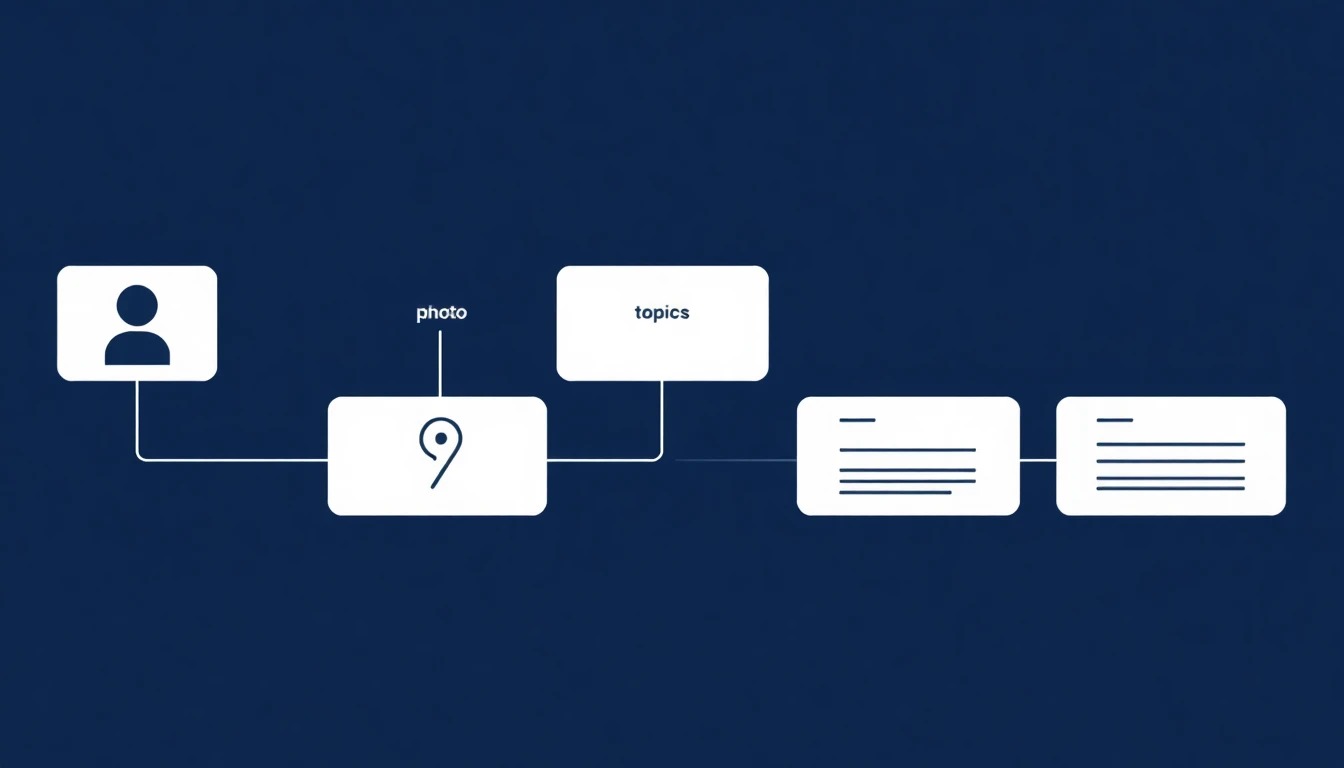
Most Threads profile advice stops at the bio. Write a good 150 characters, add a link, done. That misses the point. A profile is a system of connected elements working together: photo, bio, topic tags, links, pinned post, and recent post history. Weakness in any one of them drags down the rest.
This guide gives you a field-by-field audit framework so you can find exactly which profile element is costing you follows. You will learn what each field actually does, how to optimize it for Threads specifically, and how to measure whether your changes are working.
Threads profile optimization means treating your profile as a six-element conversion system, not just a bio. Audit your photo, bio text, topic tags, links, pinned post, and recent post history together. Each element either helps a visitor decide to follow or gives them a reason to leave. Track profile visits to new followers over time to measure what changes.
Audit every field on your Threads profile in 15 minutes
Know what each element does and how to optimize it
Turn more profile visits into actual follows
Measure whether your changes are working
Your profile is a system of six elements, not just a bio. A weak link in any one drags down the rest.
Since 2025, Threads has added profile tools many accounts still underuse: up to 10 topic tags and up to 5 links. Treat them as discoverability and routing fields, not decoration.
Your pinned post and recent posts often decide the follow after the bio is skimmed. Choose the pin on purpose and revisit it monthly.
Measure profile visits against new followers in Threads Insights. If that ratio is flat or declining, fix the profile before you blame the posts alone.
Why Your Profile Matters More Than Any Single Post
Posts get distribution. Profiles get follows. When someone sees your post in their For You feed and taps your name, they land on your profile. What they see in the next few seconds determines whether they follow you or go back to scrolling. This is the conversion moment that every follower you have passed through.
The problem is that most creators optimize the post that got someone there, then leave their profile in whatever state it was in months ago. The bio is stale, the pinned post is from a different era of their account, and the topic tags do not match what they actually post about now. The visitor who arrived because of one great post sees a profile that tells a different, weaker story.
A strong profile fixes this. It takes the interest a good post generated and confirms it. The visitor sees a clear photo, a bio that explains who you are and what you write about, topic tags that match their interests, and recent posts that prove you post consistently about those topics. That coherence is what converts. You can connect this to your broader content strategy using the build-it-once system from the social media content strategy guide.
The Six-Field Profile Audit Framework
Run this audit before you change anything. The goal is to find which fields are strong and which are costing you follows. Score each field as strong, weak, or missing. You only need to fix the weak and missing ones.
Field one is your profile photo. On a text-first platform like Threads, your photo is one of the few visual signals a visitor has. A clear, close photo of a real person is usually easier to trust at a glance than a logo, a distant shot, or a heavy illustration. Score this field weak if your photo is hard to see on a small screen, uses a logo instead of a person, or has not been updated in over a year.
Field two is your bio text. Threads bios are capped at 150 characters and share the Instagram bio field, so you are writing one line for both surfaces. The best bios answer one question: what do you do and who do you help. Skip emoji piles and vague taglines. A bio that reads "Helping solo creators build posting systems that last" tells a visitor what to expect. Score this field weak if a stranger could not tell what you write about from the bio alone. When you need draft lines to edit down to 150 characters, the free Threads post creator is useful for generating short, specific phrasing you can compress into a bio.
Field three is your topic tags. Meta has been rolling out profile topics (up to 10) so visitors can see the communities you care about. Meta has also said posts that include a topic generally receive more views than those without. Profile topics use the same topic system, so tags that match what you actually post help the right people recognize you faster. Score this field missing if you have zero tags, or weak if your tags do not match your current posting focus.
Links, Pinned Posts, and Recent History
Field four is your profile links. In May 2025, Meta expanded Threads profiles so you can add up to 5 links and see link visit metrics in Insights. That was a real shift for a platform that used to push people off-platform less cleanly. Put your highest-intent destination first: newsletter, best free resource, or offer page. Secondary links can cover social proof, booking, or a flagship post. Do not waste slot one on a vague homepage if you have a tighter next step.
Field five is your pinned post. For many visitors, this is the first full sample of your work after the bio. When someone opens your profile from a reply or a feed post, the pin sits above the scroll. Choose the post that best shows who you are and what you write about, not whatever you published last. Score this field weak if the pin is outdated, off-topic from your current focus, or missing.
Field six is your recent post history. After the pinned post, a new visitor typically scrolls through your last 3 to 5 posts. If those posts are inconsistent, low-effort, or off-topic from what your bio promises, the visitor leaves. An account with one great pinned post followed by five weak recent posts converts worse than an account with a slightly weaker pin but clearly consistent recent history. Prune posts that no longer represent your current angle, and connect your posting rhythm to a weekly workflow like the Threads content calendar system.
Treating the bio as the entire profile instead of auditing all six fields together
Using a logo or stylized image instead of a clear face photo on a conversational platform
Leaving topic tags empty or filled with tags that do not match your current posting focus
Pinning a post that no longer represents your best work or current angle
Pointing your first profile link to a generic homepage instead of a specific resource
Before and After: A Worked Profile Example
Here is how the audit works in practice. Consider a solo creator who writes about content systems for small businesses. Their profile before optimization: a logo instead of a face photo, a bio that reads "Building in public. Coffee enthusiast. Opinions are my own.", zero topic tags, one link to their homepage, a pinned post from six months ago about a product launch, and a recent feed mixing personal updates with business content.
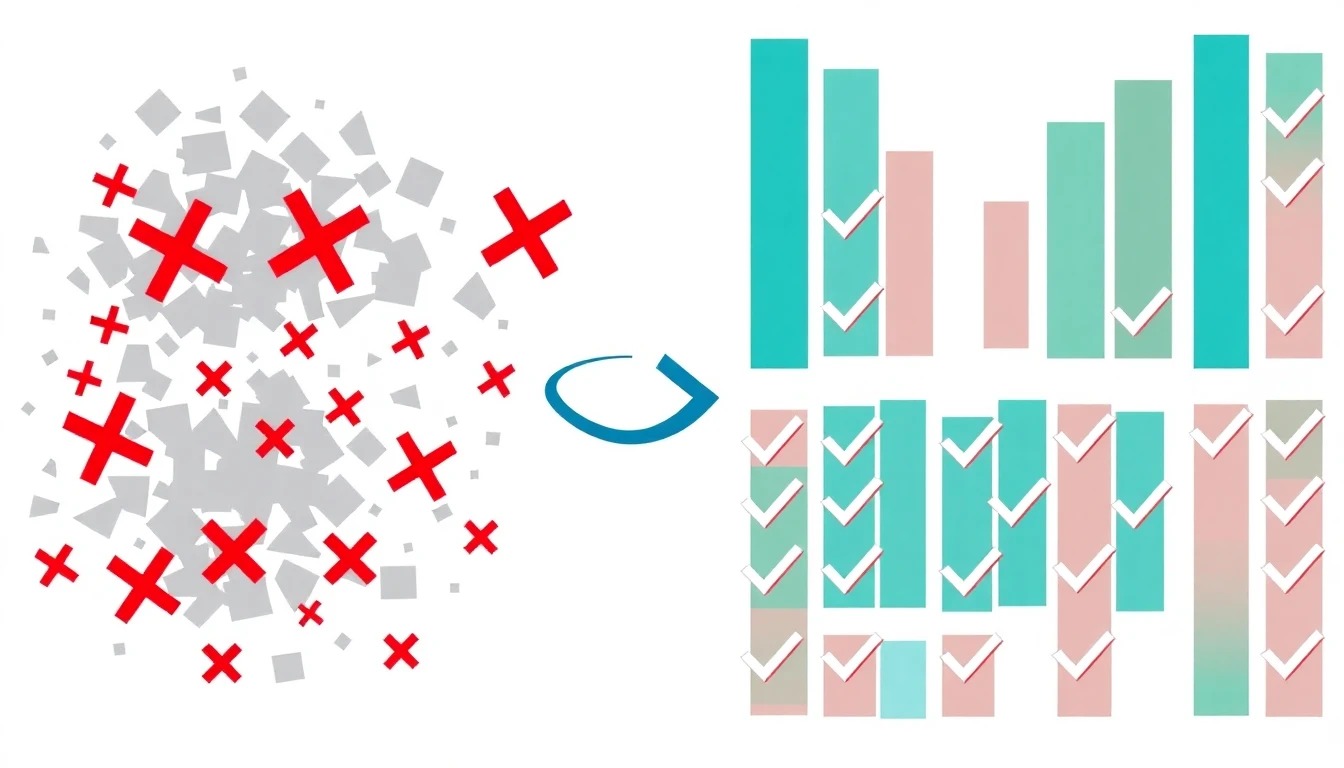
That profile is leaking followers. A visitor who arrived from a great post about content batching sees a logo, a bio about coffee and opinions, no topic tags to signal shared interests, and recent posts that could be from a completely different account. Nothing confirms the value the visitor expected.
After optimization: a clear face photo, a bio that reads "Helping solo creators build content systems that stick.", 10 topic tags covering content strategy, batching, repurposing, and Threads growth, the primary link pointed at a free content systems newsletter, the pinned post replaced with the creator best framework post about weekly content batching, and a recent feed pruned so the last 10 posts all clearly cover content systems. The visitor now sees a coherent profile that matches the original post. If you need a production method behind that pin and feed, use a content batching system so the profile stays consistent week to week.
Here are five bio shells you can adapt under 150 characters. Pick one, cut every adjective you cannot prove, then match your topic tags to the same nouns: (1) "I help [audience] [outcome]. Weekly posts on [topic]. Free [lead magnet] below." (2) "[Role] for [niche]. I break down [process] without the fluff." (3) "Building [thing] in public. Writing about [three topics]." (4) "Ex-[credible role]. Now teaching [skill] to [audience]." (5) "[Audience] operators: practical [topic] notes, not motivation posters."
How to Measure Whether Your Profile Is Working
You cannot improve what you do not measure. The metric that tells you whether your profile is converting is the ratio of profile visits to new followers. Threads Insights shows both. Profile visits tells you how many people landed on your profile in a given period. New followers tells you how many of those people decided to stay. Divide new followers by profile visits and you have your profile conversion rate.
Track this ratio weekly. If you get 500 profile visits and 25 new followers in a week, your conversion rate is 5 percent. After you optimize your profile, watch that number over the following two to three weeks. If it rises, your changes helped. If it stays flat or drops, something on your profile is still not working and you need to revisit the audit.
Do not expect overnight changes. Profile conversion is a lagging indicator that reflects the cumulative effect of your last several posts plus your profile setup. The right comparison is your four-week average before optimization versus your four-week average after. If you want to go deeper into reading your analytics without getting lost in vanity numbers, the Threads analytics guide walks through which metrics actually matter for growth decisions.
Threads Profile vs Instagram and X: What Is Different
Threads shares its bio with Instagram, which means you cannot write a separate Threads-only bio inside the app. Whatever lives in your Instagram bio appears on Threads. This matters because Threads is a text-first, conversational platform, while Instagram bios often lean visual and brand-heavy. A bio optimized for Instagram might underperform on Threads if it is all emojis and no substance.
The solution is to write a bio that works for both. Lead with the substance: who you help and what outcome you provide. Then add the personality. This dual-purpose approach serves both platforms without forcing you to compromise.
X gives you 160 characters and lets you write a standalone bio, plus you can pin a post to your profile. Threads gives you 150 characters shared with Instagram, up to 10 profile topic tags, up to 5 links, and a pinned post. The topic tags and multi-link features are the main structural advantages Threads has over X for profile discoverability. Use them. You can learn more about how topic tags work in the Threads hashtags guide.
Profile Optimization Mistakes That Cost You Followers
The most common mistake is treating the bio as the entire profile. It is one of six fields. Plenty of accounts have a decent bio but a logo photo, no topic tags, a homepage link, and a stale pinned post. They wonder why profile visits do not convert. The answer is usually visible within 10 seconds of looking at their profile.
Another mistake is overloading the bio. Some creators try to cram their entire resume, five emojis, a quote, and a CTA into 150 characters. The result reads like a cluttered billboard. Pick one identity, one value proposition, and one proof point. Drop the rest. Clarity beats completeness in a bio visitors read for two seconds.
The third mistake is never revisiting the pinned post. Your pinned post should change as your account evolves. If you have sharpened your angle or shifted topics, an old pinned post actively works against your current first impression. Set a monthly reminder to review whether your pinned post still represents your best work and current focus. This connects directly to how you manage your posting cadence, which the how often to post on Threads guide covers in detail.
Action checklist
Use this as the practical next pass after reading the guide.
- +Audit all six profile fields and score each as strong, weak, or missing
- +Replace any logo photo with a clear face photo visible on a small screen
- +Rewrite your bio to answer what you do and who you help in 150 characters
- +Add up to 10 topic tags that match what you actually post about
- +Set your primary link to your best resource and enable link verification if possible
- +Pin your strongest post and set a monthly reminder to review it
Conclusion
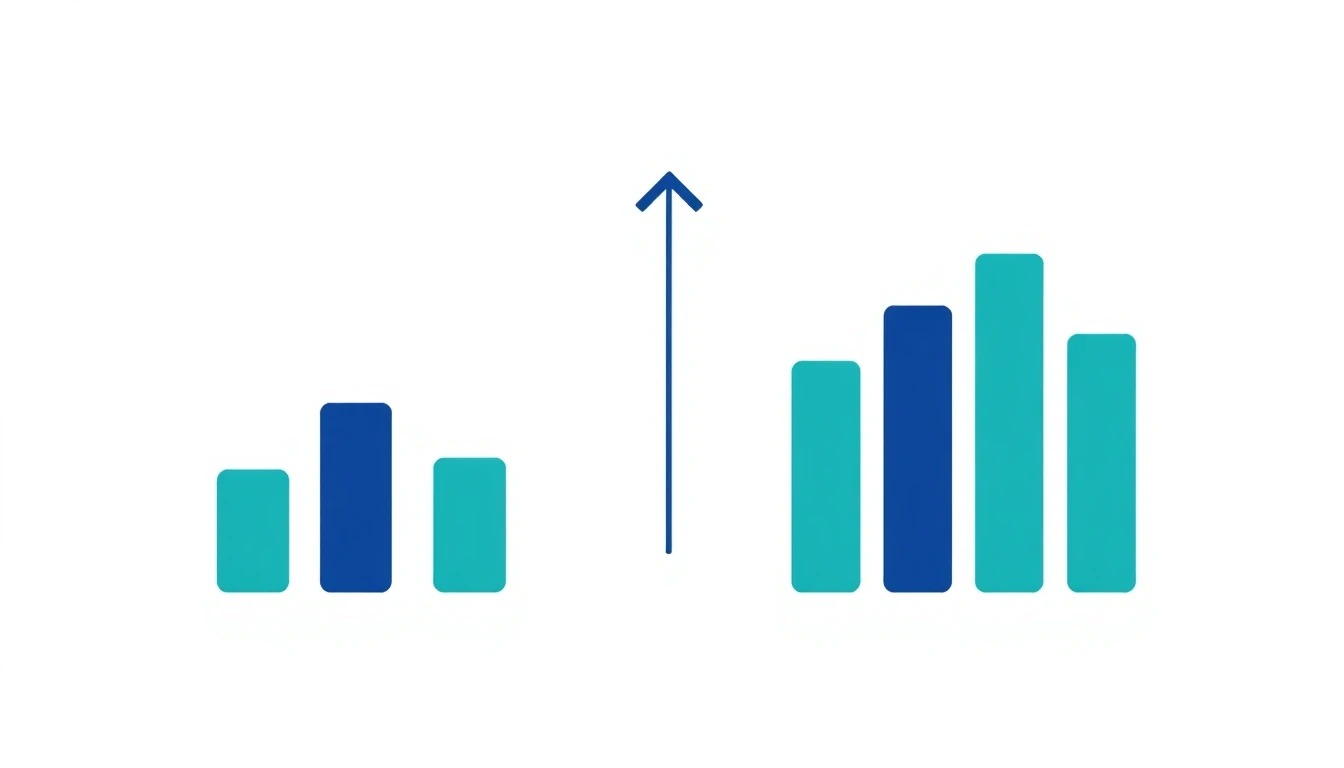
Your Threads profile is the conversion point between the interest your posts generate and the follows your account earns. Every field plays a role. Audit all six, fix the weak ones, and measure the result over the following weeks. The work takes an afternoon. The compounding effect on follower growth lasts as long as you keep your profile aligned with what you actually post.
Run the audit now. Then check back in four weeks. If your profile conversion rate has not moved, run the audit again and look harder at the fields you scored as strong the first time.