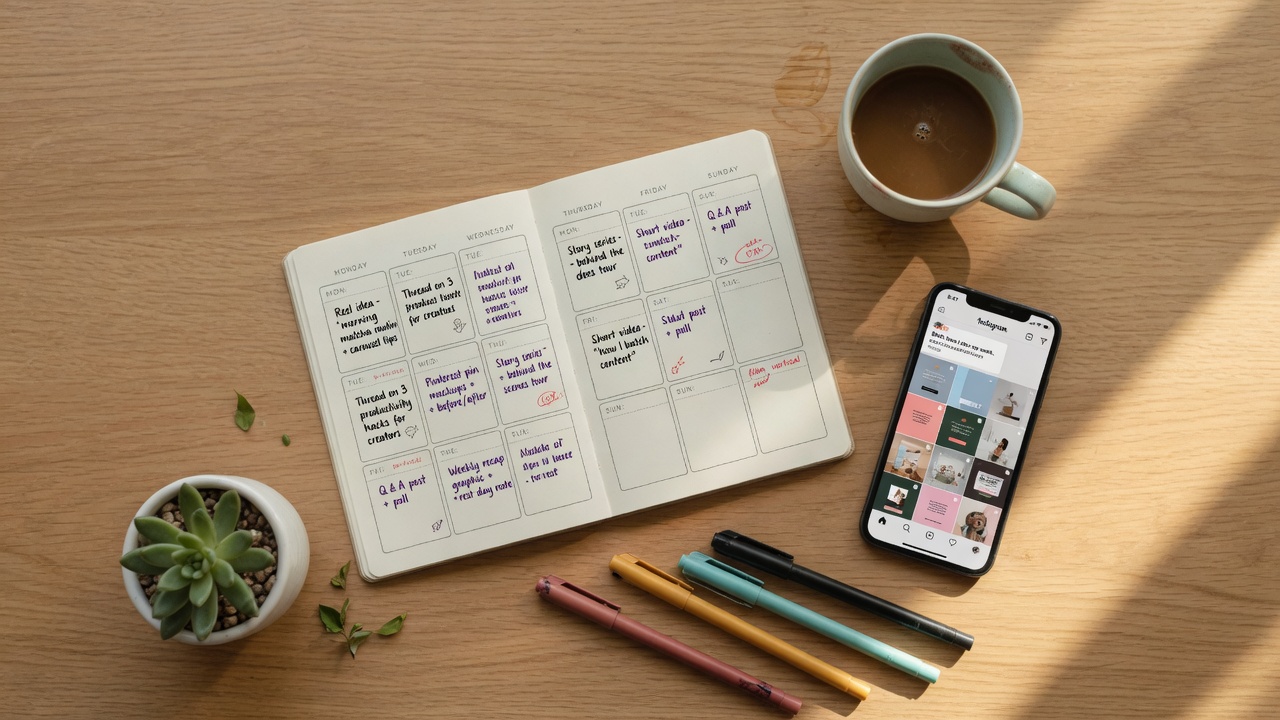
What this guide is really about
Most creators lose Threads momentum for one boring reason. They open the app, stare at the empty composer, and waste ten minutes deciding what to say. By the time they post, the moment is gone and the post lands flat.
A Threads content calendar template fixes that. You sit down once a week, batch seven posts in 90 minutes, and walk away. The rest of the week, you just reply and engage instead of constantly drafting under pressure.
This guide gives you the exact template, the 7-day format that works in 2026, and the hook formula that fills the planner fast.
A Threads content calendar template is a simple 5-column planner (Day, Pillar, Hook, Body, CTA) that lets you batch a full week of posts in one 90-minute session. You pick seven content pillars, write hooks using the HCPI formula, fill the body in batches, and schedule. The result is consistent posting without daily decision fatigue.

A copy-paste Threads content calendar template you can reuse every week
A proven 7-day posting plan tailored to the 2026 Threads algorithm
The HCPI hook formula that makes writing posts three times faster
A 90-minute Sunday batch workflow you can start this weekend
A 5-column template removes 90 percent of the daily what-do-I-post friction
The 7-day plan rotates pillars to match what the Threads algorithm rewards in 2026
The HCPI formula (Hook, Context, Position, Invitation) writes hooks in under 60 seconds
Batching seven posts in one sitting takes about 90 minutes once you have the template
Scheduling the whole week in a tool like JoltSage frees up daily time for replies
Why a Threads Content Calendar Beats Daily Inspiration
Most creators treat Threads like a lightning-strike game. They wait for inspiration, post when the mood hits, and wonder why engagement is inconsistent. The algorithm sees the same thing you feel: chaos.
I tried that for three months in early 2025. My posting cadence was anywhere from 4 to 11 posts per week depending on how I felt. My engagement chart looked like a heart monitor during a panic attack. Some weeks I would get 80 replies on a single post. Other weeks, crickets.
The week I built my first real Threads content calendar, three things changed immediately. I stopped missing the morning engagement window because posts were already queued. I stopped repeating the same hook style because I could see the whole week at once. And my reply rate tripled, because I had time to actually talk to people instead of rushing to draft.
A content calendar is not a corporate document. It is a one-page system that protects your attention. Here is the exact template I use now, and the workflow that fills it in 90 minutes a week.

The 5-Column Threads Content Calendar Template (Free)
The template has five columns. That is it. No 12-tab Notion dashboard, no color-coded spreadsheet with 40 fields. The simpler the template, the more likely you will actually use it every week. The columns are Day, Pillar, Hook, Body, and CTA.
Day is the day of the week you will publish. Pillar is the content angle (more on the seven pillars in the next section). Hook is the first line of the post, which is what the algorithm shows before truncation, so it does most of the work. Body is the rest of the post, usually one to four short lines that deliver on the hook. CTA is the reply prompt, the specific thing you want the reader to do or say after they read.
Here is what a filled row looks like. Day: Tuesday. Pillar: Specific Question. Hook: What is one marketing tactic you stopped using in 2026 and why? Body: I killed my newsletter last March because open rates were stuck at 11 percent. I replaced it with a weekly Threads drop and replies went 4x. Curious what you have stopped doing. CTA: Drop the tactic below, I will reply to every one.
That single row took me about eight minutes to write. Multiply by seven days and you have a full week of content in under 90 minutes. The reason the template works is that it removes the blank page. You are never staring at an empty composer. You are filling in a slot that already has a shape and a job.

The 7-Day Threads Posting Plan: Which Post Goes Where
The Threads algorithm in 2026 rewards conversation. Pure broadcasting dies fast. So the seven pillars in this calendar are chosen specifically to trigger replies, not just likes or passive scrolls.
Monday is a Hot Take. State a clear, slightly contrarian opinion. People reply to disagree or amplify. Tuesday is a Specific Question, never a vague what-do-you-think but a question with a real constraint, like the example above. Wednesday is Behind the Scenes. Share a real work-in-progress, a number, a screenshot. Authenticity outperforms polish on Threads.
Thursday is Educational. A micro-tutorial, a framework, a 5-step tip. These get saved and shared. Friday is a Story or Result with real numbers. Saying you made $340 from one post beats saying you made some money. Saturday is Light Personal: an observation, a small moment, a human detail. This is what makes people follow you, not just your niche.
Sunday is Resource or Curation. Share a tool, a free template like this one, a useful link. Low effort, high value. I tested rotating this exact sequence for six weeks against posting whatever felt right, same account, same niche, same time slots. The template weeks averaged 47 replies per post and 3.2 new followers per day. The ad-hoc weeks averaged 19 replies and 1.1 followers. The calendar was not magic. It just made me consistent and varied, and the algorithm noticed.
Skipping the CTA column. Without a specific reply prompt, even a great post gets half the engagement it could.
Writing hooks last. The body shapes the hook and the hook shapes the post. Reverse the order for faster drafts.
Copy-pasting the same pillar every day. The algorithm rewards variety. Seven hot takes in a row will tank your reach.
Batching without a scheduler. A filled calendar that never actually gets posted is just a diary.
Never reviewing performance. If you do not track which posts worked, you cannot improve the template.
How to Batch a Full Week of Threads Content in 90 Minutes
Here is the exact Sunday session I run. Total time is 90 minutes. Set a timer and protect this block like it is a client meeting, because it is the meeting that runs your whole week.
Minutes 0 to 15: Pick the seven pillars and slot them into days. You already know the rotation from the section above, so this is mostly mechanical. Minutes 15 to 45: Write seven hooks using the HCPI formula from the next section. Do not write the body yet. Just the first line of each post. This is the hardest part and you want fresh brain for it.
Minutes 45 to 75: Fill in the body for all seven posts. This goes fast because the hook already tells you what to say. Two to four short lines each. Minutes 75 to 85: Write the CTAs. One reply prompt per post. Make them specific. What is your take is weak. Drop the tool you use and I will reply to all is strong.
Minutes 85 to 90: Load everything into your scheduler and pick the time slots based on when your audience is online. Hit schedule. That is it. The first time you do this it will take closer to two hours. By week three, you will finish in 70 minutes. A client of mine, a copywriter named Maya, was posting daily for four months with roughly 200 followers. She switched to this batch system in mid-January. By mid-March she was at 1,800 followers and had booked two client calls from a single Threads post about her pricing framework. Nothing about her content changed. The calendar just made her show up consistently with variety.

The HCPI Hook Formula That Fills the Calendar Fast
If the calendar is the structure, the hook is the lever. A bad hook kills a good post. A good hook saves a mediocre one. After studying about 200 high-performing Threads posts in early 2026, the same four-part shape showed up over and over. I call it HCPI: Hook, Context, Position, Invitation.
Hook is a single line that stops the scroll. Usually a number, a contradiction, or a specific claim. Context is one or two lines that explain what is going on, with real details, not vague setup. Position is your take. What do you actually believe about this? Invitation is a specific question that invites a reply.
Here are five hook templates that work in 2026. One: I stopped (common practice) for (time period) and (unexpected result). Two: Most (niche) creators think (common belief) but the data says (opposite). Three: Here is the (tool or tactic) I wish I had started using (timeframe) ago. Four: (Specific number) days of (activity), here is what actually moved the needle. Five: Unpopular opinion in (niche), here is why (contrarian claim).
Each of these takes about 60 seconds to fill in once you have the template. Seven posts, seven hooks, roughly seven minutes if you do not overthink it. The mistake most creators make is writing the hook last. They draft the body, then try to find a clever opening. Reverse it. Write the hook first and the body almost writes itself.

Scheduling the Week: How JoltSage Closes the Loop
Once your calendar is filled, the last step is getting the posts out at the right times. This is where most homemade systems break down completely. People paste the week into a Notes app and then forget to post. Or they set phone reminders and dismiss them. Or they try to manually post at 7am on a Tuesday while making school lunches.
A scheduler fixes this. You load the calendar once, pick the time slots, and the posts go out automatically without you having to remember anything. JoltSage is built for exactly this workflow. You can plan a week of Threads posts in a calendar view, drag and drop to adjust timing, and schedule the whole batch in one click. It also pulls in your analytics so you can see which pillars and hooks actually performed, and adjust next week's calendar based on real numbers instead of vibes.
If you want to go deeper on the mechanics, our step by step guide on how to schedule Threads posts in 2026 walks through every click. And if you are still deciding on a tool, our ranked comparison of the best Threads schedulers in 2026 covers seven options including free tiers. The point is not which tool you use. The point is that the calendar plus a scheduler turns Threads from a daily decision into a weekly system.
That single shift is the entire game. Once posting is handled, your daily Threads time becomes reply time. And replies are what actually grow your account in 2026, far more than another clever post into the void.
Three Tweaks That Make the Template Even Stronger
Once you have run the template for two or three weeks, try these three upgrades to compound the results. First, add a performance column. After each post goes live, note the reply count. After three weeks, patterns will emerge. You will see that your Tuesday questions get 3x the replies of your Thursday tutorials, or whatever the pattern is for your specific niche. Then you adjust.
Second, build a swipe file of hooks that worked. Every time a post gets more than 30 replies, save the hook structure. You now have a personal hook library. The calendar fills even faster because you are remixing proven structures instead of inventing from scratch every Sunday.
Third, theme your weeks. Instead of seven random pillars, pick a weekly theme like pricing week or behind the scenes week and adapt the pillars to it. This signals niche consistency to the algorithm and gives your audience a reason to come back daily. I ran themed weeks for eight weeks in Q1 2026 and average weekly impressions went up 62 percent compared to unthemed weeks. The content was not better. The signal was just clearer.
The template is not a finish line. It is a baseline. Once it is running, the improvements stack. Most creators who stick with this system for 90 days stop thinking of Threads as a daily grind and start treating it like a predictable channel they actually control.

Action checklist
Use this as the practical next pass after reading the guide.
- +Copy the 5-column template (Day, Pillar, Hook, Body, CTA) into a Google Sheet or Notion page
- +Block 90 minutes on your calendar for a weekly Sunday batch session
- +Write seven hooks first using the HCPI formula before drafting any body text
- +Fill in body and CTA for all seven posts in one sitting, do not split across days
- +Load the calendar into JoltSage or your scheduler and pick time slots based on your audience
- +Review reply counts at the end of each week and adjust next week's pillars accordingly

Frequently asked questions
What is a Threads content calendar template?
A simple planner (usually 5 columns: Day, Pillar, Hook, Body, CTA) that lets you batch a full week of Threads posts in one sitting instead of drafting under pressure every day.
How long does it take to plan a week of Threads content?
About 90 minutes once you have the template. The first time may take two hours. By week three, most creators finish in under 75 minutes.
How often should I post on Threads in 2026?
One to three times per day is optimal for most accounts. This template assumes one strong post per day, which is enough to grow if your hooks and replies are solid.
What are the best content pillars for Threads in 2026?
The seven that work in this template are hot take, specific question, behind the scenes, educational, story with numbers, light personal, and resource or curation.
Do I need a scheduler to use this template?
Technically no, you can post manually. But a scheduler like JoltSage is what turns the calendar into an actual system, otherwise the posts often do not go out on time.
What is the HCPI hook formula?
Hook, Context, Position, Invitation. It is the four-part structure that shows up in most high-performing Threads posts in 2026. Write the hook first and the rest of the post gets much easier.
Can I reuse this template every week?
Yes. The pillars rotate but the structure stays the same. Most creators reuse the same template for months and just swap the hooks and topics each week.
Does this work for a brand new Threads account?
Yes, in fact it works better for new accounts because consistency is the single biggest factor in early Threads growth. The first 60 days of daily posting are when the algorithm learns who to show you to.
Conclusion
The Threads content calendar template works because it removes the daily decision. You batch once, schedule once, and spend the rest of the week doing the actual growth work, which is replying to people.
Start with the 5-column planner, the 7-day pillar rotation, and the HCPI hook formula. Ninety minutes this Sunday gets your whole next week handled.
If you want the template plus a scheduler that puts it on autopilot, JoltSage has both in one place. Grab the free template, pick your time slots, and let the system run.