What this guide is really about
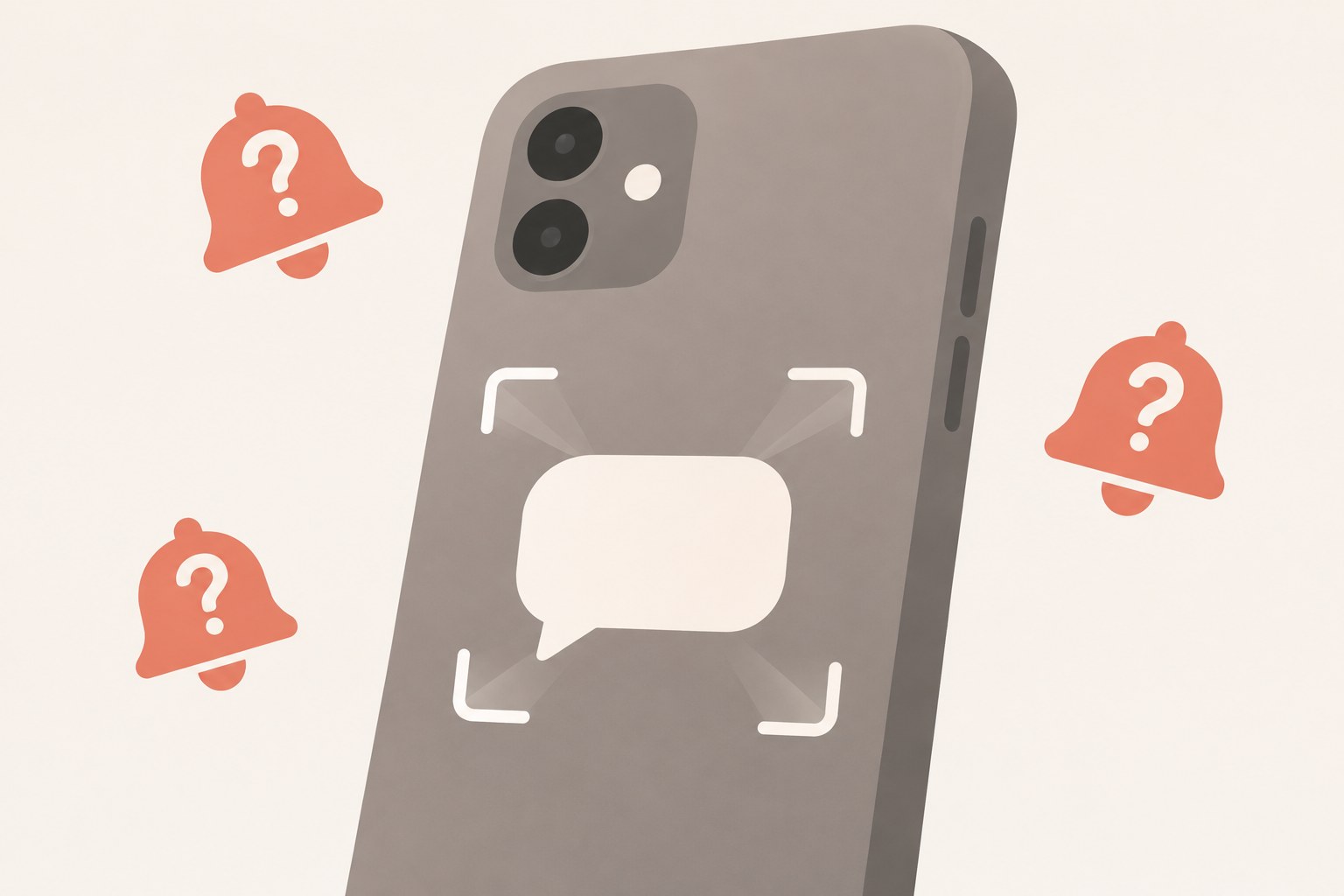
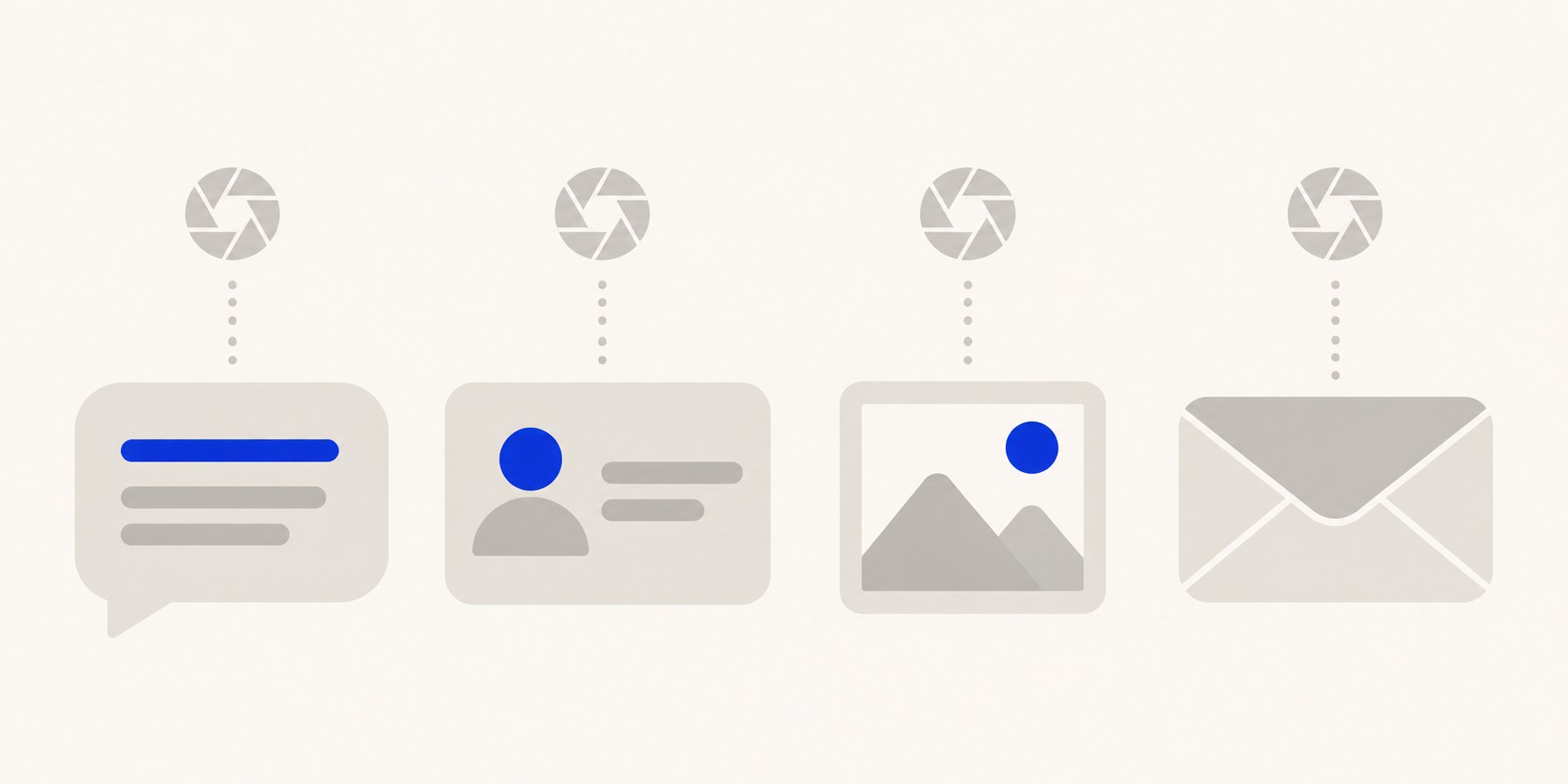
You've seen the warning posts: screenshot someone's Threads profile and they'll get an alert with a camera icon next to your name. No. Threads' own messaging help topics describe no screenshot notification for a post, a profile, a profile picture, a photo, or a message.
The myth survives because Threads sits next to Instagram, and people remember an Instagram chat rule about disappearing photos. That rule is not a Threads setting, and Instagram's current help page doesn't hand it to Threads either.
Here is what Meta's documentation covers: which Threads surfaces have no screenshot page at all, what a seen receipt does and doesn't mean, how the Instagram disappearing-media page reads today, and what to do when a copy of your work leaves no alert.
No. Threads' help docs describe no screenshot notification for posts, profiles, profile pictures, photos, or messages. The DM signal they document is a seen receipt: someone has seen your message, not that they captured it. The screenshot rule people remember is Instagram's, and Instagram's current page says taking a screenshot of disappearing chat media is now disabled. None of it is a Threads alert.
Threads help docs describe no screenshot notification for posts, profiles, profile pictures, photos, or DMs.
The documented Threads DM signal is a seen receipt: a message was seen, not captured.
Instagram's current disappearing-media page says a screenshot of that media is now disabled, and it is not a Threads rule.
A message request to someone who doesn't follow you stays text-only, with links and media disabled, until they accept.
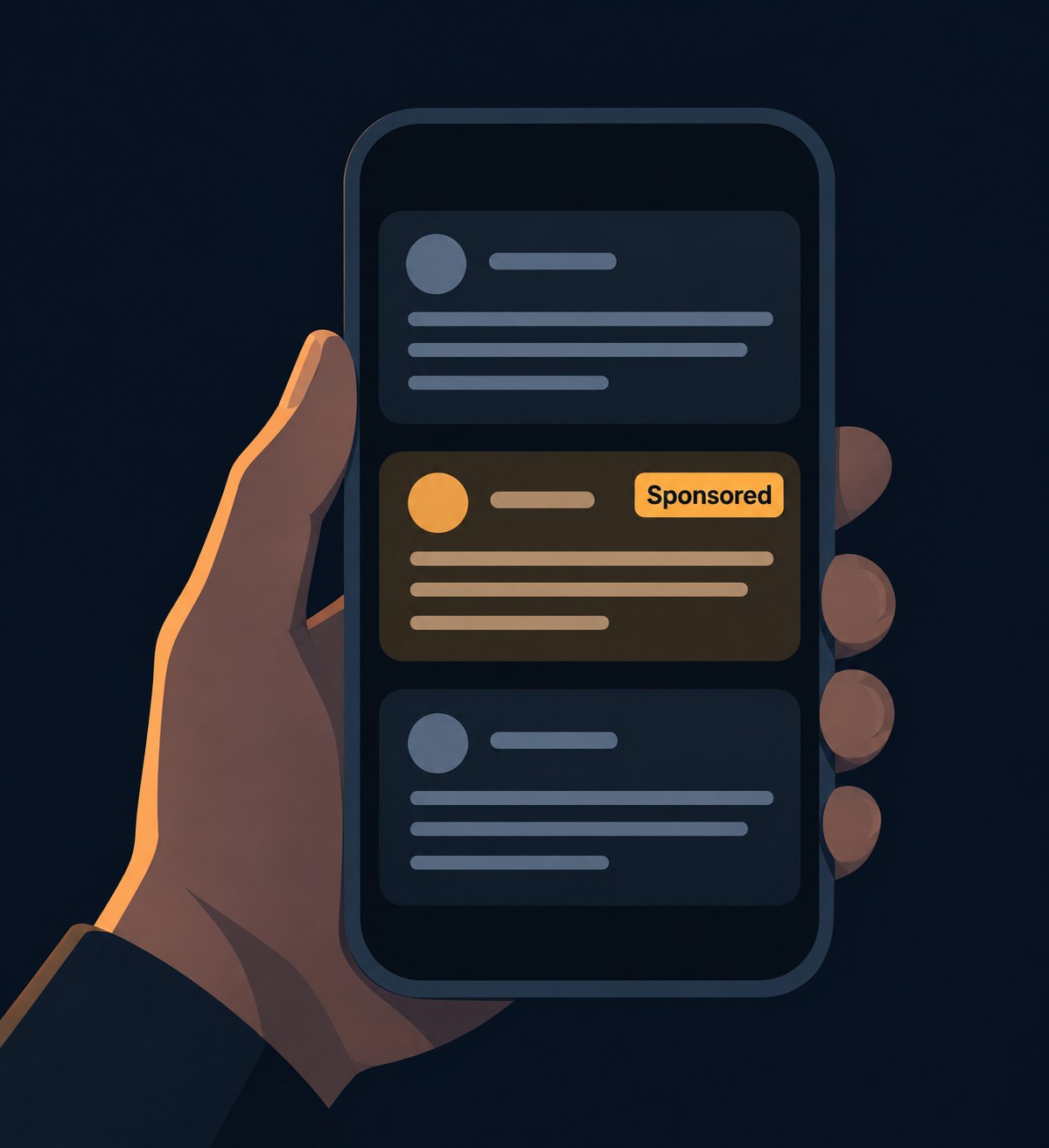
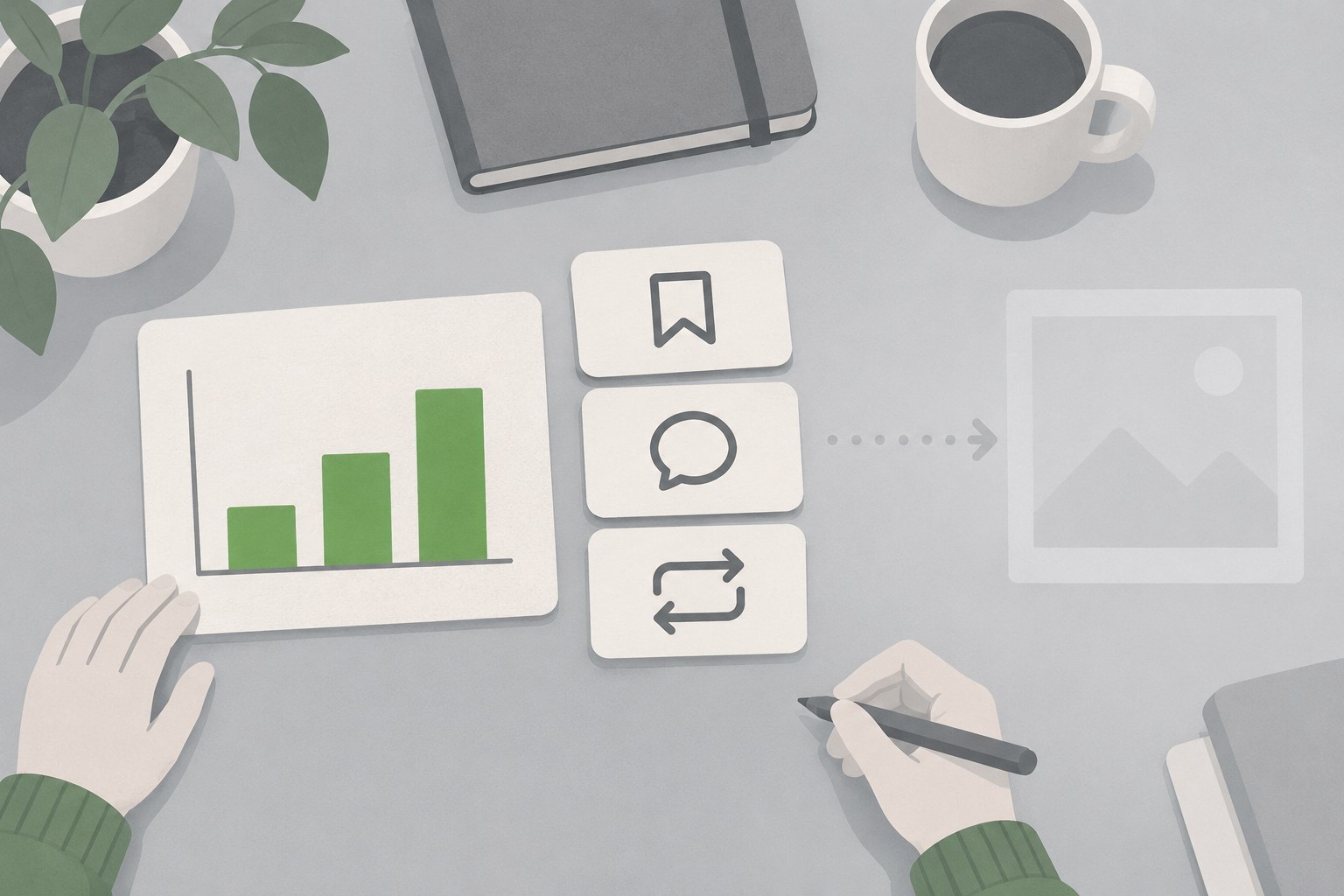
Creators have no documented screenshot metric. Saves, replies, and reposts are the signals you can count.
Why People Think Threads Sends Screenshot Alerts
The camera-icon story usually arrives as a reposted warning: screenshot a profile and the owner gets notified with your name attached. The Threads Help Center topic set for messaging covers how to send, view, manage, delete, report, and mute messages. It has no screenshot-alert page and no disappearing-media page. That absence is the documented record. It is not proof of a hidden switch, so treat any camera-icon alert story as unverified until Meta documents one.
The mix-up is an Instagram memory, not a Threads setting. Instagram chats once flagged screenshots in one narrow case, disappearing media, and people flattened that into a blanket alert, then assumed the sibling app copied it. Instagram's own current help page has moved on from that rule too, which we'll get to.
When messaging started rolling out on July 1, 2025, Meta's announcement limited the first version to one-on-one DMs between your Threads followers or mutual Instagram followers, ages 18 and older. Group messaging and improved inbox tools were listed as coming later. The post does not mention screenshot alerts. A note on that same post, dated October 15, 2025, says group chats are rolling out and messaging is expanding to the EU. It still does not mention screenshot alerts. TechCrunch's launch report lists the day-one feature set: one-on-one chats, preset emoji reactions, reporting, and muting, with no screenshot alert anywhere in it.
Surface by Surface: What the Help Docs Don't List
A screenshot on Threads is a capture stored by your phone. The Threads help topics and Meta's messaging notes describe no notice, log, or setting for screenshots of anything you capture. Surface by surface:
- Posts: nothing in those docs adds a screenshot to the author's likes, replies, reposts, or quotes. - Profiles and profile pictures: no help topic describes a profile-view alert or an avatar-capture alert for the account owner. - Photos inside posts: a photo in a post is not given its own capture rule anywhere in the messaging or posting docs. - Search results and feeds: no documented path exists that would tell anyone you captured what you found.
If you are capturing a post only so you can find it later, save posts on Threads instead. A save stays attached to the post and its author, where a screenshot orphans it in your camera roll. Whether a save notifies the poster is its own question with its own answer, and the save guide covers it.
You can check this yourself in a minute. Open Threads settings and read every notification entry: they cover likes, replies, reposts, follows, and mentions. Search the Instagram Help Center, which hosts Threads documentation, for screenshot: the results are about Instagram disappearing photos, not Threads. Absence of a setting is not proof of nothing, but a notification that never appears in settings, announcements, or help docs, on a feature Meta has documented in detail since July 2025, is not a thing that exists.
Threads DMs: A Seen Receipt Is Not a Screenshot Alert
Threads messaging is its own inbox, separate from Instagram's. Meta's help page states the limit people confuse with a screenshot alert: "You'll be able to see when someone has seen your message." That is a seen receipt. It reports that the message was seen. It does not report a capture, and the page never mentions screenshots.
Message requests are narrower still. A request to someone who doesn't follow you, or who isn't already connected to you, "can only contain text" until they accept it. Per Meta's September 12, 2025 update note, links and media are disabled in message requests, and messages from people you don't follow land in a requests folder you can switch off. None of that is a capture control; it just trims what can be sent before a connection exists.
There is also no disappearing-photo mode in Threads DMs. That matters because the screenshot rule people remember was always attached to disappearing media. Threads has no such media type, so the rule has nothing to attach to. Since July 2025, Meta has added photos, videos, GIFs, and stickers to Threads messages, per the October 15 update, and a regular photo in a Threads chat is covered by the same documentation gap: no alert is described for capturing it.
Your Threads conversations are separate from your Instagram chats with the same person, so what happens in one inbox doesn't surface in the other. And Threads DMs are not encrypted. "We're not encrypting our DMs," Threads VP of Product Emily Dalton Smith told TechCrunch at launch. Lack of encryption is not a screenshot detector either; it just means nothing technical stands in the way of a capture. What you can control in a chat is different from what you might fear. Read receipts and activity status are separate settings with their own guides. And if you regret sending something, unsend a message on Threads; that is the real removal lever, though it does not undo a capture that already happened. Group chats share the same gap. Group chats arrived on October 15, 2025, holding up to 50 people who follow you, and Meta's update notes describe names, invite links, and message controls for them. Screenshot alerts are not in that list either, so a capture inside a group chat behaves like every other capture on Threads: invisible to everyone but the person holding the phone.
What Instagram Documents, and Threads Does Not
The Instagram rule people remember is narrower than the meme, and it has changed. Instagram's help page for a disappearing photo or video you've sent says you can't view that media after sending it, but you can see if it was seen, by opening the chat and reading the status under the media. Then comes the line most people missed: taking a screenshot is now disabled for a disappearing photo and video sent in a chat.
So the alert people half-remember has been retired in favor of blocking the capture outright for that media type. Older versions of Instagram's messaging documentation did list a Screenshot status alongside Delivered, Opened, and Replayed, and search results still surface that old wording today. That stale text is where the camera-icon myth gets its oxygen: people remember an alert that Instagram documented years ago, assume Threads inherited it, and vendor pages keep the story alive.
The scope was always narrow anyway. The rule lived in Instagram chats, for disappearing media only. It was never an Instagram feed-post rule, never a story rule, and never a Threads rule. Threads' messaging topics describe no disappearing media, no screenshot block, and no screenshot status at all.
If You Publish on Threads, Plan Without a Screenshot Log
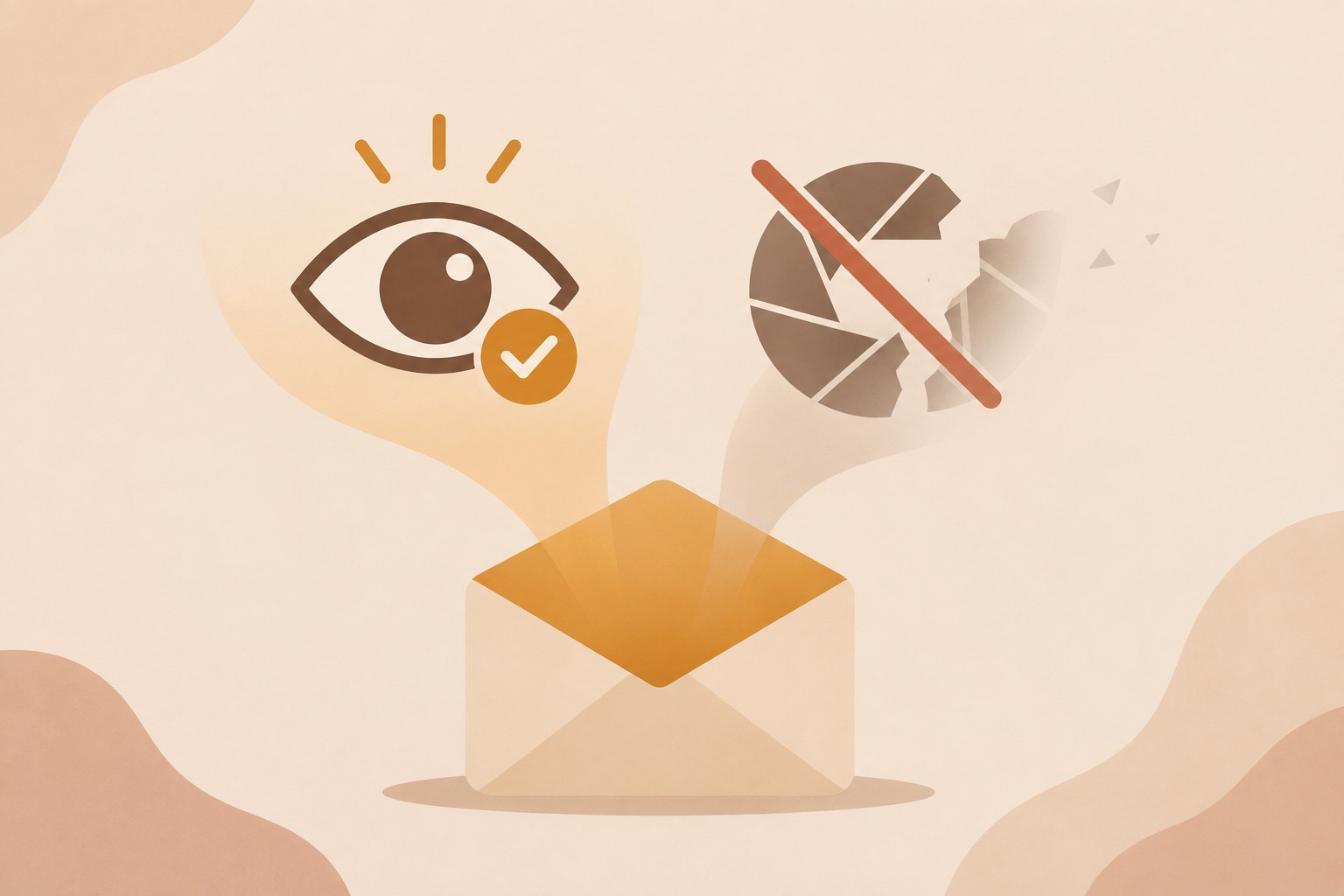
If you make things on Threads, no notification, log, or list tells you when someone screenshots your work. Nothing in the help docs defines a capture metric, so no tool can honestly sell you one either. Anything public can be copied outside the app, and the docs give you no visibility into that copy.
What you can see is the spread that stays inside the system. Reposts, quotes, and replies are visible and attributable, and a quote carries your handle with it, so the audience loop stays closed. A screenshot does not show up in that set. Build around the signals the product records rather than a capture alert these pages do not define.
Ghost posts, added October 27, 2025, shorten the window a little. They leave the timeline after 24 hours, replies go to your DMs instead of the thread, and only you can see who engaged. The poster can still open them from the archived section. A capture of a 24-hour post outlives the post itself, so treat ghost posts as a lower-stakes format, not protection.
If a copy turns into impersonation or harassment, report it, and use your restrict or block someone on Threads controls. Those controls don't detect screenshots; they are what you have when a copy is already being misused. On measurement, stay with what can be counted. Saves, replies, and reposts are visible engagement. Run those numbers through an engagement rate calculator for Threads instead of guessing at dark traffic, and leave capture counts out of the report entirely.
Action checklist
Use this as the practical next pass after reading the guide.
- +Don't expect a Threads screenshot alert for a post, profile, photo, or DM; the help docs don't list one.
- +Read a seen receipt as message seen, not screenshot taken.
- +Don't import Instagram's disappearing-chat rule into Threads; that page isn't a Threads setting.
- +Save a post when you want it later, instead of screenshotting it into your camera roll.
- +If a copy becomes harassment or impersonation, report it and use restrict or block.
- +Count saves, replies, and reposts; don't buy a screenshot metric the docs don't define.
Conclusion
The answer doesn't change with the surface. Threads' help docs and Meta's messaging notes describe no screenshot notification for posts, profiles, profile pictures, photos, or DMs. A seen receipt, where the docs mention one, means a message was seen. It does not mean the message was captured.
The alert people remember is Instagram's old disappearing-chat rule, and Instagram's current page says a screenshot of that media is now disabled rather than flagged. It never applied to Threads. Save the posts you want to keep, and if you publish here, spend your energy on the signals you can count.