What this guide is really about
You typed the post, hit send, and spotted the typo one second later. Every Threads user knows the feeling. The good news is Threads has a built-in edit option. The catch is that it comes with a timer.
This guide covers the exact steps in the mobile app and on threads.com, what an edit can and cannot change, the edge cases most guides skip, and what to do when the 15-minute window has already closed.
Yes. Edit only the text, and only within 15 minutes of posting. From your profile, open the post, choose Options, then Edit, update the text, and tap or click Post. If someone likes, replies, reposts, or quotes it before you finish, Threads shows Edited in the top right. Meta does not say those counts are removed. Third-party write-ups report they stay. After 15 minutes, you can no longer edit.
Threads posts and replies can be edited for 15 minutes after posting, and only the text changes.
Meta does not document that likes or replies reset. Third-party write-ups consistently report they stay.
If anyone likes, replies, reposts, or quotes before you finish editing, the post shows Edited in the top right.
Attachments cannot be added or removed by editing; that takes a delete and repost.
With fediverse sharing on, Threads delays sharing to other servers by 15 minutes so you can edit first.
How to edit a post in the Threads app
In the Threads app, tap Profile or your profile picture at the bottom right. Open the post from Threads at the top while you are still inside 15 minutes, tap Options in the top right, then tap Edit. Update the text and tap Post.
The same flow works on a reply you just posted. From your profile, tap Replies at the top, open the reply, tap Options, then Edit. Replies follow the same 15-minute clock as posts, which starts when the reply goes live. If you want the steps straight from the source, the official Threads edit instructions on Meta's help center include both paths.
If you cannot edit, the 15-minute window has usually closed. You cannot edit a post 15 minutes after it was posted. A reply also cannot be edited when reply approvals are on for that post, which is covered below.
One timing detail worth knowing: the clock starts the second the original post goes live, and it covers the entire edit session, not each individual change. The help center does not set a limit on how many times you can re-edit inside the window, but every pass draws from the same fixed 15 minutes, so a slow second fix can run out of time even though the first one went smoothly.
How to edit a post on threads.com (desktop)
On a computer, follow the path the official help center documents. Go to threads.com, click Profile on the left, then click Threads or Replies at the top to find the post or reply you want to fix.
Open the post, click Options in the top right corner, choose Edit, update the text, and click Post when you are done. Meta does not document that likes or replies stay attached. Independent write-ups consistently report that they do, which is the practical reason to edit a typo instead of deleting.
The desktop path is worth memorizing for one reason: it is where long posts usually get written. If you draft on a big screen, you will most likely be fixing on one too, and hunting for the menu in a hurry is the slowest part of an edit you are already racing a clock to finish.
Replies get the same treatment on the web. The Replies tab at the top of your profile collects every reply you have posted, and each one opens with the same Options menu in the corner. That matters for people who do most of their Threads activity in conversations rather than top-level posts, since a typo in a reply is just as editable as a typo in a post, on the same clock.
What an edit actually changes (and the Edited label)
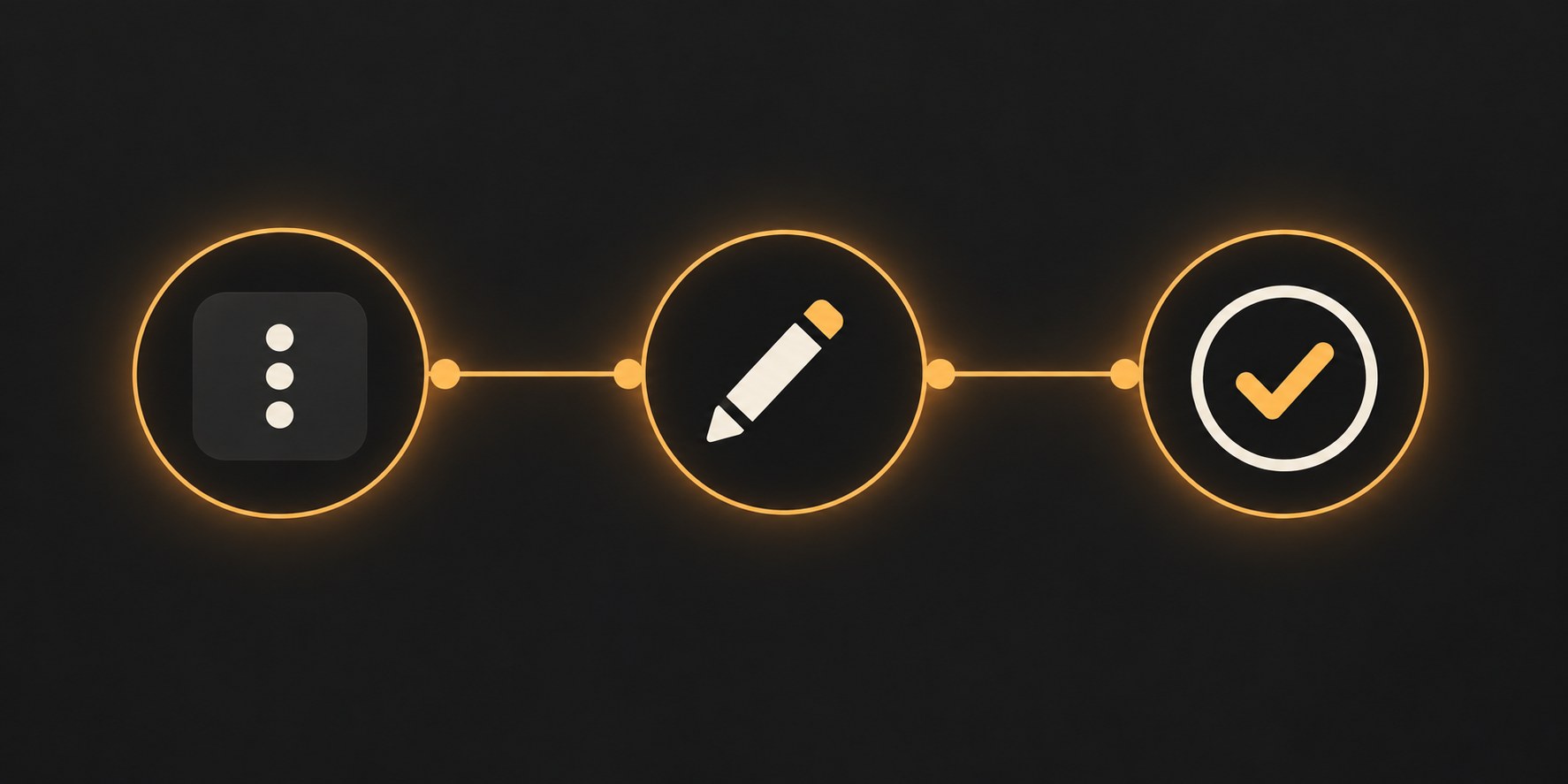
Editing changes the text. Meta does not document that likes, replies, quotes, or reposts are kept or reset. Independent write-ups of the feature consistently report that those counts survive an edit. What Meta does document is the Edited label, covered next.
That label is the honesty mechanism. If anyone likes, replies, reposts, or quotes your post before you finish editing, the corrected post shows a small Edited mark in the top right corner. Readers who saw the original wording can tell the post changed after people reacted to it, which is fair and worth knowing before you rewrite more than a typo.
The window itself used to be five minutes. In October 2024, Instagram head Adam Mosseri posted that Threads was extending the edit window to 15 minutes, and that fediverse sharing would wait until that window closed.
One caution about older guides: a lot of what ranks for this topic still says the window is five minutes. That was true before October 2024, and stale instructions cause real panic in the first minutes after a typo, when people assume they have already lost. If you are inside 15 minutes, you have time. Check the menu for the Edit option rather than trusting a cached article.
Rewriting the argument once people have engaged. A factual fix under the Edited label reads fine; moving the goalposts does not.
Deleting an engaged post over a small typo. You take the post off Threads. A corrective reply is usually the smaller move.
Trying to edit media. Attachments are locked during editing; only the text changes.
Assuming the window is five minutes like the old days, or unlimited like on some platforms. It is 15 minutes, then you can no longer edit.
Expecting Edit on replies when reply approvals are on. Approvals remove the reply edit option entirely.
Text only: what an edit cannot fix
An edit changes words, nothing else. Meta's help page is blunt about the limits: you cannot add attachments to an edited post, and you cannot remove the ones it already has. A wrong image, a broken video, or a bad carousel slot cannot be repaired with Edit at any point in the window.
A URL in the post is text, so you can correct those characters. Meta does not document whether a link preview updates. A wrong image or video is an attachment, and attachments cannot be added or removed with Edit.
For anything beyond the text, the fix is a fresh post, and the same character limit rules that shaped your original still apply to the rewrite.
Past the window: leave it, correct it, or delete and repost
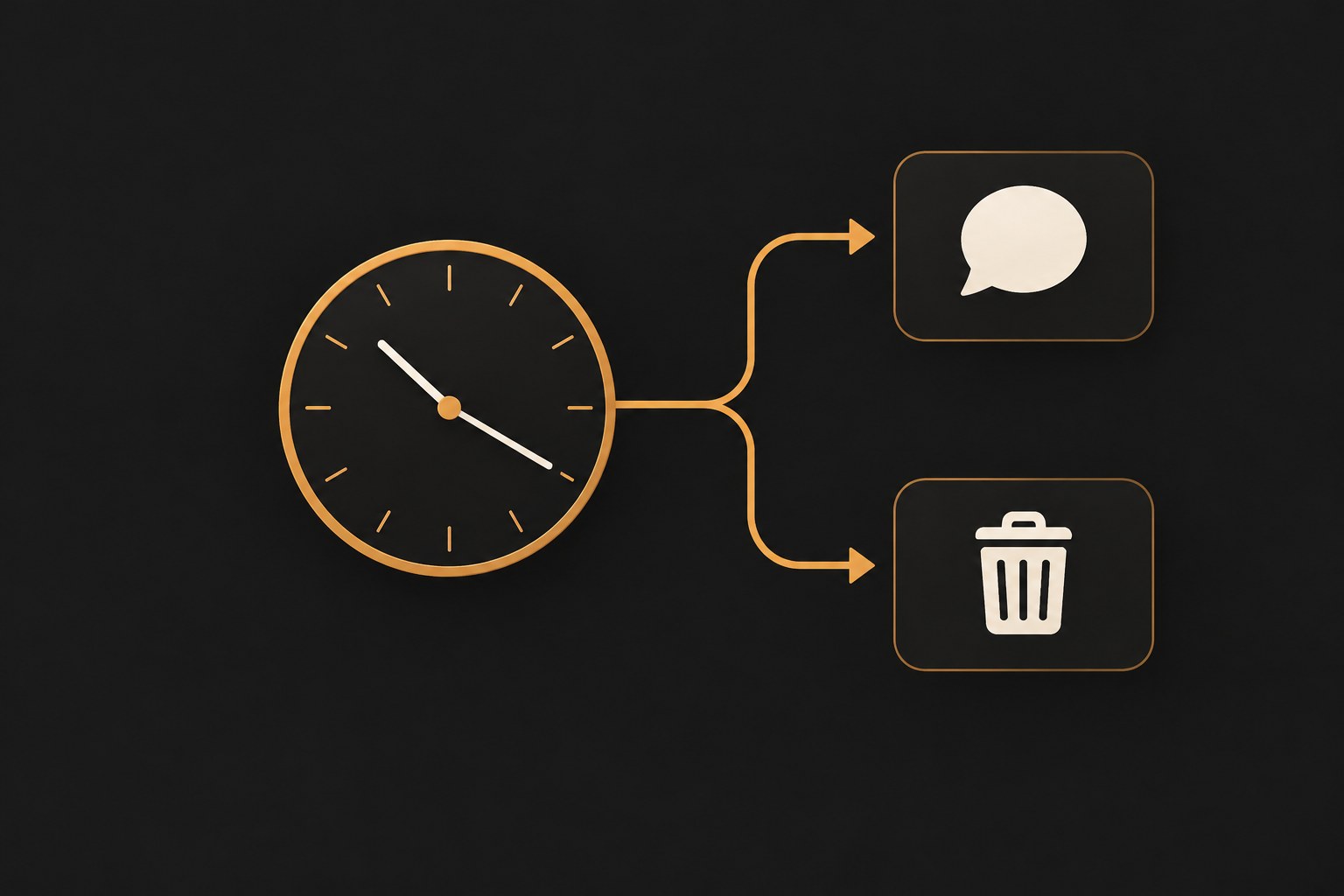
Once 15 minutes pass, you can no longer edit, and you have three realistic options. The first is to leave it. A typo in a post that is already spreading is usually cheaper than deleting something people are replying to, because the conversation under the post often matters more than the spelling in it.
The second is a corrective reply. Reply to your own post with the fix. The mistake stays visible, but everyone reading the thread sees the correction directly under it. Meta does not say a reply gets more reach than an edit.
The third is delete and repost. That is how you change media or take the post off Threads, and it is the exact guide we wrote for this situation: how to delete Threads posts covers what deletion can and cannot undo before you commit to it. The trade is simple. If the post has meaningful engagement, correct in a reply. If it has none, delete and repost clean.
The delete-and-repost route has one real cost beyond engagement: timing. A repost re-enters the feed as new content at a fresh timestamp, which can be an advantage if the original went out at a dead hour, but it also means the post competes for attention from zero again. For a quiet post with a typo, that trade is usually fine. For a post that is picking up replies, deleting it ends a conversation other people were having, and the corrective reply respects them more.
Replies, approvals, and fediverse edge cases
Replies follow the same 15-minute rule with one exception. If you have reply approvals turned on for a post, replies to it cannot be edited at all, per Meta's help page. Screening and editing do not combine, so a typo in a reply you approved is there until the reply is deleted. If you rely on approvals, our reply approvals guide covers when the tradeoff is worth it.
Fediverse sharing interacts with editing too. If sharing to the fediverse is on, Threads delays that share by 15 minutes to allow editing. Mosseri said those posts are shared once the edit window is closed. Meta does not document that a copy already on another server updates.
Reposts and quotes are interactions Meta lists as triggers for the Edited label. Meta does not document whether a repost or quote shows your corrected text or the earlier wording. A screenshot is a separate image, so editing the post does not change it.
Catch errors before they post
The cheapest edit is the one you never need. Threads gives you two prevention layers. The first is drafts: save drafts on Threads, step away for a minute, and reread before you publish. Most typos your eyes skipped on the first pass are obvious on the second, and the drafts guide covers exactly where they are stored and how to reopen one.
The second is a queue. Write the post ahead of time, while the 15-minute clock has not started. JoltSage's scheduler is approval-first: draft now, review the queue with fresh eyes, then publish into a peak window. It does not detect the hour your own audience is reading.
A 30-second pre-publish check catches most of what people edit for. Names spelled right, links pasted fully, numbers matching what you actually mean, and one read-aloud pass for dropped words. Do that in the draft and the edit window becomes a safety net instead of a rescue mission.
The check works best in that exact order, because each item catches a different class of mistake. Names are the ones your eyes auto-correct because you know who you meant. Links fail differently, since a truncated paste looks complete in the composer and only breaks when someone taps it. Numbers are worth a second look because a wrong digit reads as a wrong fact. Read-aloud last, because your voice stumbles on dropped words your eyes skip. Thirty seconds, four passes, and most edits become unnecessary.
Action checklist
Use this as the practical next pass after reading the guide.
- +Spot the mistake inside 15 minutes of posting.
- +Open the post from your profile, under Threads or Replies.
- +Tap or click Options in the top right, then Edit.
- +Fix text only, and double-check names, numbers, and links before you tap or click Post.
- +If someone liked, replied, reposted, or quoted before you finished, expect Edited in the top right.
- +Past the window? Corrective reply for engaged posts, delete and repost for quiet ones.
Conclusion
Threads documents a 15-minute window and text-only changes. Third-party write-ups report that engagement survives the fix; Meta does not. Learn the Options path before you need it.
The bigger win is upstream. Draft it, review it, then publish it, and the edit window stops being the thing that saves you.