What this guide is really about
Some posts stop representing you. The promo expired, the take cooled off, the joke did not land. On Threads you do not have to choose between living with it and deleting it forever, because the app has a built-in archive.
Archiving hides a post from your profile and from other people on Threads while keeping it for you, likes and replies included. It is easy to miss, because it exists only in the Android and iPhone apps.
This guide covers the exact archive steps, where your archived posts live, how unarchive works, the ghost post feature that auto-archives after 24 hours, and a simple rule for choosing archive over delete.
Yes, you can archive a post on Threads. In the Android or iPhone app, open your profile, tap the three-dot Options menu next to the post, and tap Archive. The post is hidden from your profile and others on Threads, but it is not deleted: you keep it, with its likes and replies, in Archive under your profile menu. Unarchive later and it returns to its original spot on your profile. Not on a computer or threads.com.
Archiving hides a Threads post from your profile and other people on Threads without deleting it. You can still see its likes and replies in your Archive folder. Other servers may keep a copy.
The archive lives under your profile menu: Profile, then Menu in the top right, then Archive.
Unarchiving restores a normal post to its original position on your profile. It is not re-federated.
Archive and unarchive are Android and iPhone only. There is no archive option on threads.com or on a computer.
Ghost posts are the built-in auto-archive: text-only posts that archive themselves after 24 hours and cannot be unarchived.
What Archiving a Threads Post Actually Does
Archiving removes a post from your profile and from other people's view on Threads without deleting it. The post moves to a private Archive folder where you can still open it and see every like and reply it collected. For a normal post, it is a reversible hide, not a trash bin.
That reversibility is the point for a normal post. If it no longer fits the profile you are building, you can park it and decide later. Likes and replies stay available to you in Archive. Unarchiving puts the post back in its original spot on your profile. It does not send the post back to fediverse servers.
Meta's official "Archive your post on Threads" help page confirms the mechanics: archived posts are not deleted, and you keep access to them and their likes and replies. You can unarchive a normal post at any time. Ghost posts cannot be unarchived. The feature is Android and iPhone only, so do not go hunting for it on a computer.
How to Archive a Post in the Threads App
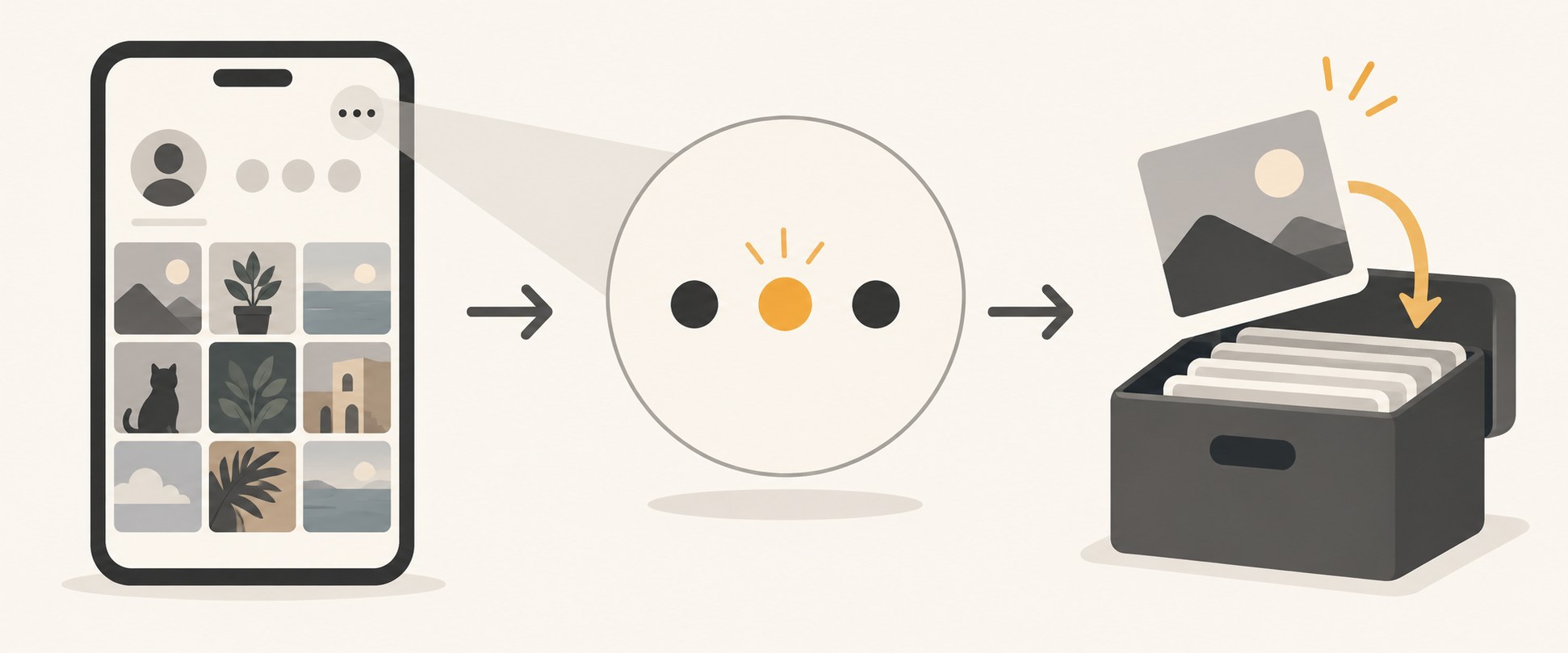
The steps take about ten seconds. Open the Threads app and tap your profile picture in the bottom right to go to your profile. Find the post you want to hide. Tap the three-dot Options menu next to that post, then tap Archive. The post disappears from your profile right away.
Where did it go? Tap Menu in the top right of your profile, then tap Archive. Every post you have archived sits there with its replies and likes, and you can open any of them like a private scrapbook of your own history.
If you do not see an Archive option, check the client. Meta's help page lists the feature for the Android and iPhone apps only. threads.com has no archive button, and it is not available on a computer.
How to Find and Unarchive a Thread
Unarchiving reverses the whole thing. Go to your profile, tap Menu in the top right, then tap Archive to open the folder. Tap the three-dot Options menu next to the archived post, then tap Unarchive. The post returns to its original spot on your profile and becomes visible to others on Threads again.
There is one federation caveat. If you have turned on sharing to the fediverse, Meta's Unarchive your post on Threads help page notes that unarchived posts will not be re-federated, so followers on Mastodon or other connected servers will not see the post come back. On Threads, it shows on your profile again, and other people on Threads can see it.
That limit matters if part of your audience reads you on fediverse apps. Unarchive does not send the post back to those servers. They do not get a new copy.
Looking for the Archive button on threads.com. It exists only in the Android and iPhone apps.
Archiving when you mean delete. A normal archived post still exists, with its likes and replies, and you can unarchive it later. It does not stay on your public profile. Ghost posts cannot be unarchived.
Waiting for the auto-archive timer older articles describe. That option was a 2024 test; the shipped version of auto-archiving is ghost posts, and those cannot be unarchived.
Assuming fediverse copies disappear when you archive. Meta requests deletion from other servers but cannot guarantee it.
Treating the archive as a privacy vault. Screenshots and quotes live outside Threads no matter what you archive.
Ghost Posts: The Auto-Archive Threads Actually Shipped
A lot of older guides talk about automatic archiving on a timer, because Threads did test an option to auto-archive posts after a set period back in April 2024. That timer never shipped as a setting. Archive your post on Threads, Meta's current help page, does not list it. What shipped instead is ghost posts.
A ghost post is a post that archives itself after 24 hours. Tap New post, then tap and hold Ghost post in the bottom right before posting. Ghost posts are text-only. Choose Get replies as messages or See replies on post. That choice cannot be changed after you post. After 24 hours the post lands in your archive.
The trade-offs are real, and Meta's Share a ghost post on Threads help page spells them out. You cannot unarchive a ghost post, only delete it. If you delete a ghost post before its 24 hours are up, it will not be saved to your archive at all. Ghost posts are not shared to the fediverse. If you like a ghost post, that like no longer shows in Your likes after it expires. Use them for the hot take you want to make without building a permanent record around it.
Archive or Delete: A Simple Decision Rule
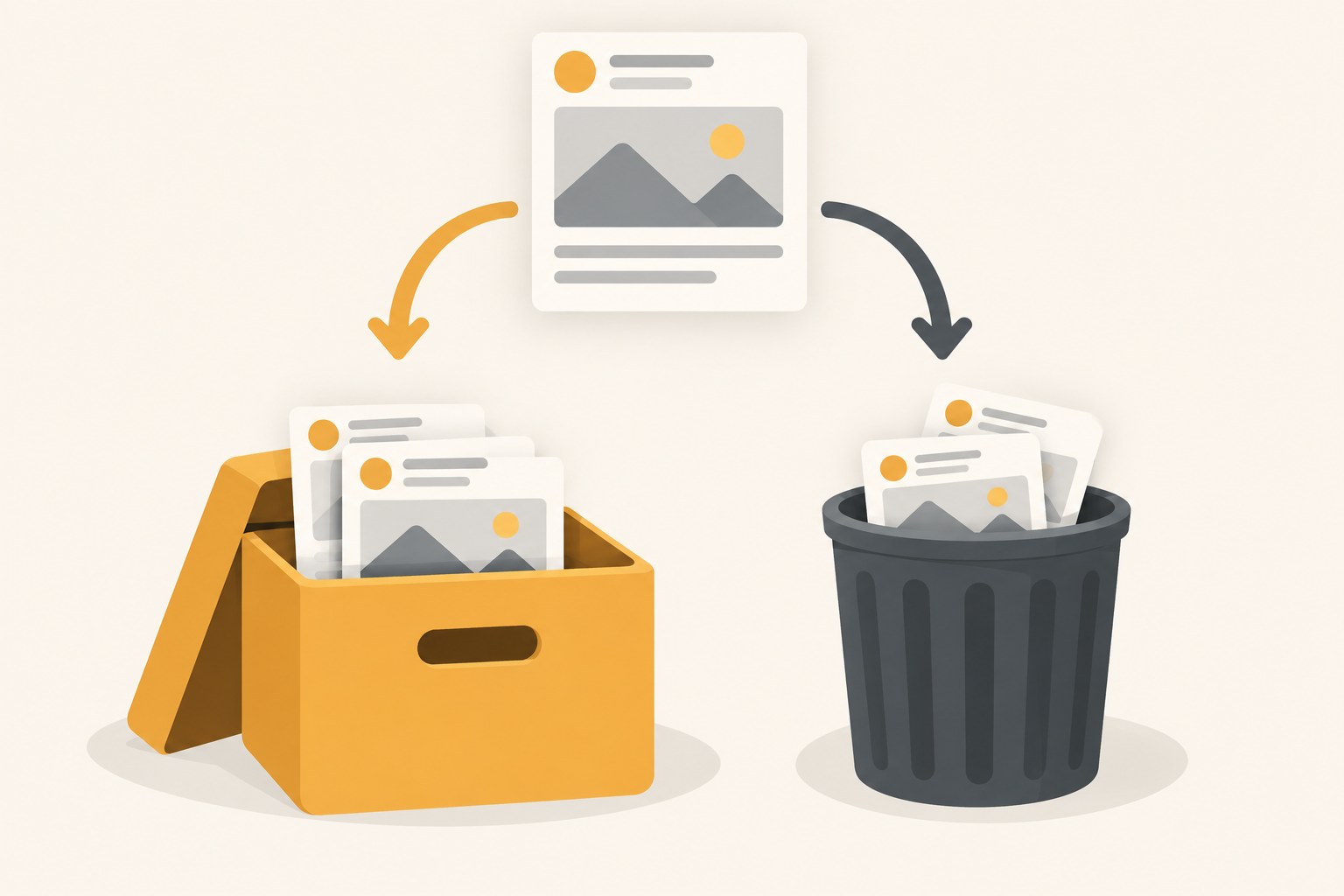
Here is the rule that works: archive when the post might be useful again, delete when it never should resurface. An expired offer you may rerun, a decent post from a persona you are moving away from, a memory you want to keep private. Archive all of those. Archive keeps the engagement history and the option.
Delete is for the posts that would embarrass or mislead if anyone saw them again, even from your own archive. Factual corrections you got wrong, replies you regret, anything that violates the rules you agreed to. When you are sure, our guide to deleting Threads posts covers what stays behind and what cannot be undone.
Two related calls people miss. If a post is fine and you want it at the top of your profile, pinning it beats archiving it, because a pinned post gets a second chance at first impressions. And if a post is only wrong in one line, you can edit the text for 15 minutes after publishing, which is the faster fix when you catch it in time.
Here is the rule in practice. Say you ran a month-long offer post that expired last week. Archive it: the offer may come back, and the replies contain real objections worth rereading. Now say you posted a statistic you have since learned is wrong. Delete it: an archive copy keeps the misinformation one tap away from resurfacing, and the correction belongs in a fresh post anyway. The pause before you tap is the actual tool.
The Limits Worth Knowing Before You Archive
Meta's archive help only shows one post at a time: Options, then Archive. It does not document a select-many or archive-all control. If you are planning a full profile reset, budget the time or use deletion instead.
The fediverse rules cut both ways. On Archive your post on Threads, Meta says it will request that other servers delete their copy, but cannot guarantee they will, so the post may stay publicly visible elsewhere. If you have turned on sharing to the fediverse, treat archiving as a Threads-side hide rather than a global one.
Last, an archive is not a vault. It keeps posts out of your public profile, but anyone who screenshotted or quoted the post still has it. Archive is a profile tool, not a privacy guarantee, and it is not designed for sensitive material.
A Monthly Routine That Keeps Your Profile Clean
Archiving works best as upkeep, not an emergency button. Once a month, give your profile a 15-minute pass, because new visitors judge the first screen of your profile far more than the archive ever matters to them. Scan your most recent 20 posts and archive or delete anything that no longer sounds like you.
Then open the Archive folder and finish the job. Decide keep or delete for each archived post the same day, so the folder does not become a junk drawer. For topics that still matter, write a fresh version in drafts rather than unarchiving stale copy, and the old post stays buried while the new one gets a clean start.
To keep the profile active while you prune, schedule a week of Threads posts in one sitting. A queue of posts you are proud of makes the monthly archive pass painless, because there is always something current sitting on top of the profile.
Action checklist
Use this as the practical next pass after reading the guide.
- +Open the Threads app and go to your profile.
- +Tap the three-dot Options menu next to the post you want to hide, then tap Archive.
- +Confirm it landed: Profile, Menu in the top right, Archive.
- +To restore a normal post, open Archive, tap its Options menu, and tap Unarchive. Ghost posts cannot be unarchived.
- +Each month, prune your newest 20 posts and empty the Archive folder with keep-or-delete calls.
- +Queue fresh posts in drafts or your scheduler so the top of your profile stays current.

Conclusion
Threads archive is a small feature that solves a real problem: you can curate your public profile without torching your history. Three taps hide a post, the Archive folder keeps it with its likes and replies, and unarchive puts it back in place if you change your mind.
Remember the edges before you rely on it. Archive and unarchive live in the Android and iPhone apps only, posts move one at a time, and the hide is guaranteed on Threads itself, not on fediverse servers that may keep a copy.
Used once a month, the pattern holds: prune what no longer sounds like you, decide keep-or-delete on everything you have already archived, and keep fresh posts flowing so the top of the profile always represents you.