
What this guide is really about
You have probably seen the phrase by now: connect an MCP server and your AI assistant can run your Threads account. The pitch sounds either magical or alarming depending on the week. What is actually happening is simpler and more useful to understand than either reaction suggests.
A Threads MCP server is a small bridge program. On one side it speaks the Model Context Protocol, the open standard that AI clients such as Claude, ChatGPT, and Cursor understand. On the other side it calls Meta's official Threads API with permissions you granted through OAuth. No more, no less.
Search interest is real and climbing: Google autocomplete now completes threads mcp into threads mcp server, threads mcp github, and claude threads mcp. Yet almost everything ranking today is a GitHub readme or a directory listing. Almost nothing explains what you are handing over when you connect one, or how to tell a careful project from a weekend experiment. That gap is what this guide closes.
A Threads MCP server is an adapter that exposes Threads API actions as tools an AI client can call, so Claude, ChatGPT, or Cursor can draft and publish through Meta's official API using your OAuth grant. It is community-built, not a Meta product. Before connecting one, check the permissions it requests, where your 60-day token is stored, whether posts need approval before publishing, and how actively the repo is m...
Understand what MCP actually is, in plain terms, before connecting anything
A five-question audit that separates careful MCP servers from risky ones
The realistic setup path, including the parts readmes gloss over
An honest decision between self-hosting, hosted servers, and API schedulers
MCP is an open standard, introduced by Anthropic in November 2024, that lets AI clients call external tools through a common interface; a Threads MCP server wraps Meta's official Threads API in that interface.
Everything the server can do comes from your OAuth grant. A server asking only for threads_basic and threads_content_publish has a smaller blast radius than one requesting reply and insights management together.
Audit before connecting: token storage location, approval gates before publishing, repo maintenance signals, and the 250-post daily API ceiling you share with every tool on the same token.
Publishing through the API does not boost reach. Distribution still depends on post quality and audience response, same as posting by hand.
If you never want to touch a config file, a managed approval-first scheduler does the same API work without running community code on your machine.
What a Threads MCP server actually is
The Model Context Protocol is an open-source standard for connecting AI applications to external systems. The official Model Context Protocol documentation describes it as a USB-C port for AI applications: one standardized socket that lets a model reach data sources, tools, and workflows without a bespoke integration for every pairing. Anthropic introduced the protocol in November 2024, and support has since spread across clients including Claude, ChatGPT, Visual Studio Code, and Cursor.
A Threads MCP server is one of those peripherals. It is typically a small TypeScript or Python program that announces a handful of tools, things like get profile, create post, reply, and fetch insights. When your AI client wants to post to Threads, it calls the tool, and the server translates that call into a properly authenticated request to Meta's Threads API.
Two boundaries matter. First, Meta provides the API but not these servers; every Threads MCP server you will find is a community project, maintained by volunteers or small companies. Second, the server can only do what the Threads API allows and what your OAuth grant permits. There is no secret channel. If a project claims capabilities beyond the documented API, treat that as a warning sign rather than a feature.
What the tools expose: profile, publish, reply, insights
Look at a maintained example, the threads-mcp project on GitHub, and the tool surface is representative of the category. It exposes profile and content tools such as threads_get_profile, threads_get_threads, threads_create_thread, and threads_reply_to_thread, plus engagement tools like threads_get_insights and threads_get_replies. In plain terms: the AI can see your account, write posts, reply, and read performance numbers.
Underneath, each tool maps to documented Threads API endpoints and their granular permissions. Reading your profile needs threads_basic. Publishing needs threads_content_publish. Replying needs threads_manage_replies, reading replies needs threads_read_replies, and insights need threads_manage_insights. A well-behaved server requests only the set matching its tools, and Meta's official Threads API documentation spells out every scope an app can ask for.
The variety in the ecosystem is wider than one repo. Some projects focus purely on content creation, handing the model a completed draft to publish. Others, like community meta-mcp servers, bundle Threads together with Instagram and other Graph API surfaces in dozens of tools. Multi-platform servers such as upload-post-mcp cover several networks at once. More tools sounds like more value, but it also means a larger permission surface, which is exactly what the next section teaches you to weigh.
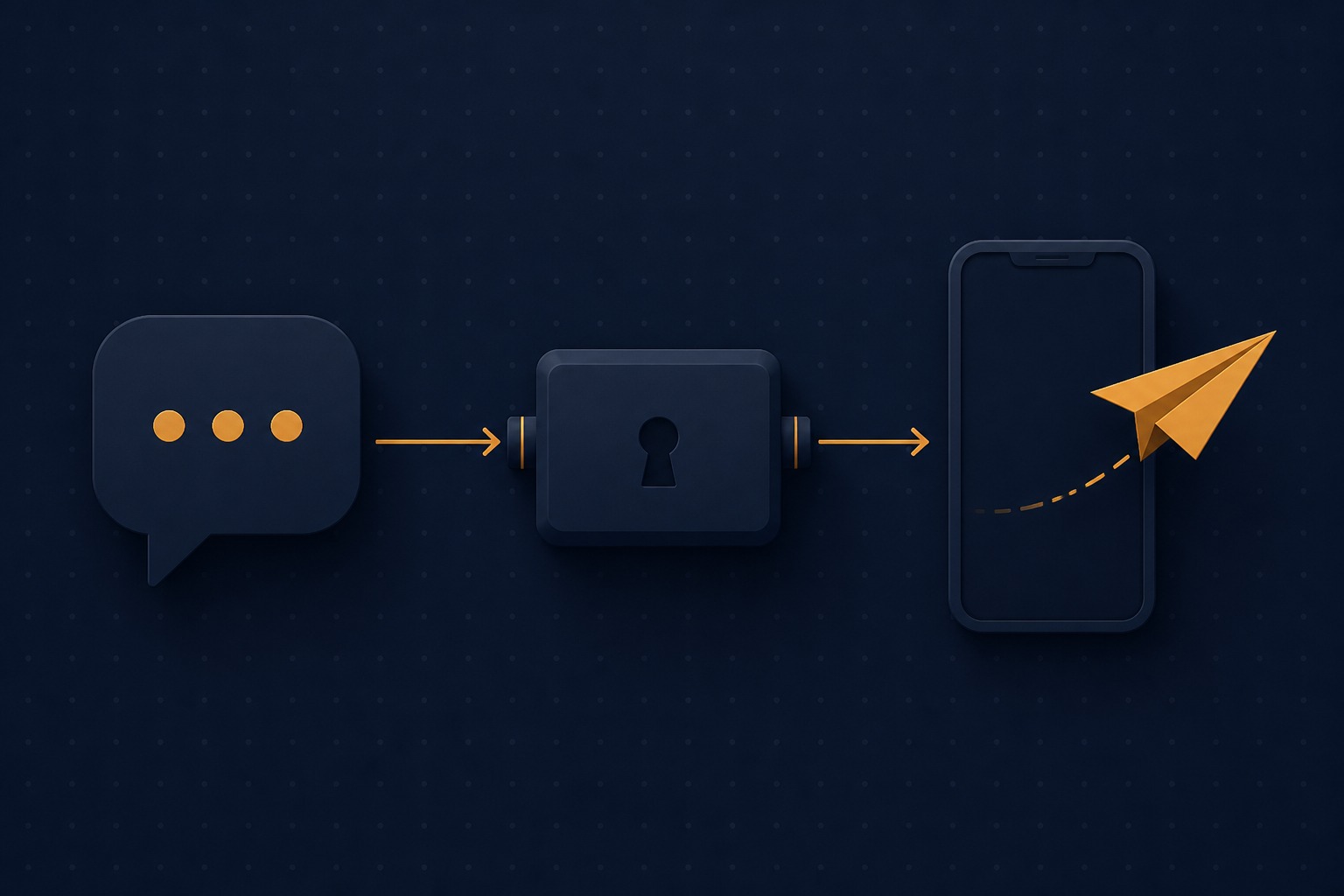
The five-question safety audit before you connect
Question one: what permissions does it request? Run the OAuth flow and read the consent screen before approving. A posting-focused server has no business asking for reply and insights management. You would not hand a houseguest every key you own so they could water one plant, and the same logic applies to OAuth scopes.
Question two: where does your access token live? Threads OAuth exchanges a one-hour short-lived token for a long-lived token valid 60 days, and that token is a full key to whatever permissions you granted. A careful project stores it in your local secret store or a clearly documented config path with restricted permissions. A careless one prints it to a log or commits it to a folder that ends up in a screenshot.
Question three: is there an approval gate? The representative threads-mcp tools include threads_create_thread, which is a publish action, not a separate draft tool. Prefer a workflow where you review text before anything goes live, even if that means copying the draft out and posting it yourself. An AI client that can both compose and fire without a checkpoint turns every hallucinated premise into a live post on your profile.
Question four: how healthy is the repository? Stars matter less than signals of care: recent commits, a real license, continuous integration, security scanning, tests, and issues that get answers. Small projects can be excellent, but a single-maintainer repo untouched for months, holding a token that can post as you, deserves extra skepticism. Question five: what else shares this token? API limits are enforced per account, not per tool: 250 posts and 1,000 replies per rolling 24 hours, a ceiling every connected tool draws from together. If you already run a scheduler on the same account, add the MCP server's output to that budget or you will discover the limit through failed publishes. Our operator's guide to the Threads API covers the full quota table and the retry rules that prevent double posts.
Granting every permission the readme lists instead of the minimum set for the tools you will actually use, widening the blast radius for zero benefit.
Approving the OAuth consent screen without reading it; the scope list there is the single most honest description of what the server can do.
Letting the client publish with no approval gate, so a confident hallucination becomes a live post with your name on it.
Forgetting that API quotas are shared per account across every connected tool, then blaming the server when publishes start failing.
Treating a stale single-maintainer repo as production infrastructure for an account you care about.
Running one: the honest setup path
The setup pattern is consistent across projects. You create a Meta app with the Threads use case, note its app ID and secret, and register a localhost redirect URI. You install the server, usually through npm or by cloning the repo, and add an entry to your AI client's MCP config pointing at the command. On first run, a browser window opens, you authorize the app, and the server stores your token. Better projects automate this handshake; the threads-mcp project, for example, added an automatic OAuth flow that opens the browser and manages token refresh for you.
What readmes tend to gloss over is the surrounding work. Your Meta app needs its permissions reviewed before strangers can authorize it, though your own account works with test permissions while you build. Tokens expire and need refreshing before the 60-day window closes, and if the authorizing account is private, the permission grant cannot be extended by refresh at all, so re-authorization becomes a calendar item you own. The Threads API getting started guide walks through the app dashboard screens in order if you want the full picture.
First setup is more than pasting a config block: app creation, OAuth, and a token you have to keep alive. If that trade sounds wrong for your situation, that is a legitimate answer, not a failure; the last section covers paths that require no config file at all.

Self-host, hosted, or scheduler: picking your path
Path one is self-hosting a community server. It gives you the most control and the most responsibility: you choose the repo, you hold the token, you apply updates. It suits developers who already live in an editor and want the AI client to be the interface. Directory sites like mcp.so list the current options, and reading two or three readmes is the fastest way to sense the quality spread.
Path two is a hosted MCP endpoint, where a vendor runs the server and you connect your client to their URL. Apify, for instance, offers a hosted Threads MCP endpoint that pairs with its existing Threads actor. Convenience is real, but note what you are trading: the vendor's infrastructure sits between your AI client and your OAuth grant, so their security practices become yours.
Path three is skipping the protocol layer entirely. An approval-first scheduler still publishes through the official Threads API with OAuth, no password storage, and a human approving each post, which is the same checkpoint you would want on an MCP setup. JoltSage's MCP plan, at 15 dollars a month, is a named scheduling tier, not a Model Context Protocol server: it covers API queue scheduling with draft approval before anything goes live, and its free workspace handles drafting at zero cost. If your goal is a reviewed queue rather than chatting with your account, this is the shorter distance.
What MCP publishing will not fix
Connecting an AI client to your account changes the mechanics of posting, not the economics of attention. Meta does not document extra reach for the transport layer; API posts still have to earn distribution the usual way. What performs is still the same substance it always was: a clear idea, a hook that earns the open, formatting that survives a phone screen.
Automation also amplifies whatever editorial process you already have. If you approve every draft, the assistant's throughput becomes a drafting advantage. If you do not, its mistakes ship at the same speed. The creators who get value from agent-assisted publishing treat the model as a fast, tireless junior writer with an enthusiastic relationship to facts, and edit accordingly. For structure that earns replies at the draft stage, our formatting guide for Threads posts is a better investment than any connector.
Finally, remember that the platform limits are the platform limits. The 250-post daily ceiling applies to API publishing regardless of how clever the client is. Hitting that ceiling is a quota problem, not a growth strategy.
A sensible first week with a Threads MCP server
Day one, connect with the smallest permission set that supports read-only tools, and spend the session asking your assistant to fetch your profile and recent posts. You are verifying the OAuth flow and the token storage before any write capability enters the picture.
Days two and three, grant the publish permission but keep every session read-plus-draft. Have the assistant draft five variations of one proven idea, then you choose one, post it yourself, and note the difference in your own review speed. Treat drafting as the useful test; leave auto-publish off until that review habit is in place.
Days four through seven, if you still want assisted publishing, enable it for one post type only, such as reply acknowledgments or evergreen resurfaces, and review the week. A container of drafts you can spin up in seconds is also exactly what the free Threads post creator tool does without any setup, which makes a useful baseline: keep the MCP path only if it beats that baseline for your workflow. If you want the scheduling side handled for you, the step-by-step scheduling guide compares the approaches without code.
Action checklist
Use this as the practical next pass after reading the guide.
- +Read the consent screen and list every permission requested before approving
- +Confirm where the 60-day token is stored and that the path is not logged or synced
- +Verify a draft-then-publish approval flow exists, or plan to publish manually
- +Check repo health: last commit date, license, CI, tests, issue activity
- +Add the server's expected post volume to your existing 250-per-day API budget
- +Calendar the token refresh date before the 60-day window closes

Conclusion
A Threads MCP server is a modest, comprehensible thing: a translator between an AI client and the official Threads API, bounded by the OAuth grant you control. The technology is not the risk decision; the permission set, the token handling, and the approval gate are, and all three are auditable in ten minutes with the questions above.
Start read-only, keep the approval gate, and hold every connector to the same standard you would apply to a new hire with your passwords. The creators who benefit from agent-assisted publishing are the ones who stayed the editor in chief.