
What this guide is really about
Every scheduler switch starts with the same fear: cancel the subscription and watch three years of planning disappear. The fear is mostly misplaced, but not entirely. Most of what matters survives a switch, because your published posts live on the platforms, not in the tool. The scheduler's job was queueing and measurement, and once a post is out, the platform owns it.
The parts that do not survive are usually the ones nobody thinks to check until after the cancellation email arrives. Analytics history is the classic case: platform-side insight windows are short, so your scheduler's copy is often the only long-run archive of older performance data. Queues, approval threads, and media libraries each have their own failure modes.
This guide separates what each scheduler will actually export, what stops when the subscription lapses, and the order of operations for an overlap so unsent posts are not left in a dead queue.
Export analytics first, then any queue or category CSV your tool documents. Published posts stay safe on the platforms; queued posts stop when the subscription lapses. Buffer's Insights CSV is paid-plan, Metricool offers Calendar and Autolists CSVs, Later's standard CSV starts at Starter, Hootsuite's org CSV is Enterprise, SocialBee sends a CSV by email. No tool imports a rival queue, so overlap the switch.
Know exactly what each scheduler can export before you cancel
A switch-day order of operations that drains the old queue before you cancel
The keep, rebuild, or lose call for every data type
Published posts live on the platforms; your scheduler cannot delete them when you leave
Analytics history is usually the only copy in existence, so export it first
Export rights differ by plan: Buffer Insights CSV is paid and snapshots are on every plan, Later standard analytics CSV is on Starter and up while Custom Analytics export requires Scale, Hootsuite org CSV is Enterprise-only, SocialBee sends a CSV by email
No scheduler imports a competitor's queue, so rebuild with a 2-4 week overlap instead of a same-day switch
Media libraries are the most commonly lost asset; keep an offline folder as you go
What Actually Dies When You Cancel a Scheduler
Your scheduler holds three buckets of data, and they have very different survival rates. Published posts are the safe bucket: they live on Instagram, Threads, X, or LinkedIn, and cancelling a tool does not touch them. The scheduler's copy is just a mirror it uses for analytics, so losing it costs you reporting continuity, not the posts themselves.
The second bucket is your planning layer: the queue of unsent posts, drafts, category structures, and approval history. This is tool-native data. Some schedulers will hand you a CSV of it; others treat it as private or lock it behind plan tiers. This is where migration actually hurts, and where the per-tool differences in the next section matter most.
The third bucket is your analytics history, and it is the sneaky one. Platform-side insights typically expose limited windows, so your scheduler's warehouse is often the only long-run copy of your performance data. If you cancel without exporting, that history is gone for good, and you lose the baseline you would use to judge whether the new tool is even working.
A quick inventory makes this concrete. Open your current tool and count: how many posts sit in the queue, how many months of analytics exist, how many assets live only in the media library, and how many approval workflows or saved views you rely on. That four-number inventory is your migration scope, and everything in this guide maps back to it.
Per-Tool Export Matrix: What Each Scheduler Lets You Take
Buffer exports a zip of three CSVs (summary, posts, timeseries) from its Insights view. That CSV, Markdown, and PDF export is on paid plans. Downloading snapshot images is available on every plan, including Free. The file matches the Insights view on screen, not your unsent queue. Metricool offers CSV downloads of your scheduled posts from both the Calendar and Autolists views, and it can schedule posts in batch from a CSV you prepare. The Metricool alternatives walkthrough compares a multi-network suite with a Threads-focused scheduler. It is not a queue-transfer guide.
Later splits export by plan. CSV export from the standard analytics dashboard is available on Starter, Growth, and Scale. Exporting from Custom Analytics, and scheduled email deliveries, requires the Scale plan. Free, Starter, and Growth can preview Custom Analytics but need Scale to use it. On the Free plan, copy the numbers you need before you cancel. If pricing is the reason you are leaving, the Later alternatives guide maps each exit reason to a tool that fits it.
The organization-wide CSV of all posts sent through Hootsuite is an Enterprise feature. It covers posts sent in a date range, not a transfer of your unsent queue. The Hootsuite alternatives comparison matches the switch to why you are leaving. It does not import a rival queue.
SocialBee has no self-service export. You email support with the category names and workspace, and they send back a CSV of your content. Send that email before you cancel. There is no download button to use at the last minute.
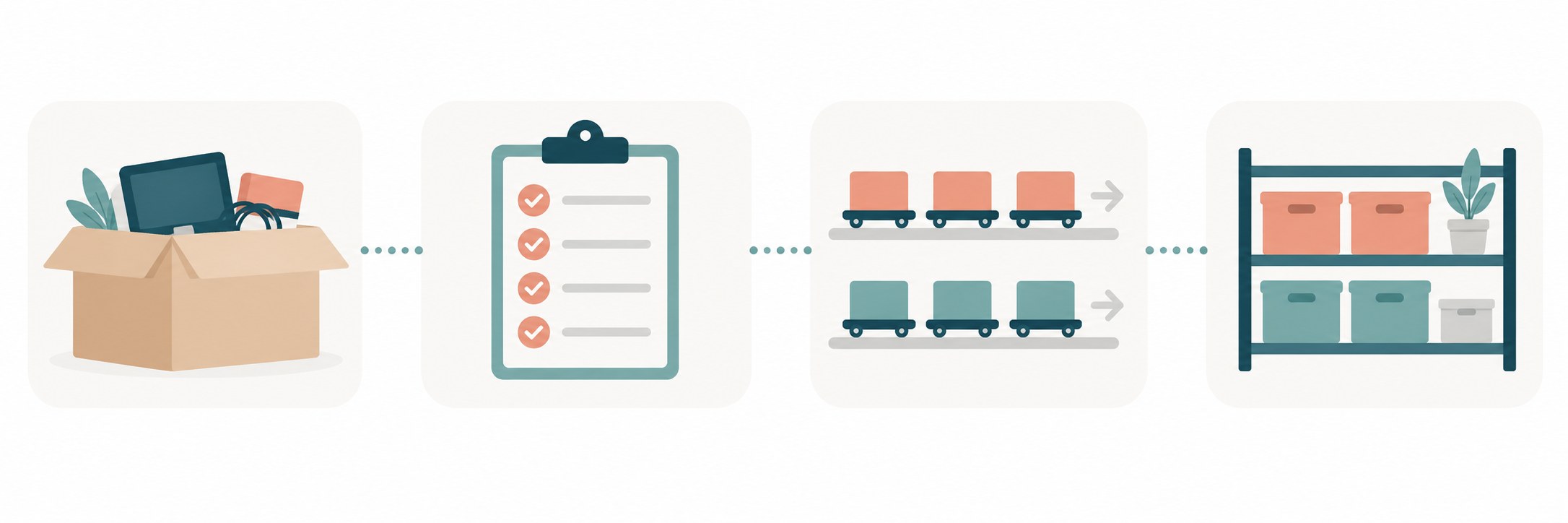
Keep, Rebuild, or Lose: Sorting Your Data Before the Move
Sort everything in your current tool into three columns before you touch a cancel button. Keep means it exports cleanly and survives the move: post text, schedule times, performance CSVs. Rebuild means you will re-create it in the new tool: queues, categories, approval flows, saved views. Lose means nothing exports it: media libraries that exceed download limits, approval audit trails, team comment threads.
Run this sort a week before switching, not the day of. The export files these help pages document are post and analytics files, not approval threads or internal comments. Treat those as rebuild-only unless that tool's help page says they export, and budget time for that column before switch day.
A simple sheet does the job: one tab per bucket, columns for item, where it lives now, export route, and destination in the new tool. When the sheet is done, the keep column becomes your export checklist, the rebuild column becomes your first week in the new tool, and the lose column becomes your acceptance list of things you agreed to let go.
For the rebuild column, check whether your new tool imports CSV. Metricool does batch CSV import, and several others accept pasted content. That turns a weekend of manual re-queueing into an afternoon of spreadsheet cleanup, and it is the single biggest time saver in the whole migration.
Cancelling before exporting analytics, the one dataset that often has no backup anywhere else
Assuming the new tool can import the old queue; almost none can, so plan the overlap instead
Treating the media library as exportable when most tools cap or omit media downloads
Requesting support-gated exports on cancellation day instead of a week early
Forgetting that platform-side insight windows are short, so the scheduler copy is the long-run archive
The Switch-Day Runbook
Start 14 days out. Export analytics for the full account lifetime, then again for the last 90 days; label both files with the tool name and date. Request any support-gated exports now, because SocialBee-style email queues can take days, and a missing category CSV should never be the thing that delays a cancellation.
Seven days out, snapshot your queue: every unsent post, its target platform, and its planned time. This snapshot is your reconciliation list later. If your tool exports it as CSV, perfect. If not, a manual copy into a sheet beats losing it, and for recurring series the sheet doubles as your re-queueing source in the new tool.
On switch day, cancel nothing yet. Set up the new tool, connect accounts, and queue the first week of content fresh in the new home. Once both tools are running, let the old queue drain for its final two weeks, then cancel the old subscription, run the new tool's queue against your snapshot, and reconcile the difference. Anything missing gets re-queued the same day you find it.
Teams and agencies should add one step: rebuild approval flows before the parallel window starts, not during it. An approval chain that silently stops approving is worse than a missing post, because it fails quietly. Small teams get more depth on lightweight approval design in the social media approval workflow guide. The overlap window is the whole trick. Same-day switches fail because nobody notices the orphaned posts until followers do. Two parallel queues for two weeks costs one extra subscription month and zero missed posts. While you are at it, compare what the new tool charges beyond the base plan, because add-on pricing is where switching savings evaporate; the AI credits cost breakdown shows how fast metered extras add up.

What a Scheduler Cannot Take With It
Some data is platform-native and was never yours to move. OAuth connection logs, per-platform rate-limit history, and the scheduler's internal scoring of your best times to post all stay with the vendor. This is fine, because those signals rebuild fast in a new tool from fresh data, and the new tool's numbers will reflect your current posting pattern anyway.
Operators publishing through the Threads API have an easier rebuild path than most: publishing is a two-step container flow you can re-run from your own scripts, so a scheduler switch does not strand your automation. The API publishing guide covers the calls, rate limits, and media specs you would re-point at the new workflow.
The genuinely irreplaceable item is your analytics history, which is why it leads the runbook. Everything else is either on the platforms already or cheap to rebuild, and choosing a scheduler that fits how you work matters more than any single dataset. The Threads scheduler comparison breaks down what to weigh before you commit to the next tool.
One habit prevents this entire category of pain: keep your media assets in a folder the scheduler does not own, and keep your link tracking outside any single tool. If your measurement chain lives in your own UTM convention, no scheduler switch can break it.
Action checklist
Use this as the practical next pass after reading the guide.
- +Export full-lifetime analytics CSV from the current tool
- +Request support-gated exports (SocialBee categories) at least 7 days before cancel
- +Snapshot the unsent queue with platform, text, and planned time
- +Copy media library manifests and any assets stored only in the tool
- +Set up the new scheduler and queue one week of content before cancelling
- +Run both tools in parallel for two weeks, then reconcile against the snapshot

Conclusion
A scheduler switch is a data problem before it is a tooling problem. Export the analytics, snapshot the queue, request the support-gated CSVs early, and give yourself a two-week overlap. Do that and the switch costs you one extra subscription month instead of three years of history.
When you rebuild in the new tool, keep the assets you own outside it: your media folder, your UTM convention, your content calendar. Tools come and go; the system that survives every switch is the one you carry.