
What this guide is really about
You post on three platforms. Some posts pull clicks, some pull silence, and your analytics calls most of the traffic direct. Without tagged links, you can't tell which post sent which visitor, so every scheduling decision becomes a guess dressed up as a strategy.
UTM parameters fix that. They're short tags you add to a link so your analytics records where the click came from: the platform, the type of traffic, the initiative, and the exact placement. Google's guidance on UTM parameters is blunt about the minimum. If you tag a link, always set utm_source, utm_medium, and utm_campaign.
This guide is sized for one person, not a marketing department. You'll learn which posts actually deserve tracked links, a naming convention you can keep without a committee, why social traffic keeps landing in your direct bucket, and a fifteen-minute weekly routine that turns raw rows into one decision.
UTM tracking adds tags like utm_source=threads to a link so your analytics shows which post sent each visitor. Tag only links whose job is a click, always set source, medium, and campaign together, keep values lowercase, and use a medium of social so GA4 sorts the traffic into Organic Social. Then read the Traffic acquisition report once a week and make one decision.
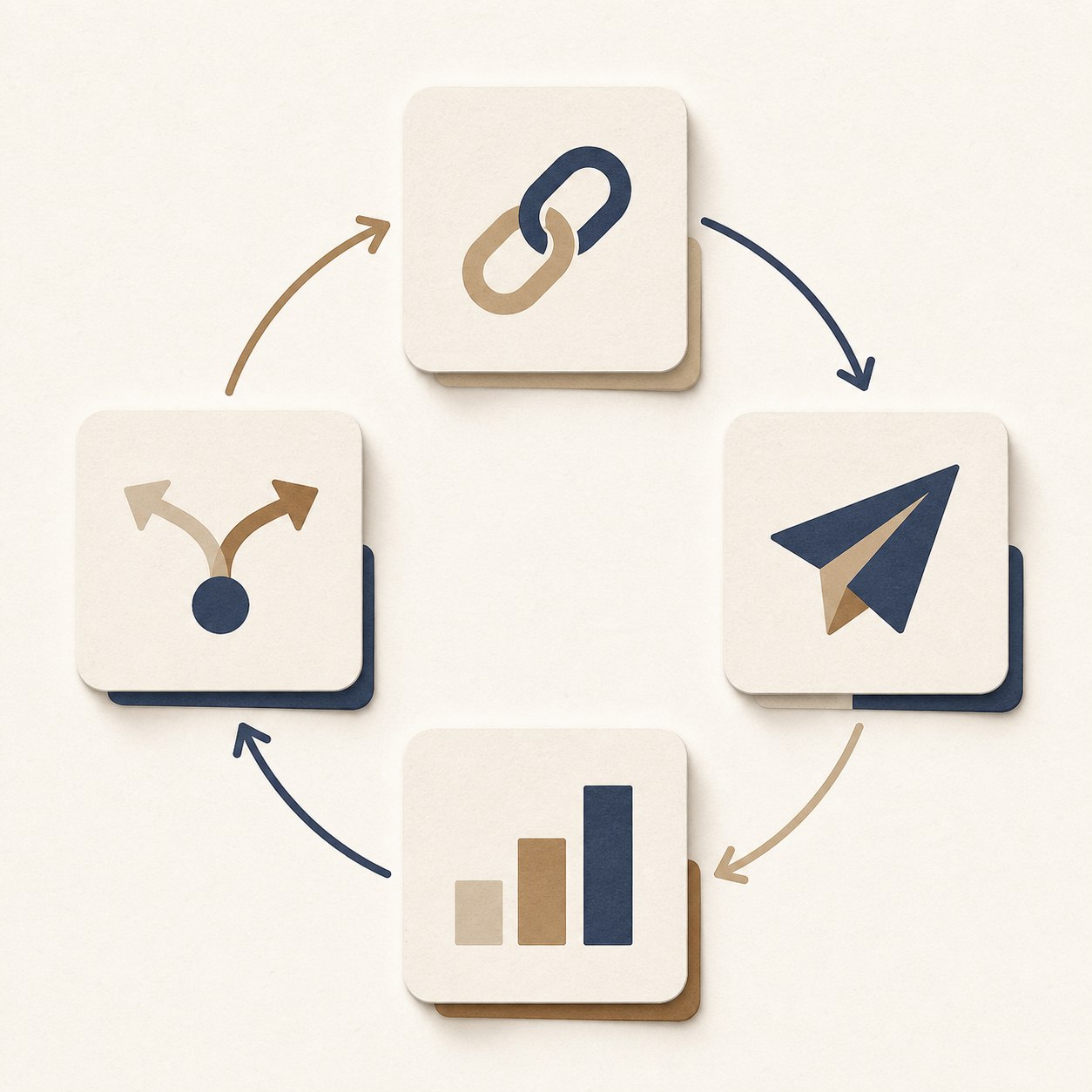
Know which posts send readers instead of guessing from totals
Run a naming convention that survives busy weeks
Understand why social clicks land as direct or referral
Turn a weekly analytics check into one concrete decision
Tag only links whose job is a click; conversation posts don't need parameters.
Always set utm_source, utm_medium, and utm_campaign together; partial tagging produces (not set) in GA4.
Use a medium of social for organic posts so traffic lands in the Organic Social channel instead of Unassigned.
In-app browsers often break the referral chain; UTMs survive because the source rides inside the URL.
A frozen vocabulary beats a perfect one. Change conventions only at quarter boundaries.
What UTM tracking tells you (and what it doesn't)
A UTM parameter is a small tag you attach to a URL. The tag rides along when someone clicks, and your analytics reads it on arrival. utm_source records the platform, utm_medium the type of traffic, utm_campaign the initiative, and utm_content the exact placement. Google's guidance on UTM parameters is blunt about the minimum: always use utm_source, utm_medium, and utm_campaign together.
With those slots filled, one link can tell you things a follower count never will. A session arrived from Threads, not from a vague bucket called social. It came from your bio, not from somewhere on your profile. A handful of tagged visits from a pinned post is more useful than a pile of impressions that never hit your site. The tag just makes the arrivals readable.
UTMs measure arrivals, not outcomes. They tell you who showed up and from where. Whether those visitors subscribed or bought depends on the page itself and on the events you configure separately. Treat tagged links as the front door of your funnel, not the whole house. When you build your first links, the official Campaign URL Builder requires source and medium, plus campaign name or campaign ID, which makes it a safe place to learn the syntax.
Which posts deserve a tracked link
Not every post needs parameters. Before you tag anything, ask one question: does this post's job include a click? A post that exists to start conversations, collect replies, or land a point does not need tracking. A post that points people to a guide, a product page, a signup, or an event does.
The links that deserve tracking most are the permanent ones. Your bio link, your pinned post, the link in your newsletter signature, the one on your About page. These accumulate clicks for months, which makes them the cheapest data you will ever collect. Give each a stable tag and then leave it alone.
This is the same discipline behind strong asks. You match the ask to the post instead of bolting a link onto everything, and that decision also decides which links get tags. A post with a soft ask and no link stays clean. A post built around one link gets the full set of parameters.
A naming convention one person can keep
Your convention needs four slots and a fixed vocabulary. Source is the platform slug: threads, linkedin, instagram, newsletter. Medium is the traffic type: social, email, cpc. Campaign is the initiative: evergreen, launch, webinar. Content is the placement: bio-link, pinned-post, issue-12. Four slots, nothing more.
Three rules keep the rows clean. Everything lowercase, hyphens instead of spaces, and no dates inside campaign names. Mixed case splits one source into two rows the first week you slip, and dates multiply campaigns until trends become unreadable. GA4's default channel groups can't be edited, so your medium values have to speak the system's language or your traffic lands somewhere you didn't expect.
Then freeze it. The vocabulary you can keep beats the perfect one you abandon in week three. Write your allowed medium values on a note, templatize your links in a spreadsheet, and change nothing until the quarter ends. If you must adjust, do it at the boundary and log the switch date so future-you can read the trend break correctly.
Tagging only one or two parameters, which turns the missing fields into (not set).
Inventing medium values that no channel rule matches, which sends traffic to Unassigned.
Putting emails or usernames in UTM values, which risks personal data inside reports.
Changing the naming convention mid-quarter, which breaks trend comparisons.
Tagging every conversational post, which adds effort and noise without adding decisions.
Why social traffic shows up as direct or referral
Here's the mystery that drives creators crazy. You know people clicked from Instagram, yet analytics files the visit under direct. The cause is technical and boring. Social apps often open links in their own browser. That in-app hop breaks the referral chain, the signal a website normally uses to see where a visitor came from, so the visit lands as Direct.
Some social clicks still arrive as a referral from a platform domain instead of as the app you posted in. The fix is the same. On a normal social click, with no Google Ads click ID, a present UTM set is what GA4 uses for the traffic source. Set source, medium, and campaign together, or the skipped fields show up as (not set). The tags ride inside the URL, so a tagged Instagram link can still report a source after the in-app hop breaks the referral chain.
Redirects on your own site can still break things. A misconfigured redirect can drop the query string before the page loads, and vanity URLs often add those redirects. Test any shortened or redirected link by pasting the full tagged URL and checking what survives in the address bar.
The GA4 traps that ruin your data quietly
The first trap is partial tagging. When UTMs are present and Google click IDs are not being used, GA4 fills traffic-source fields from those tags only. Set utm_source but skip the medium, and you've traded a vague answer for a blank one: the medium shows up as (not set). One parameter commits you to the rest.
The second trap is vocabulary drift. You invent utm_medium=organic-social because it reads nicely. That medium is not on GA4's Organic Social list. If the source is also not a known social site, the session lands in Unassigned, the bucket Analytics uses when no channel rule matches the event data. The medium social is one of the values that maps traffic to Organic Social, so use it for organic posts and save cpc for paid.
The third trap is cosmetic but confusing. UTM parameters are omitted from the Landing page + query string dimension, so your page reports stay tidy and the tags stay out of your page lists. If you ever need the full URL with its parameters, that's what the Page location dimension is for. Nothing is missing. It's just filed elsewhere.
The last trap involves people. Google's current Analytics policy still says not to send personally identifiable information, and tagged URLs make it easy to break that rule by accident. Never put an email address, a name, or a username in a UTM value. Platform slugs and placements only.
The fifteen-minute weekly reading routine
Fifteen minutes, once a week, same time slot. Open Reports, then Acquisition, then Traffic acquisition, and set the primary dimension to Session source/medium. Every platform you tagged appears as its own row: threads/social, linkedin/social, newsletter/email. No guessing, no exports, no dashboard project.
Run the hygiene sweep before you celebrate anything. Search your rows for (not set) and scan the channel list for Unassigned. Those usually mean a missing or invented tag. A direct spike next to a post that got a lot of clicks is a prompt to test the live URL, not proof by itself. Shared untagged links and broken redirects also inflate Direct.
End with exactly one decision. Same campaign, two platforms, one clear winner: post more there, or change what you post. A placement that never earns a click loses its link next week. The routine works because it stays small. If you already set aside time to read your Threads insights, run this Traffic acquisition check in the same slot.
Worked example: one page, four placements
Here's the whole system in one example. Take a single evergreen page on your site, say a checklist people keep coming back for, and point four placements at it. This is a worked example with a made-up page, not a real account's data, but it's the exact shape to copy.
The bio link reads yoursite.com/checklist?utm_source=threads&utm_medium=social&utm_campaign=evergreen&utm_content=bio-link. A regular post uses the same URL with utm_source=linkedin and utm_content=post-link. The pinned post swaps in utm_content=pinned-post. The newsletter version becomes utm_source=newsletter, utm_medium=email, utm_content=issue-12. One campaign, four sources of truth, zero arguments.
After a month, the report answers questions you used to debate. Which platform actually sends readers to this page. Whether the pinned post out-pulls the bio. Whether email beats social for the same asset. Draft the post first in the free Threads post creator if you want, then paste one tagged URL and keep the tags boring and identical.
Action checklist
Use this as the practical next pass after reading the guide.
- +Write down your allowed medium values and your platform source slugs.
- +Build one tagged-link template in a spreadsheet or the official URL builder.
- +Tag your bio and pinned links first; they accumulate data from day one.
- +Paste a full tagged link and confirm the parameters survive to the landing page.
- +Book a recurring fifteen-minute weekly read of the Traffic acquisition report.
- +Sweep monthly for (not set), Unassigned, and unexplained direct spikes.

Conclusion
UTM tracking isn't an analytics project. It's a habit. Tag the links whose job is a click, keep four lowercase slots frozen, set every parameter together, and let a medium of social keep your traffic in the right channel.
Fifteen minutes a week turns the tags into decisions: where to post, which placement to keep, which link to cut. Start with your bio link today. It's the cheapest data you will ever collect.