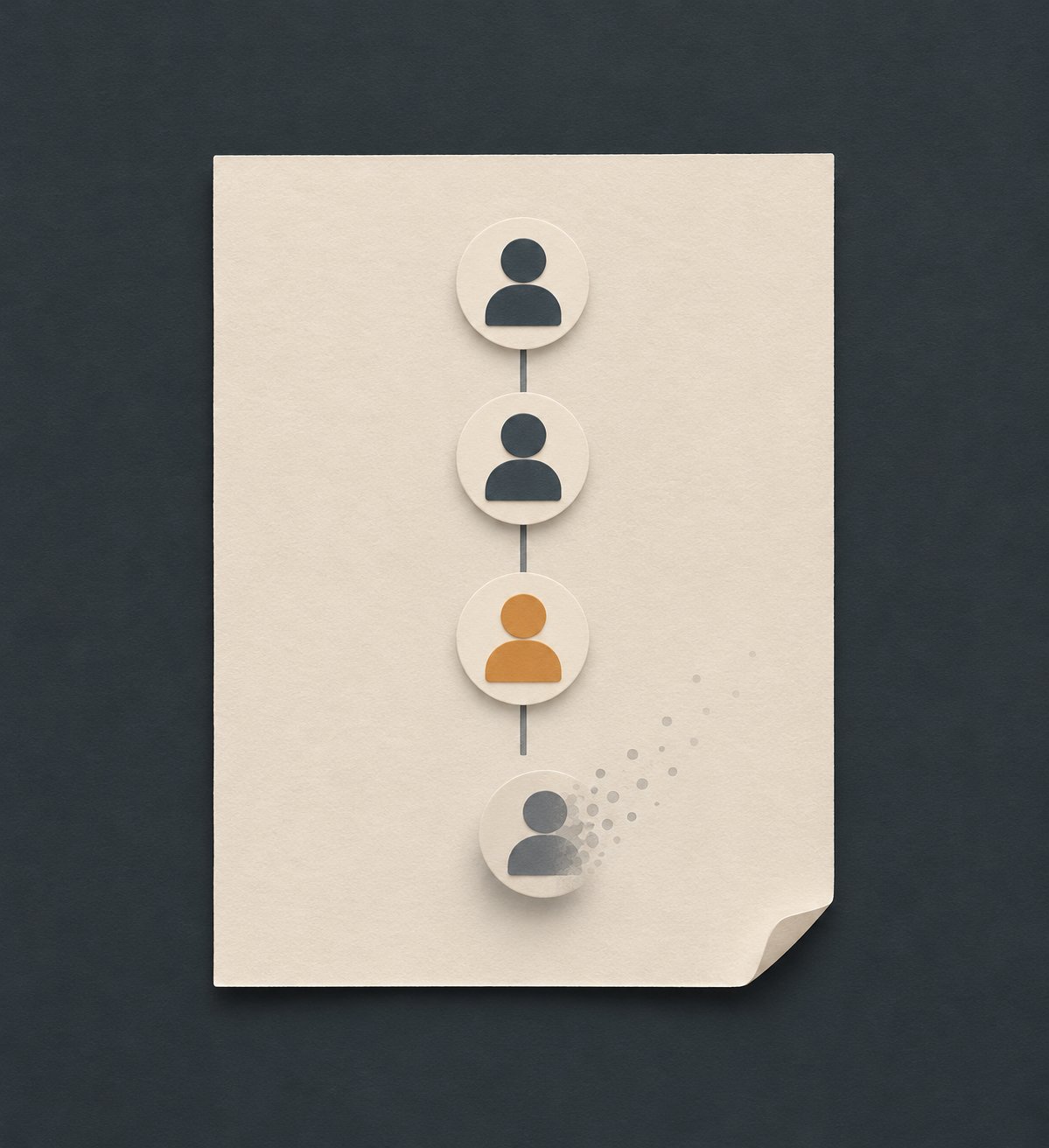
What this guide is really about
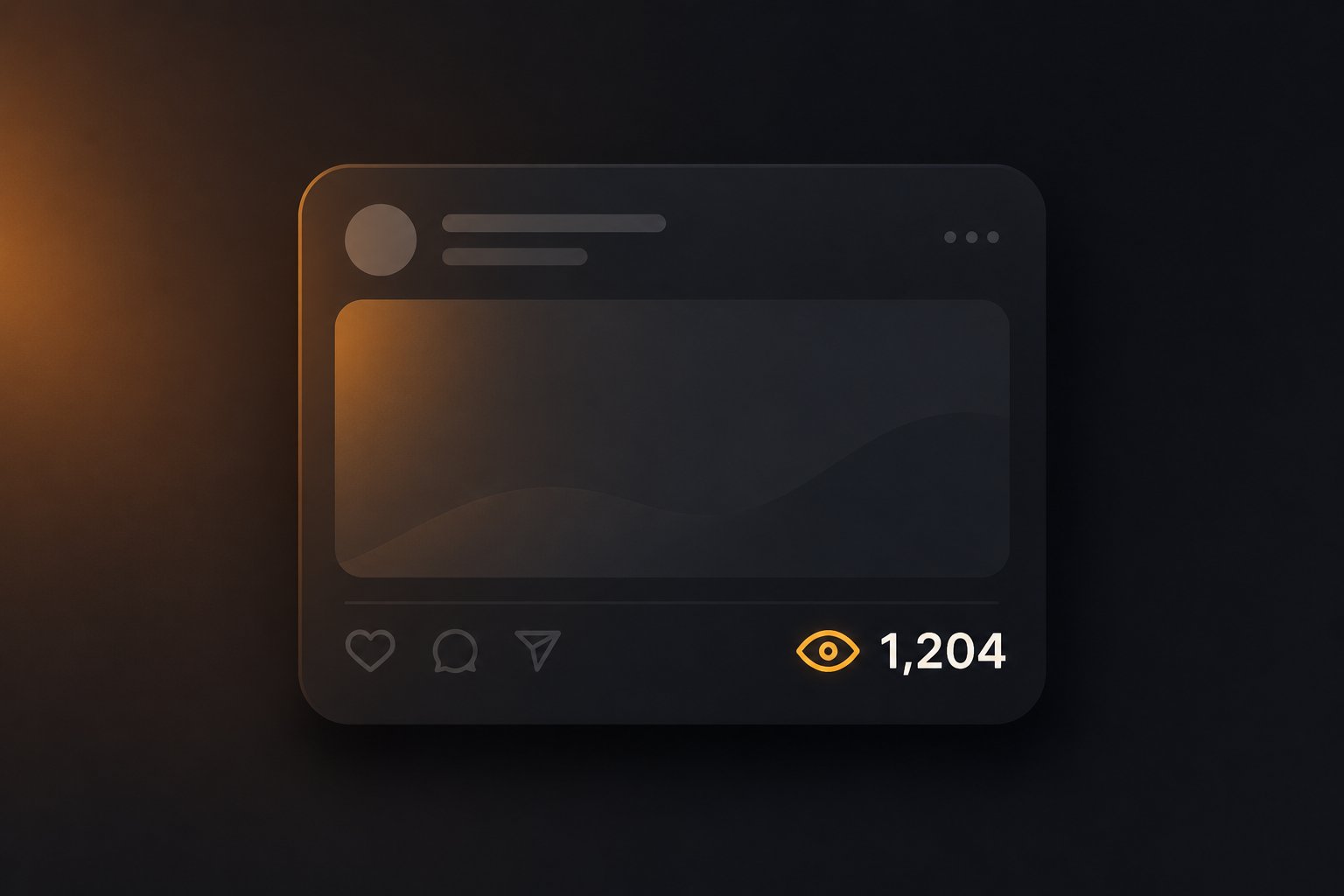
There is a view count under your Threads post and no list of names to go with it. If you were expecting a story-style viewer list, that mismatch is the whole mystery. Threads hands you a number and nothing else.
The short version: Threads counts views and does not name viewers. There is no hidden setting that reveals them and no screen where they are tucked away. The platform was simply not built to hand you that list.
There is still plenty you can see. Who liked, who reposted, who quoted, who replied. Ghost posts add a private list of who liked and replied, not of who viewed. This piece stays on that line, then on the signals worth tracking instead.
No. Threads shows how many times your post was played or displayed, but it never names viewers, and no setting changes that. View activity does list who liked, reposted or quoted your post, and replies are public, so the people who acted are visible. Only the viewing stays anonymous.
Threads counts views but never names viewers; there is no setting that reveals them.
View activity lists who liked, reposted and quoted a post, and replies are public.
Profile views are a count in insights. The documented insights surface does not name viewers, including to an app using that surface.
Ghost posts are the one exception: only you can see who liked and replied, never who viewed.
Track the named signals you do have: likes, replies, reposts, quotes and new followers.
Why Threads Shows a View Count but No Names
The expectation comes from elsewhere. Story-style viewer lists on other apps trained the habit: a number up top, a roll of names underneath. So when Threads shows a bare number under a post, it feels like a withheld list, or a missing feature, or a switch you left off. It is none of those. The number was never attached to names in the first place.
Start with what the number is. The Threads Insights API documentation defines views as the number of times a post was played or displayed. That is a count of displays, not a list of accounts. The same docs mark views and shares as in development. Both stay counts.
Meta does not attach names to that count. The official Threads help page on viewing post information says likes, replies, reposts, quotes, and views are still in development. Meta's metrics labeling guide only explains what estimated and in-development labels mean in general. Treat the view count as directional: useful for spotting which post took off, weak as a digit to quote exactly.
A big number with no names attached is not a setting you forgot to turn on. It is how the platform is deliberately built. The count exists, the identities do not, and nothing in your settings changes that. None of those labels changes the deeper point: even when a metric graduates out of development, it still reports a count, because the interface itself only ever returns counts.
What View Activity Actually Shows (and Who It Names)
On threads.com, open your Profile and click the post you care about. The like, reply, and repost counts sit below it. Click View activity for the list of who liked, reposted, and quoted the post. That is the path on the official Threads help page on viewing post information.
View activity lists who liked your post, who reposted it and who quoted it. That is the full list of named signals for a post. You can also see who replied, because replies are public posts in their own right. If you have fediverse sharing turned on, likes from other servers show up there too, and you can like their replies right back. The official Threads help page on viewing post information covers all of this, plus one detail people trip on. The same page notes you can see and like replies to your post from users on other servers, so the named list stretches a little further when sharing is on.
That detail: reply counts on a root post include every reply in the whole thread, not just direct replies to you. A post showing 12 replies might carry one direct reply with a deep conversation chain hanging off it. In practice, read the direct replies first, since those are the ones actually addressed to you, and treat the total as a measure of how busy the thread got rather than how many people talked to you.
You can hide the like count on your own posts. Meta's hide-counts help says that control hides how many people liked, viewed, and reposted or quoted the post. It hides numbers. It is not a viewer list, and View activity still does not name viewers. The settings themselves belong in the hide-likes guide. Looking from the other side of the glass? Here is how to see posts you have liked on Threads.
Profile Views Are Counted Too, and Attributed to No One
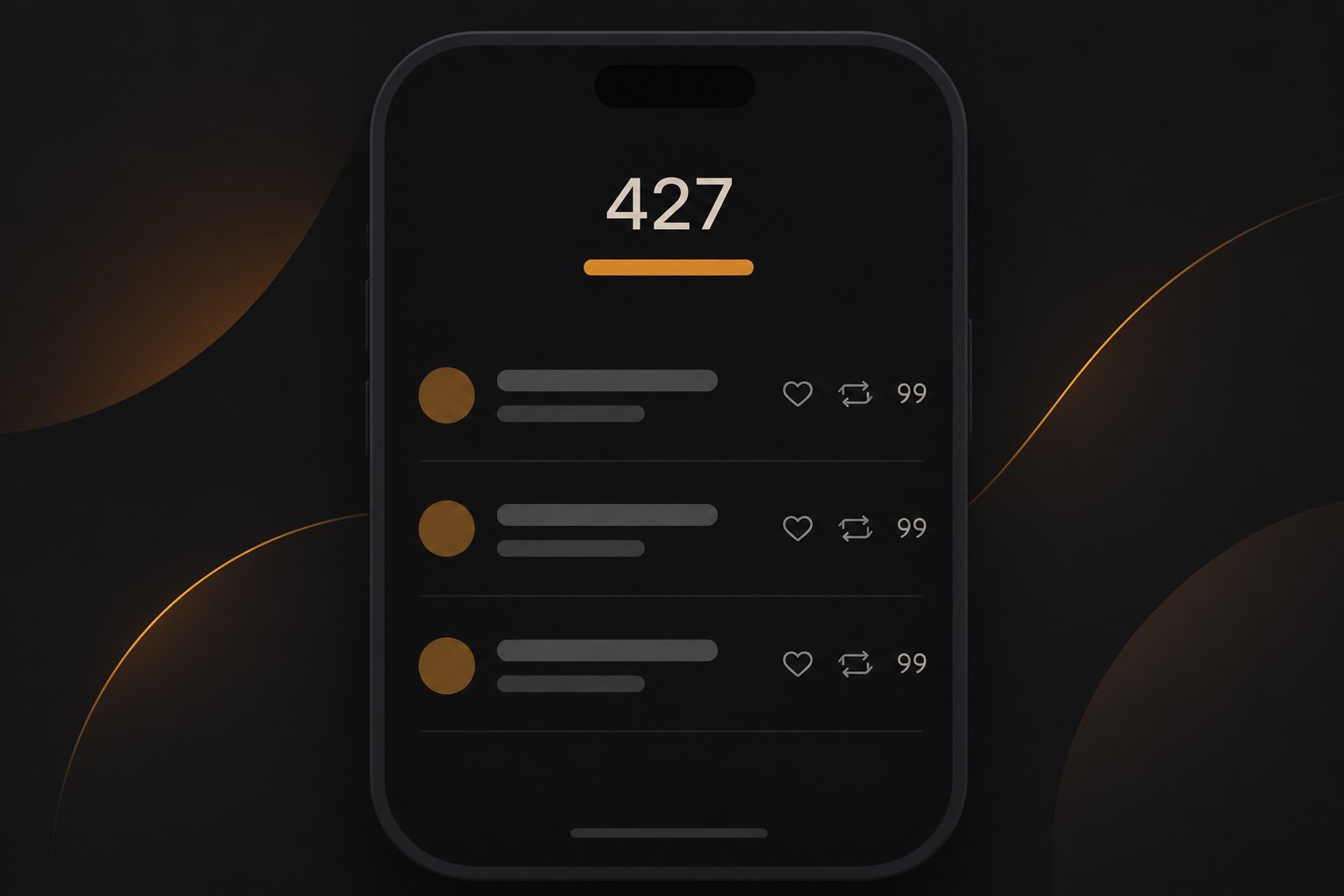
Posts are one thing. Your profile has a views number of its own in the Insights area, counting the number of times your profile was viewed. Like post views, it is a count, never a list of accounts. It answers how many, never who.
The Threads Insights API documentation returns profile views as the number of times your profile was viewed, next to other aggregate counts such as likes, replies, reposts, quotes, and shares. None of those documented metrics name an account. Saves are not in that list either.
The profile views number earns its keep as a direction indicator. When a post lands well, the useful question is whether people came to see the rest of you: did the profile count tick up in the days after it went out? This week's number against last week's answers that, no names required. A hit post with a flat profile count tells you people watched and moved on. Watch it after a post lands rather than hour to hour. Profile views respond to posts with a delay, so a same-day comparison usually tells you little.
Every documented insights metric is an aggregate count. An app using that interface cannot show a named profile-visitor list, because the docs do not return one. A tool that promises those names is not reading a viewer list from official Threads insights. The counts that do exist are still worth your time, and a good starting point is reading your Threads insights without drowning in numbers.
Assuming a missing setting is hiding the viewer list. Threads never names viewers, so there is nothing to switch on.
Treating the views number as exact. Meta marks views as still in development, so read the trend, not a precise tally.
Reading a root post's reply count as direct replies only. It includes every reply in the whole thread, so a deep chain under one comment can do most of the counting.
Trusting an app that promises named profile visitors. The documented insights interface returns counts, not account names.
Skipping View activity because it looks too simple. It is the only place that names who liked, reposted and quoted you, so it deserves a spot in your weekly routine.
The One Exception: Ghost Posts Name Who Engaged, for Your Eyes Only
Ghost posts, launched on October 27, 2025, are not a viewer list. They archive automatically after 24 hours. Replies arrive in your messaging inbox instead of the public thread, and only you can see who liked and who replied. Meta frames the feature as sharing without the pressure of permanence, per Meta's announcement of ghost posts.
The framing makes sense once you line the pieces up. A post that archives itself after 24 hours has no long tail: nothing to keep tidy, nothing still sitting on your profile next month. The pressure it removes is the pressure of permanence itself. That is a nudge toward the loose, unpolished moment you would normally keep to yourself.
For analytics, though, ghost posts are the wrong shelf. Everything vanishes in 24 hours, so there is no steady record to compare week over week. They suit casual, in-the-moment posts: the throwaway joke, the quick question, the half-formed thought. Leave the measurable posting to regular posts.
Notice the limit, though. This is the single case where the platform names who engaged with your content. Even here, it never names who merely viewed. Engagement gets names; viewing never does.
What to Track Instead of a Viewer List
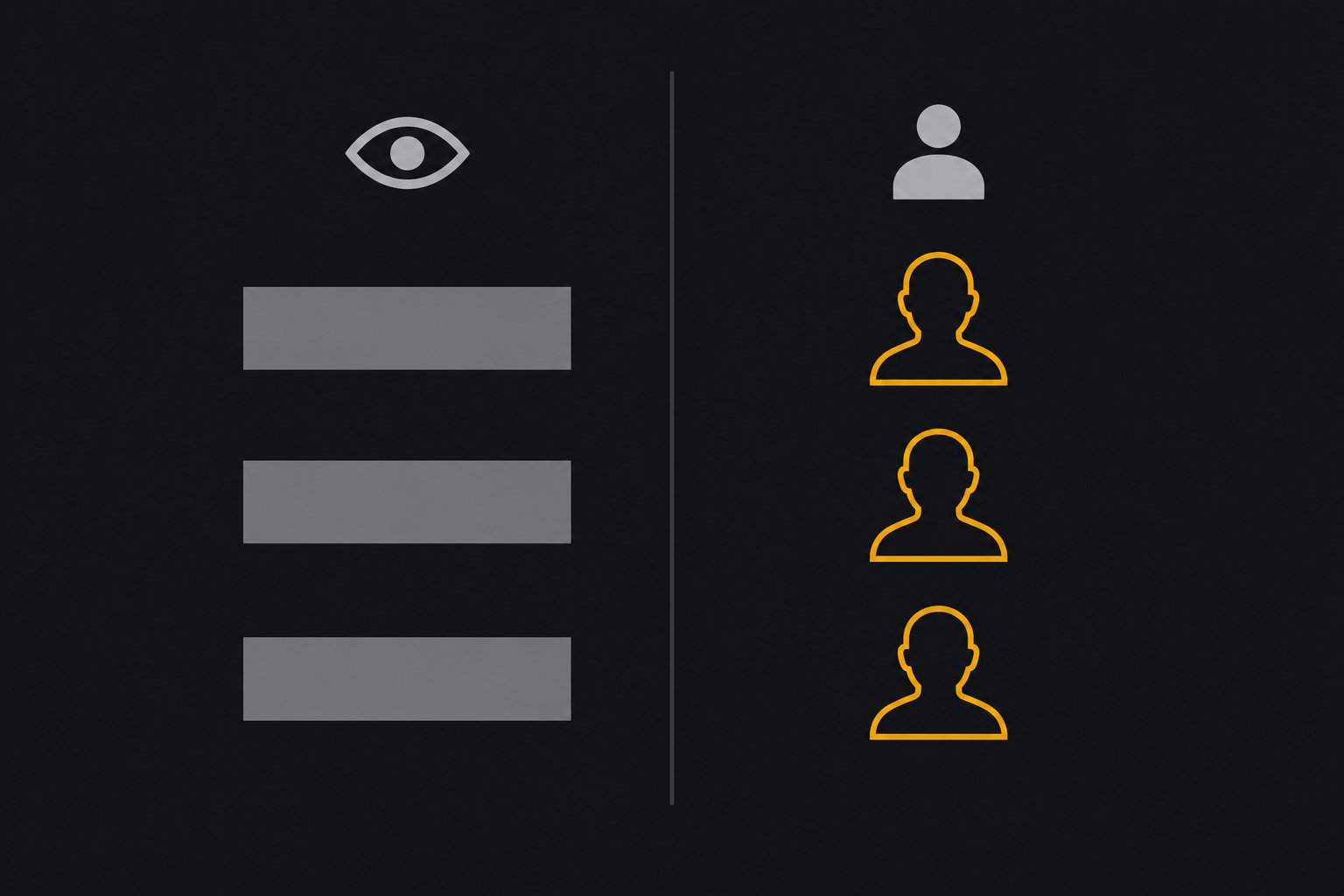
You do have named signals. New followers, who liked, who replied, who reposted, who quoted. Those are people who chose to act, which makes them more useful than an anonymous view count.
Picture a hypothetical creator, not a real account. They post three times a week. Every Friday they open View activity on that week's posts and note who appears. After two or three Fridays a pattern surfaces: one account likes nearly everything, two more reply often, someone quiet reposts more than they comment. No viewer list was ever needed for that pattern to show. Those repeat names are the real 'who is watching' answer available on Threads. The whole check takes about five minutes with three or four posts.
That is the weekly habit in miniature. Check View activity on your top posts, note which named people keep showing up, and reply to them. Regulars are easy to spot once you look a few weeks in a row. To turn raw counts into a rate you can actually compare, run your numbers through JoltSage's threads engagement rate calculator. A rate tells you far more than two bare numbers side by side.
Sometimes the question behind the question is privacy: who can see what you look at? The reassuring part is that your own browsing is not broadcast either. If you want to tighten things, making your account private is a clear set of steps; it changes who can see your posts, not viewer lists, because none exist. Calculating engagement rate by views or followers keeps the math consistent as your audience grows, and that rate is the fair week-over-week comparison for your Friday check-ins.
Action checklist
Use this as the practical next pass after reading the guide.
- +Open View activity on your top posts.
- +List the named people who show up repeatedly across likes, replies, reposts and quotes.
- +Reply to those regulars.
- +Check your profile views count in insights and watch the trend, since names do not exist there.
- +Turn your counts into an engagement rate each week so the numbers stay comparable.
- +Try a ghost post when you want engagement names without a permanent public thread.

Conclusion
Threads will show you a number and will never show you a name behind it. Views are counted, not attributed, and that is a deliberate design choice rather than a gap in your settings. What you get instead is a clean list of who acted: the people who liked, reposted, quoted and replied.
That is the better deal anyway. A view is passive, but a like or a reply is someone choosing you. Spend your attention there.