
What this guide is really about
Threads lets you save a post you see. Open the three-dot menu on any post, tap Save, and the post joins a private list you can revisit later. It took until February 2024 to arrive, it hides inside the menu most people never open, and the list it feeds has no search and no folders.
This guide covers the exact steps to save a post, where your saves live in the app and on the web, the limits that decide whether saving is worth your time, and the weekly twenty-minute routine that keeps the list useful instead of turning it into a scroll graveyard.
By the end you will know the two-tap save path, the menu where the list hides, and the four verdicts that keep the pile worth opening.
To save a post on Threads, open the three-dot menu at the top right of the post and choose Save. To find your saves, open the menu from your profile tab in the app, or Menu then Saved on threads.com. Saves are private and the author is never notified. The catch: everything lands in one list with no search and no folders, so the feature only stays useful with a weekly clear-out.
Save any post from its three-dot menu; the saved list hides under your profile menu in the app and under Menu on threads.com
Saves are fully private: authors never see who saved, and no notification is sent
As of late 2026 the saved list is one pile with no in-list search and no folders
Meta's help page does not say a save stores a copy, so write down any line you cannot afford to lose
A weekly act, quote, log, unsave triage is what keeps saves a research library instead of a graveyard
How Saving a Post Works
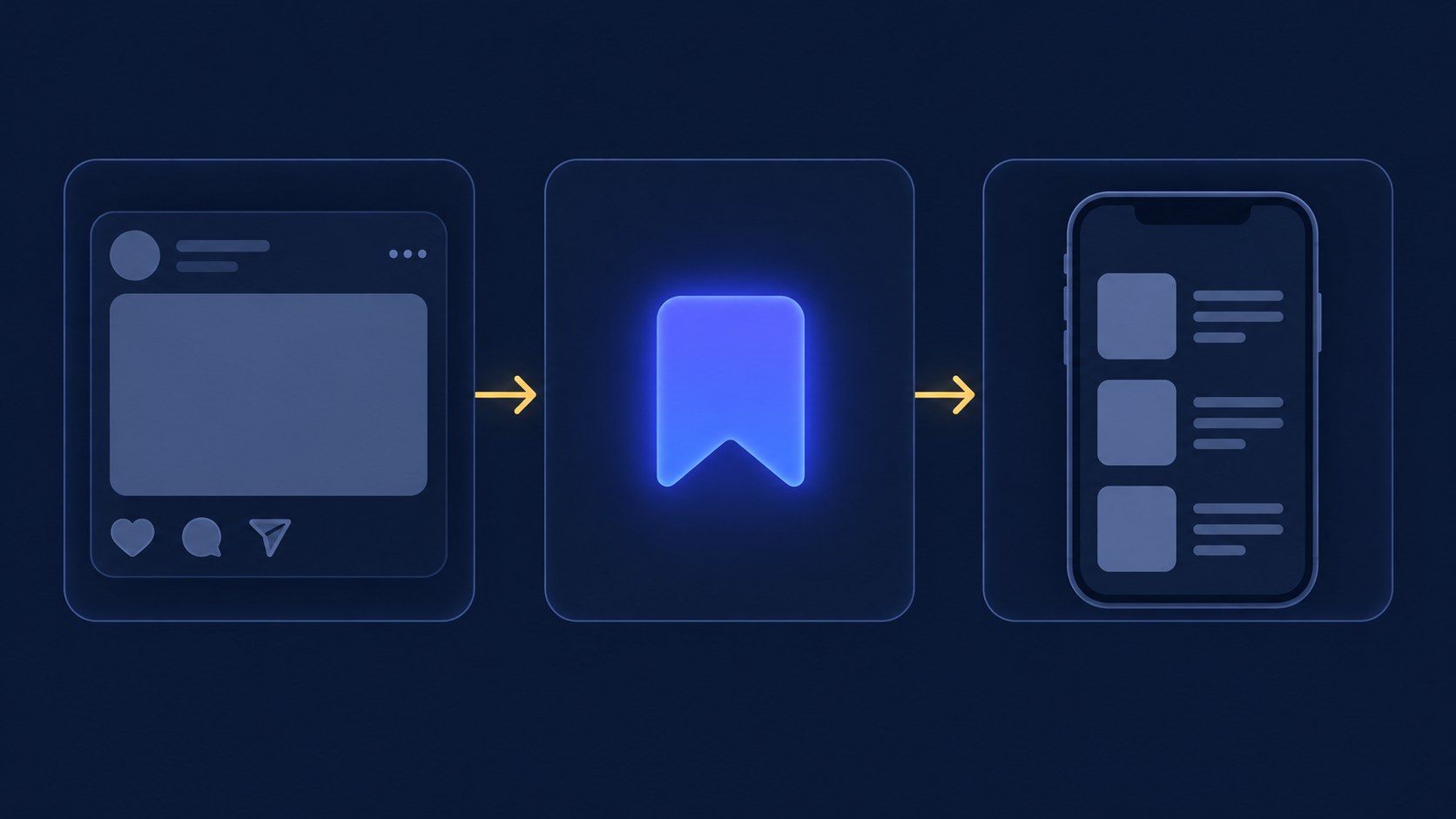
Saving a post on Threads takes two taps. Open the three-dot menu in the top right corner of a post, then choose Save. On threads.com the same menu sits in the top right of the post. The post joins your saved list. The documented control is Save inside that menu, which is why plenty of people scroll past the option for months.
The feature is younger than the platform. Threads launched in 2023 without any way to save posts, and the option only arrived in February 2024 when Threads added the save feature. If you looked for a bookmark icon and never found one, use the documented path: the three-dot menu, then Save.
Saving is silent and private. According to Meta's official Threads help page, only you can view the posts you've saved, and when you save someone's post they can't see that you've saved it. No notification goes out and your saved list never appears on your profile. That makes Save the right tool for quietly collecting competitor posts, pricing announcements, or hooks you want to study without the author ever knowing.
Where Your Saved Posts Live
In the mobile app, saved posts hide behind your profile. Tap your profile picture in the bottom bar, open the menu icon in the top right corner, and tap Saved. That opens the list of everything you've saved. On threads.com from a computer, click Menu on the left side and choose Saved.
Saved is not a home-feed tab in the documented steps. In the app it sits in the profile menu, and on the web it sits under Menu.
Unsaving follows the same path as saving. Open the three-dot menu on the saved post, whether from the saved feed or anywhere the post appears, and choose Unsave. Meta's help center says you can unsave a post at any time. It documents that one-post path only, so clear the list as you go instead of waiting for a bulk control the page does not mention.
The Limits Worth Knowing Before You Rely on Saves
Before you build a workflow on top of saves, know what Meta's help page does not offer. As of late 2026 it does not document folders or search inside saved posts. Finding that pricing thread you saved in March means scrolling the list, and the bigger the list gets the worse that trade becomes.
There are also no folders or collections. Instagram, built by the same company, lets you sort saved posts into named collections; Threads offers nothing comparable. Every save lands in the one pile, whether it's a post you plan to quote on Friday or a hook formula you want to keep forever. Organization has to happen outside the list.
The last limit is the one the help page does not cover: it never says a save stores a copy of the post. It only describes saving, viewing, and unsaving the live post. Anything you genuinely need later, a number, a framework, a phrase you want to reuse, deserves a line in your own notes rather than only a saved link.
Saving as procrastination: filing a post instead of doing the two-minute action it names
Treating saves as a backup: Meta does not say a save stores a copy, so log anything critical in your own notes
Using likes as a reading list: your likes pile mixes months of posts with no order you control
Skipping the weekly triage until the list is too long to scroll, which defeats the point of saving
Waiting for folders or collections that Threads doesn't have as of late 2026; organize in your own notes
Turn Your Saves Into a Research Library
The mechanics take ten seconds; the value comes from what you do next. Once a week, open your saved list and give every post one of four verdicts: act, quote, log, or unsave. A short weekly pass is what keeps this a research library instead of a scroll graveyard.
Act means the post names a step you've been avoiding: install the tool, flip the setting, reply to the person. Do it on the spot or move it to a real task list, then unsave. Quote means the post deserves a response from you. When someone else's take is the perfect setup for your own, quote it in your own post and add the angle only you can add.
Log is for posts with a takeaway worth keeping but no action attached. Copy the useful line, not just the link, into your social media content ideas system, the place you collect material for future posts. When a logged takeaway is ready to become a full post, the free Threads post creator can draft a post from that idea, which you then edit and tighten. Then unsave the original. Anything that survives the triage without earning a verdict gets unsaved too, because 'maybe later' is how the list dies.
A quick example of the loop in action. On Monday you save a rival launch post, on Wednesday a customer complaint about a tool you both use, on Friday a hook formula that stopped your scroll. At the weekend triage, the launch post earns a quote post with your counter-take, the complaint gets logged as a future post idea, and the hook formula goes into your notes as a pattern to test. Three saves in, three outcomes out, and an empty list on Monday morning.

Save, Like, or Repost: Which Action Fits the Moment
Threads gives you three lightweight reactions and they do different jobs. A like is a signal in the moment: it tells the author the post landed, and it quietly files the post on your own likes list. As a filing system, likes are weak. Your likes mix everything you've ever enjoyed, and nothing about a like records why you'll want the post again.
A repost or a quote is public. It puts the post in front of your followers with your name on it, which makes it a public endorsement, not a private save. A save is the private middle path: nothing public, nothing sent to the author, just a note to your future self that this one is worth revisiting with intention.
A simple rule keeps them straight: like to support, quote to respond, save to remember. And when you catch yourself saving a post you already know you'll quote this week, skip the extra step and write the response while the take is still fresh.
One more asymmetry worth knowing: your likes and your saves live on separate lists. Saving does not tidy your likes, and unliking does not touch your saves. If you have spent months using the heart as a read-later marker, the migration is manual: open the likes view, save what you still want, and unlike the rest. Treat it as a one-time sweep rather than a reason to keep mixing the two.
Keep the Pile Small Enough to Use
Save with intent or don't save. A post earns a slot on the list only if you can name the next action: quote it, borrow the structure, use the number, check the tool. Vague 'good post' saves are the ones that sit for months and slowly teach your brain that the saved list is where posts go to be forgotten.
Pair the weekly triage with a monthly prune. Once a month, unsave everything older than thirty days that never earned a verdict. The list should stay short enough to scan in about a minute; the moment scrolling it feels like a chore, the save button has stopped being a tool.
One distinction worth locking in: saving someone else's post is different from the moment you save a draft of your own unfinished post. Drafts are your unpublished work in progress, parked in the composer's drafts tray, while saves are other people's published posts on a private list. If you meant to keep writing your own half-finished thought, that lives in drafts, not in the saved feed.
Action checklist
Use this as the practical next pass after reading the guide.
- +Open the three-dot menu on any post and tap Save to learn the path
- +Open your profile menu, tap Saved, and confirm you can reach the list in under ten seconds
- +Book a recurring twenty-minute weekly slot for the act, quote, log, unsave triage
- +Move any save older than thirty days: act on it, log the takeaway, or unsave it
- +Copy keeper takeaways into your notes as lines, not just links
- +Unsave everything you've handled so the list stays scannable in a minute
Conclusion
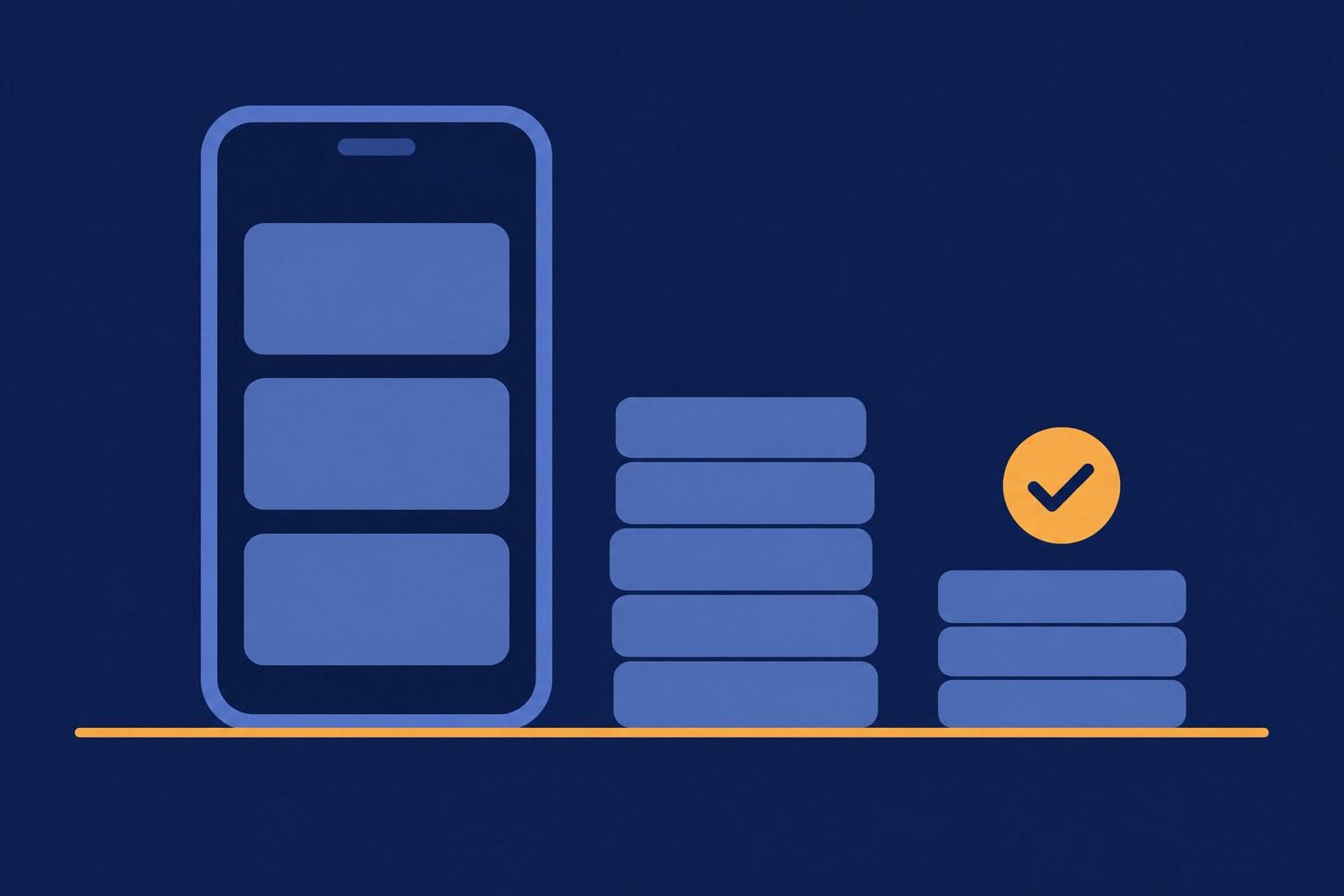
Threads saves are a ten-second mechanic attached to a real weakness: one unsorted, unsearchable list. The official steps get you saving and finding; the weekly act, quote, log, unsave loop is what keeps the list worth opening at all.
Start with one pass today. Open your saved posts, hand each one a verdict, and unsave the dead weight. A saved list you actually scan becomes the cheapest research library a text-first creator can own.