What this guide is really about
Threads keeps two identity fields, and mixing them up is an easy way to edit the wrong one. The username is your @handle. The same handle can also be shared with Instagram when both profiles sit in one Meta Account. The name is the display name people see on your posts and profile. This guide covers how to change your username on Threads, and the name field beside it.
You'll find exact steps below for the Threads app and threads.com. To change Threads username text, either surface works. Meta is gradually moving people between menu systems, so the newer Meta Account route is covered too.
One rule matters before you tap anything. If your Threads username is shared with Instagram, changing it affects five documented features: the badge link between the profiles, sharing an Instagram or Facebook post to Threads, Meta Verified, paid partnership tags on Threads, and, in a shared business portfolio, paused Threads ads plus disabled cross-posting to Threads. Here's how the change works and what shifted for ads in September 2026.
Open the Threads app, tap Profile, then Edit profile, then Username, type the new handle, and tap Done. On threads.com, use Edit profile from your Profile page. If your handle is shared with Instagram, five documented features change, including cross-posting and Meta Verified. Since September 2026, matching usernames is no longer required to run Threads ads, though the rollout is gradual.
The exact taps to change your username in the Threads app
The matching steps on threads.com for desktop edits
The five features affected when your handle is shared with Instagram
What September 2026 changed about matched usernames and Threads ads
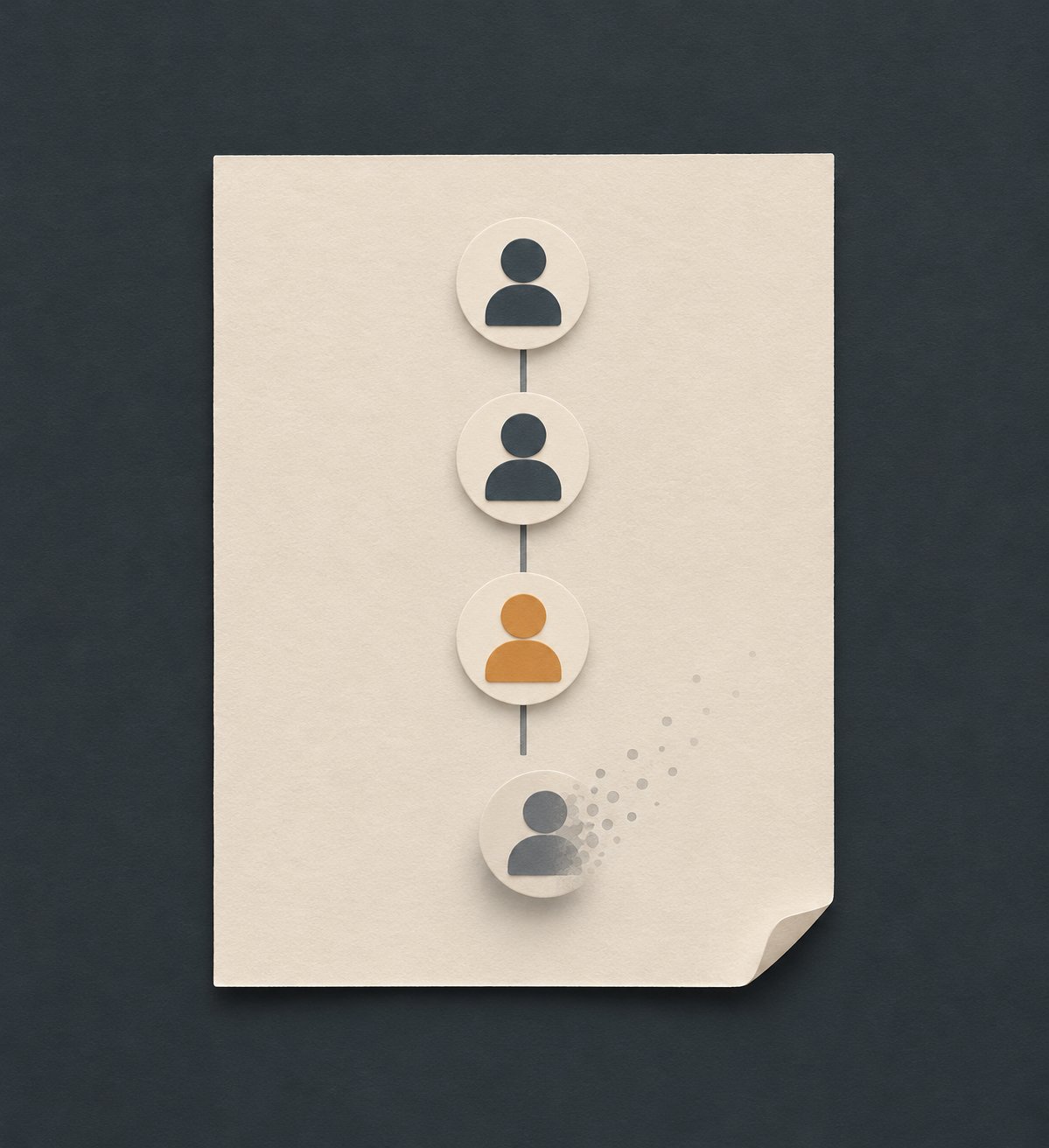
Threads has two fields: an @handle username and a separate display name. The same handle can be shared with Instagram in one Meta Account.
In the app: Profile, Edit profile, Username, edit, Done. Name sits in the same screen.
A shared-handle change affects five documented features: badge display between the profiles, sharing an Instagram or Facebook post to Threads, Meta Verified, paid partnership tags on Threads, and business-portfolio ads plus cross-posting to Threads.
Matching usernames on both apps, in one Meta Account, avoids all five effects.
Meta publishes no change limit or cooldown, and it does not publish why a handle is rejected.
Username vs. Name: What You Are Actually Changing
Threads has two separate fields: the username, your @handle, and the name, the display name others see on your posts and profile. People searching for how to change your name on Threads often mean either one. That's the whole threads username vs name distinction.
Both fields live on the same Edit profile screen, which is why a threads handle change and a display name refresh often happen together. Picture a coffee shop keeping its warm display name while shortening an unwieldy handle. Two separate decisions, exactly as Threads intends.
The question behind many searches is whether the two move independently. Can you change your Threads username separately from your name, or from Instagram? You can. The steps below edit the handle directly, and how to change your profile name on Threads follows the same taps. What changes elsewhere depends on whether your handle is shared with Instagram.
Change Your Username in the Threads App
The fastest route stays inside your profile. Open the Threads app, tap Profile at the bottom right, then tap Edit profile. Threads lists the Username field right there; type your new handle and tap Done. The name field sits on the same screen, so you can adjust both in one visit.
A second route exists for accounts on newer systems. Tap Profile, then Settings at the top right, then Meta Account, then Profiles. Tap your Threads profile, choose Name or Username, edit, and tap Done.
Both paths come straight from the official Threads profile editing steps on Meta's help pages. Meta is gradually moving people to Meta Accounts, so you'll see either Accounts Center or Meta Account settings managing these options, and Threads in Meta Accounts isn't available everywhere.
Two footnotes round this out. Profiles created with a mobile number or email rather than Instagram can also edit the name directly from Threads. Meta does not publish a change limit or cooldown, and it does not publish why a new handle is rejected.
Change Your Username on threads.com
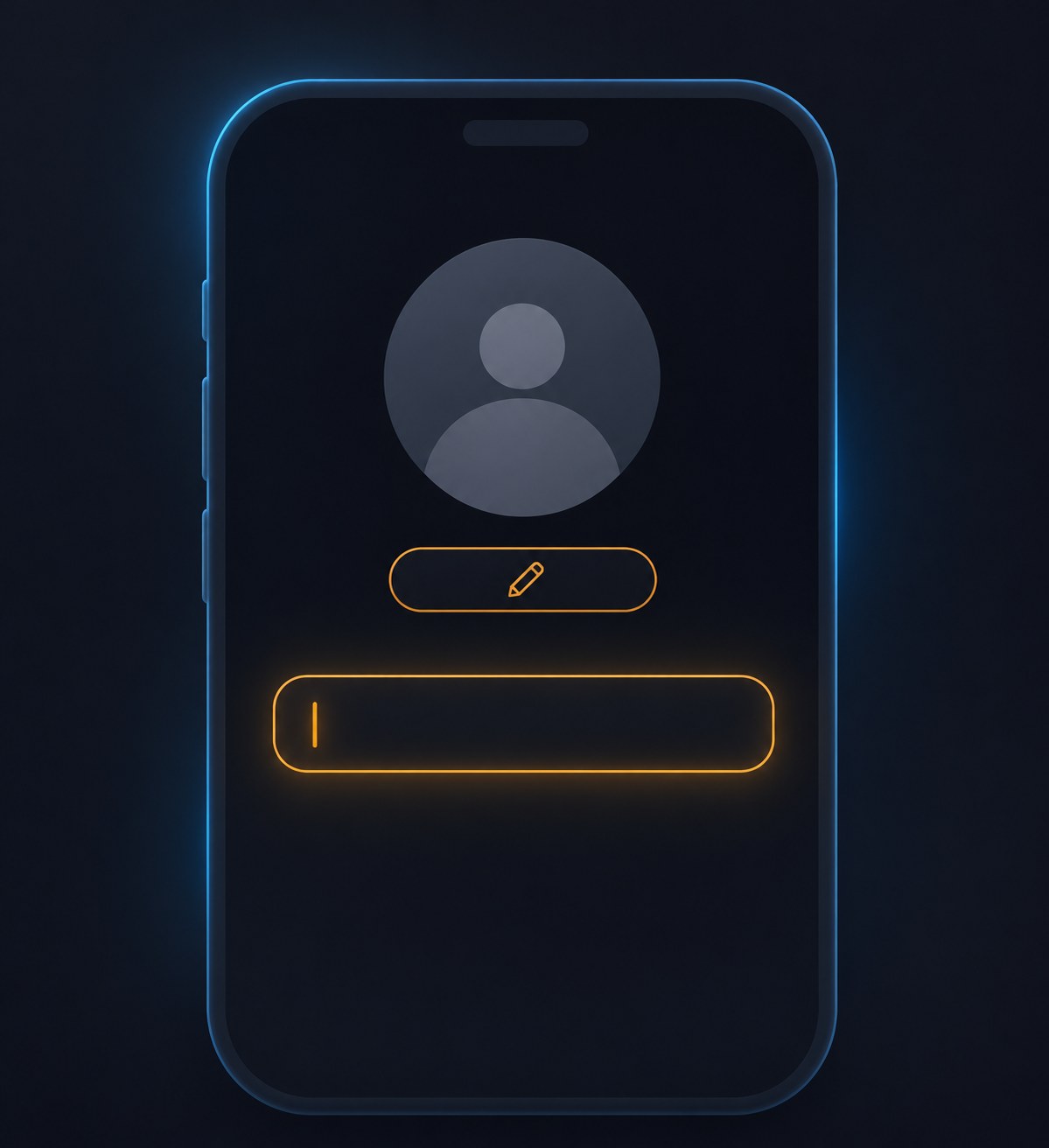
The web route mirrors the app. Go to threads.com, click Profile on the left, then Edit profile. Open the Name or Username fields and click Done at the top right. The same screen also holds your picture, bio and link.
The second web path runs through settings. Click More on the left, then Settings, then Meta Account, then your account, then your Threads profile. Choose Name or Username, edit, and click Done. Same edit, different hallway, handy if you're already deep in settings.
In Meta Account, personal information means name, username, email, phone number and birthday, and a birthday must match across profiles in the same Meta Account. That list is not the threads.com Edit profile screen, which holds name, username, picture, bio and link. If your menus differ from an older guide, that's the migration at work.
One more thing about the settings route. Meta is gradually moving people to Meta Accounts, so the exact menu names can differ between accounts; you may see Accounts Center instead of Meta Account as the place that manages these options, and Threads in Meta Accounts is not available everywhere. If the More menu does not show the settings path described above, use the Edit profile route instead. It edits the same Username field and saves with the same Done button.
Editing the name field when the goal was a new @handle.
Renaming a shared handle without expecting the five documented effects.
Leaving the old handle in bio links, link-in-bio pages, and pinned posts.
Waiting for an inactive account's handle to free up on a schedule.
Following 2023-era guides that predate email signup and Meta Account settings.
The Shared-Handle Rule: Five Things That Change
Here's the part most guides skip. If your current Threads username is shared with your Instagram profile, changing it on Threads impacts five features, all listed in Meta's username change policy. Meta documents this for a Threads username that is currently shared with Instagram.
Four of the effects are about profile display and posting. Your Threads username no longer appears in your Instagram profile, and Instagram no longer appears in your Threads profile. You lose the ability to share an Instagram post or a Facebook post on Threads. A Meta Verified badge won't carry over to Threads. And you can't tag organic branded content on Threads with the paid partnership tool.
The fifth applies if your profiles sit in the same business portfolio in Meta Business Suite: existing Threads ads get paused, and cross-posting to Threads is disabled. Check that before a rename rather than after.
You avoid all five effects by keeping the same username on both apps, which requires the profiles to sit in the same Meta Account. Changing your Threads username does not, by itself, rewrite your Instagram username. Meta documents the five effects only when the Threads username was shared with Instagram and you change it. It does not publish what happens if the handles were never shared.
September 2026: Matched Usernames No Longer Required for Threads Ads
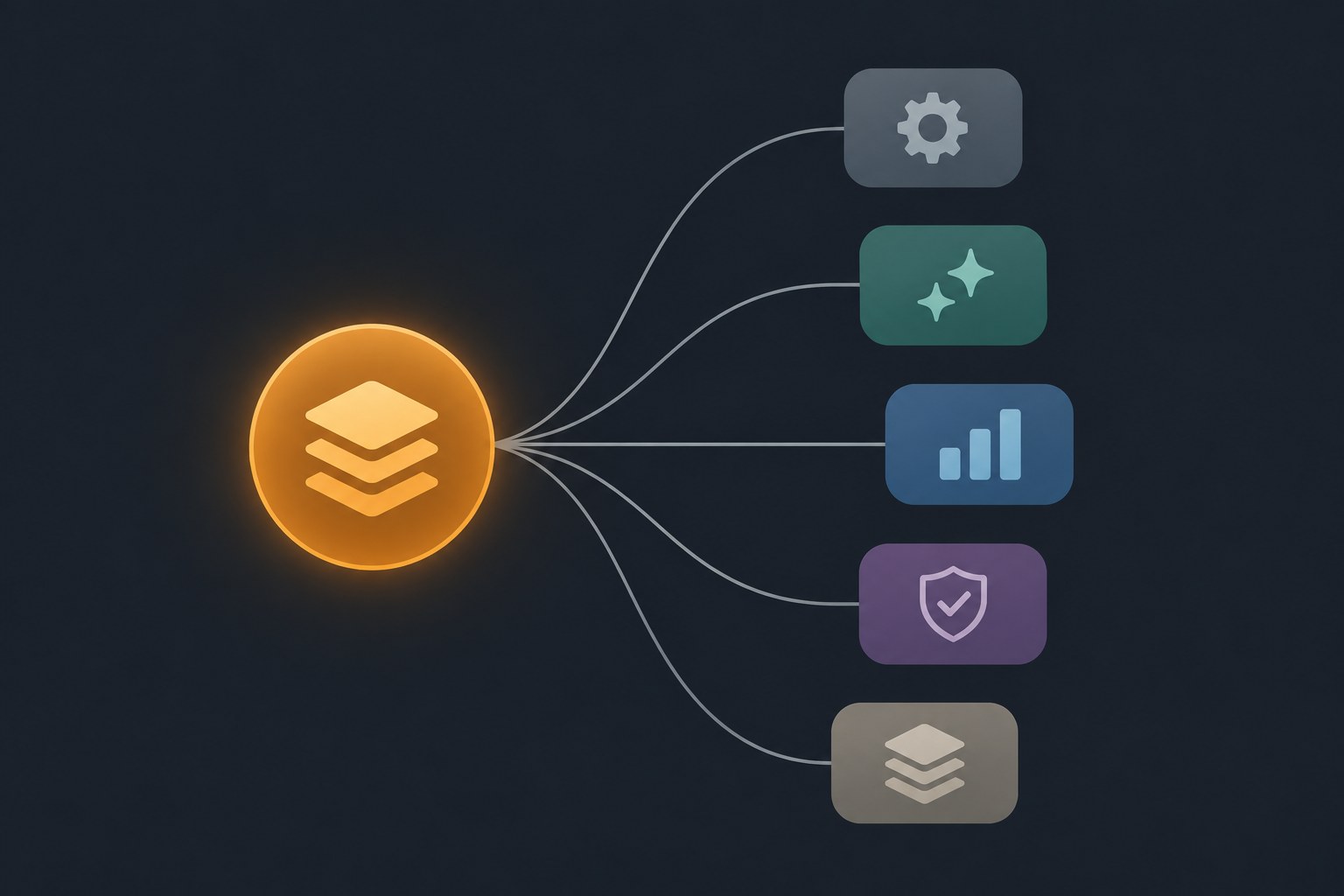
Starting September 2026, matching usernames between Threads and Instagram profiles is no longer required to run Threads ads. The change rolls out gradually and may not be available to everyone yet, so check your own account before assuming it applies.
The ads change does not cancel the shared-handle rule. If you change a username shared with Instagram, the badge, sharing an Instagram or Facebook post to Threads, Meta Verified, and paid partnership effects still apply. In a shared business portfolio, existing Threads ads can still be paused and cross-posting to Threads can still be disabled. Matching usernames in order to run ads, and pausing ads after a shared-handle change, are different rules.
This timeline explains why guides disagree: most ranking articles date from 2023, so they describe one app-only path and treat the Instagram username as identical by default. That is outdated as the only rule, because email and phone signup and a separate Meta Account username now exist, and the ads change came after that.
Before You Rename: A Five-Minute Checklist
The edit takes a minute; the cleanup is what people forget. Treat this as practical hygiene, not a platform rule. Meta does not document whether old mentions, bios, or links update after a rename, and it does not promise a redirect. Check your bio link text, your link-in-bio page, and pinned posts that spell out the old handle.
Tell regular readers with a short announcement post, so the new handle arrives as a known change. A free Threads post creator can help shape that message, and a rename is a natural moment to turn profile visits into followers by tidying your bio and link.
Consistent handles across platforms help people find you, so align them where you can. Running more than one presence? The same cleanup applies to each, and the guide on how to add another profile on Threads covers switching between them.
Action checklist
Use this as the practical next pass after reading the guide.
- +Open Edit profile from your Profile tab, in the app or on threads.com.
- +Tap Username, type the new handle, and tap Done.
- +Check whether your handle is shared with Instagram before renaming.
- +Keep both usernames matching in one Meta Account to avoid all five.
- +Update bio link text, your link-in-bio page, and pinned posts.
- +Post a short announcement so regular readers recognize the new handle.

Conclusion
Changing your username on Threads is a small edit with a long shadow. In the app: Profile, Edit profile, Username, Done. On threads.com, the same field sits behind Edit profile, with the name beside it if a display refresh is what you wanted.
The shared-handle rule is the part worth remembering. When a shared Threads username changes, Meta documents five effects: your Threads username no longer appears in your Instagram profile and Instagram no longer appears in your Threads profile, you lose sharing of an Instagram or Facebook post to Threads, Meta Verified will not carry over, you cannot tag organic branded content on Threads, and in a shared business portfolio existing Threads ads pause and cross-posting to Threads is disabled. Keeping both usernames in one Meta Account avoids all five.
Since September 2026, matched usernames are no longer required to run Threads ads, though the rollout is gradual and may not be on your account yet. The edit is short. A shared-handle change can still trigger the five documented effects, including paused portfolio ads, so check those before you tap Done.