What this guide is really about
Scheduler pricing pages make comparison shopping hard, sometimes on purpose and sometimes by accident. One tool charges per channel, another sells social sets of eight, another caps you at profile tiers, and a fourth sells account packs. The same Threads workload can look cheap on one page and expensive on another, and the sticker price tells you almost nothing until you know what is being counted.
This guide decodes the billing units first, then prices one workload across five schedulers: Buffer, Later, SocialBee, Publer, and Schedul. Every number comes from each vendor's own pricing page, checked on November 22, 2026, at list price with promo codes excluded. You get those prices at one, three, and ten profiles, plus the costs that show up only after you commit. If a slider does not show a total, this article does not invent one.
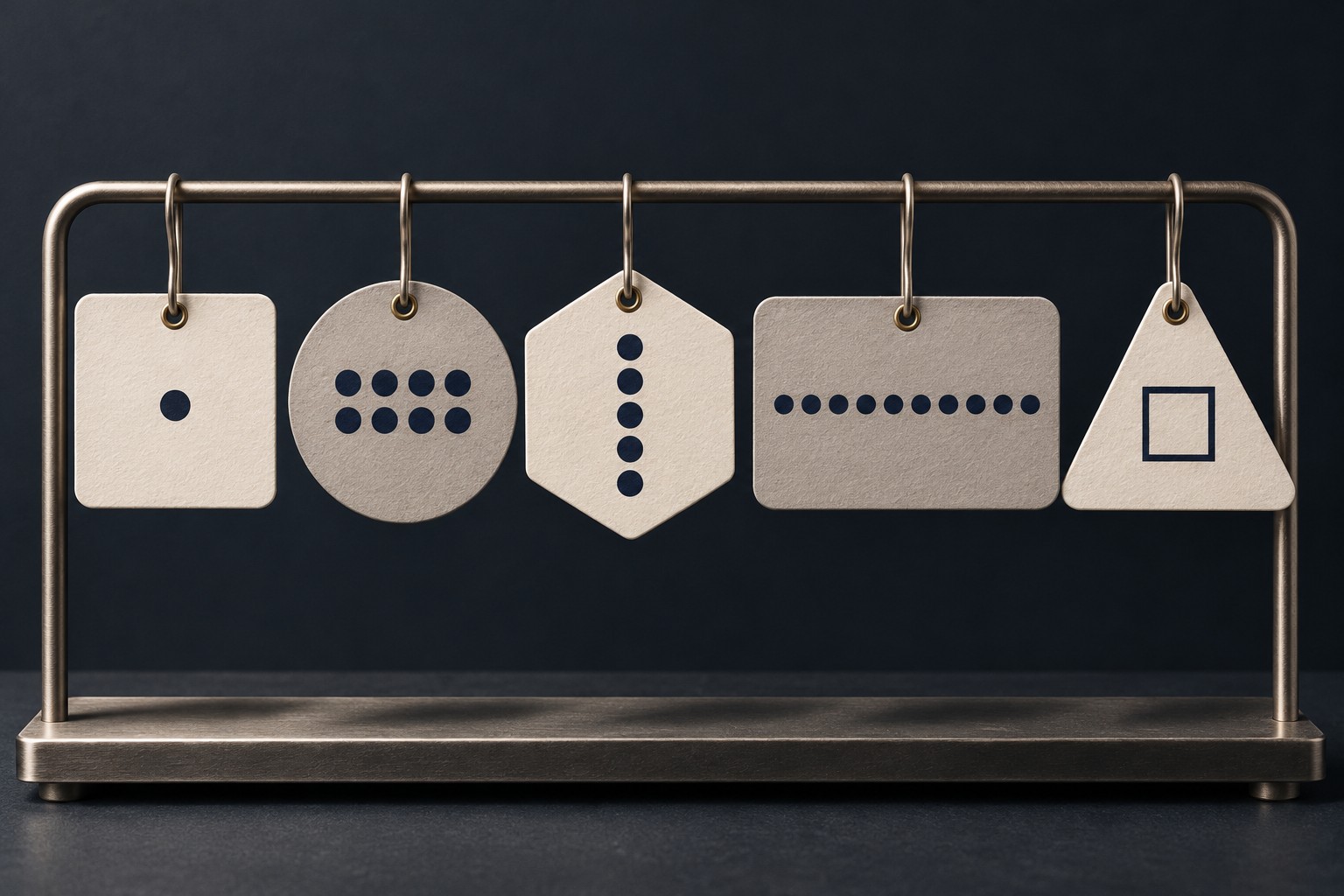
Threads schedulers price by different units, so the same workload produces very different bills. Buffer charges per channel at $5 to $10 billed yearly, Later sells social sets of eight profiles from $18.75 a month, SocialBee caps tiers at 5, 10, or 25 profiles, Publer adds accounts on a slider, and Schedul sells packs of 10, 50, or 250. Compare the billing unit before the price.
Decode the five billing units schedulers actually use
Compare that workload at 1, 3, and 10 profiles using each vendor's own unit
Spot the costs that appear only after you commit
Run a five-minute audit before you pay anything
Buffer bills per channel: one platform profile equals one channel, $5 on Essentials or $10 on Team per month billed yearly, with per-channel discounts above ten channels.
Later bills per social set: eight profile slots, one per platform, from $18.75 a month for one set, with extra sets at $11.25 each.
SocialBee, Publer, and Schedul bill per social account or profile, through tier caps, a slider, or account packs, and the pack edges change the math as you grow.
At three profiles, Buffer Essentials is $15, Later Starter is $18.75, and SocialBee Bootstrap and Schedul Pro are $29, before seats, AI credits, and API add-ons. Publer's three-profile total is the slider on its pricing page, not a number in this comparison.
Every price here is a list price verified on each vendor's pricing page on November 22, 2026, with promo codes and launch discounts excluded.
The unit decides the bill
A pricing page shows you a number. The unit underneath that number decides your bill. Five popular schedulers use five different units. Compare them only after you count the same profiles in each unit.
Buffer counts channels. One channel is one platform profile: your Threads profile, your Instagram profile, and your Facebook page are three channels, even though they belong to one brand. Two Instagram pages for two clients are also two channels. If you are choosing between exactly those two models, our Buffer vs Later comparison works through the same clash in more depth.
Later counts social sets. A set is a bundle of eight profile slots, one per platform: Instagram, Facebook, Threads, Pinterest, TikTok, LinkedIn, YouTube, and Snapchat. You get all eight slots whether you use them or not, which is a bargain for a cross-poster and pure waste for a Threads-only account.
The account-based tools split three ways. SocialBee caps plans at 5, 10, or 25 profiles. Publer prices a base plan plus a social account slider, where every tenth account is free. Schedul sells packs of 10, 50, or 250 accounts. JoltSage is the exception here: one Threads workspace price, not a per-profile pack. The paid queue is separate from the free workspace, and that split is spelled out below.
Five pricing models, verified on current pricing pages
Buffer's pricing page bills per channel with yearly pricing shown by default. The free plan connects three channels with ten scheduled posts per channel and one user. Essentials runs $5 per channel per month billed yearly, with unlimited scheduled posts per channel. Team runs $10 per channel per month billed yearly, adding unlimited members and approval workflows. Channels above ten get progressively cheaper per channel, so the rate curve flattens for agencies. Buffer's pricing page also lists Threads as a connectable channel.
Later's pricing page sells social sets. A set includes a Threads profile. Starter is $18.75 a month billed yearly for one social set, one user, and scheduling up to 30 posts per profile per month. Growth is $37.50 for two sets, two users, and up to 180 posts per profile per month. Scale is $82.50 for six sets and four users with unlimited posts. On Growth and Scale, extra sets cost $11.25 a month each, extra users $3.75, and extra AI credits $3.75 per month per 100. Starter does not sell those extras.
SocialBee's pricing page tiers by profile count: Bootstrap at $29 a month for up to 5 profiles, Accelerate at $49 for 10, and Pro at $99 for 25 profiles with three users per workspace and five workspaces. Threads profiles are on that supported-network list. Publer's pricing page takes a different route: a free plan with three social accounts and ten scheduled posts each, then Professional at $5 a month or $4 billed yearly, and Business at $10 or $8, with extra social accounts added on a slider where every tenth account is free and extra members billed separately. Threads accounts are on that supported-network list.
Schedul's pricing page sells account packs: Pro at $29 a month for 10 social accounts, Scaler at $99 for 50, and Max at $199 for 250. Post volume is capped at 10,000 posts on Pro and 80,000 on the upper tiers, API access is a $99 per month add-on on Scaler and Max, and supported networks are Threads, X, LinkedIn, Bluesky, and Discord.

The real bill at 1, 3, and 10 profiles
Ground rules: list prices only, promo codes excluded, checked on November 22, 2026. Where a page shows two frequencies, the figure below is the one named in that sentence, not a blended rate. Start with one Threads profile and nothing else. Buffer's free plan holds three channels. Publer's free plan holds three accounts. JoltSage's free workspace needs no card, but it covers drafting, sync, and single-post publish, not the automated queue. Paid entry prices on these pages: Publer Professional at $4 billed yearly, Buffer Essentials at $5 billed yearly, Later Starter at $18.75 for one used slot out of eight, and Schedul Pro at $29 for one used account out of ten.
Now three profiles: Threads, X, and LinkedIn. Buffer Essentials costs 3 channels times $5, or $15 a month. Later Starter still costs $18.75 because one social set holds all three. SocialBee Bootstrap costs $29 monthly for up to 5 profiles. Schedul Pro also costs $29 for up to 10 accounts. Publer Professional starts at $4 billed yearly, then the slider adds accounts, and this page does not publish a per-account slider rate, so there is no three-profile Publer total here. For workflow fit beyond price, our Best Threads Scheduler comparison ranks five options by how you actually publish.
At ten profiles, a small agency setup, the order changes. Buffer costs 10 times $5, or $50 a month, right at the edge where its volume discounts begin. Later Growth costs $37.50 for 16 slots across two sets and includes a second user. SocialBee Accelerate costs $49 monthly for exactly 10 profiles. Schedul Pro costs $29 for 10 accounts but includes a single user. Publer Business is $10 a month, or $8 billed yearly, plus slider accounts, and the tenth account is free. That is a base price, not a finished ten-profile total.
Seats change the bill again. Buffer Team includes unlimited members at $10 per channel, Later charges $3.75 per extra user on Growth and Scale, SocialBee Pro includes three users per workspace, and Schedul Scaler includes five team members. Queue caps: Later Starter allows 30 scheduled posts per profile while Growth allows 180. Add-ons: Schedul bills its API at $99 a month. A tool that looks cheapest at three profiles can be the most expensive option at ten with a team attached.
Comparing sticker prices while ignoring the billing unit underneath them.
Counting platforms instead of profiles: two Instagram pages are two channels in Buffer and two accounts in Publer.
Ignoring queue and post caps on free and entry plans until a launch week collides with them.
Forgetting seat add-ons: a second teammate is free in some tools and $3.75 a month in others.
Mixing monthly and yearly prices in the same comparison row.
The costs that show up after you commit
Queue and post caps bite when your publishing volume spikes. Buffer's free plan holds ten scheduled posts per channel. Later's page says Starter schedules up to 30 posts per profile per month and Growth up to 180. Schedul caps volume at 10,000 posts on Pro and 80,000 above. A launch week or a batch-heavy workflow can turn a cap you never noticed into the reason you upgrade.
Seats are the quietest cost. Later bills extra users at $3.75 a month each. SocialBee includes three users per workspace on Pro. Schedul includes one team member on Pro and five on Scaler. Buffer Team includes unlimited members but doubles the per-channel rate. If a collaborator or client ever needs login access, price that person into the comparison before you choose.
AI is not priced the same way on every plan. Later's Growth and Scale add-on is $3.75 per month per 100 AI credits, and Starter includes 5 credits with no extra pack. SocialBee lists unlimited AI content generation on its paid plans. Buffer lists an AI Assistant across its plans. Publer gates unlimited AI prompts behind Business. We broke down AI credits in social media schedulers separately because the credit accounting rarely matches how you actually draft.

Match the billing unit to your setup
One Threads profile and no other platforms: stay on a free tier or a per-workspace price. Two or three platforms for one brand: per-channel pricing or a small account count is usually the cleanest, because you pay only for what you connect. Many brands or client accounts: sets and packs win, because per-channel rates climb linearly while packs and tiers get cheaper per account.
If your workload is Threads-first, JoltSage prices a single Threads scheduler workspace instead of profile packs. The free workspace needs no card and covers drafting, sync, and single-post publish. Paid plans are $15 a month for MCP or $29 a month for Pro AI, and those plans add API queue scheduling on the official Meta Threads API with an approval-first queue. Single-platform focus is the tradeoff.
If your budget is genuinely zero this month, our piece on free social media schedulers compares what the $0 tiers of the major tools actually cap, from queue depth to platform access, so you know exactly what you are signing up for.
When two finalists tie at your current profile count, do not break the tie on features alone. Re-price both at twice your profiles with your real team size, because the vendor that is cheaper today is not always cheaper at the count you will hit in six months.
A five-minute pricing audit before you pay
List every profile you publish to today, including multiple pages on the same platform, because two Instagram pages count as two units almost everywhere. Write each finalist's billing unit next to its name before you look at any price. Then configure each vendor's pricing page at your exact profile count, both monthly and yearly, and screenshot the total. Check the plan's queue caps, seat costs, AI credits, and API add-ons against your actual workflow. Finally, rerun the whole bill at double your profiles so a growth spurt cannot ambush you.
Prices move and plans get renamed. The units change more slowly. Recount the profiles, then read the live total for that unit before you pay.
Action checklist
Use this as the practical next pass after reading the guide.
- +List every profile you publish to, including multiple pages on one platform.
- +Write down each finalist's billing unit before looking at prices.
- +Price your exact profile count on each vendor's live pricing page.
- +Check queue caps, seat costs, AI credits, and API add-ons for your plan.
- +Note the gap between monthly and yearly billing for each tool.
- +Rerun the bill at double your current profiles before committing annually.

Conclusion
Scheduler pricing only compares cleanly after the units do. Price your exact workload at your real profile count, then let features break ties.
Every figure here was verified on the vendors' own pricing pages on November 22, 2026. Vendors change plans often, so recheck the live page before you commit.