
What this guide is really about
Type "best social media scheduler" into Google and you get the same article twelve times. Each one lists Buffer, Hootsuite, Sprout Social, and Later, calls them "the best," and moves on. None of them tell you how to actually decide.
The problem is that "best" depends entirely on who you are. A solo creator posting to Threads and Instagram needs something very different from a five-person agency managing forty client accounts across eight platforms. A $5/month tool might be perfect for one and useless for the other.
This guide skips the listicle format. Instead, you get an evaluation framework with eight criteria, a decision matrix matched to your team type, real pricing data pulled from official plan pages, and a trial protocol so you can test before committing.
The best social media scheduler is the one that matches your platform mix, team size, and workflow complexity. Evaluate tools on eight criteria: platform coverage (does it support Threads via API?), publishing reliability, scheduling depth, analytics quality, collaboration features, API access, pricing transparency, and support responsiveness. Use a 14-day trial to test publishing fidelity and team workflows befor...
Evaluate any scheduler against eight concrete criteria instead of subjective rankings
Match a tool category to your specific team type and platform mix
Calculate real total cost of ownership including per-seat and per-channel fees
Run a structured trial that catches problems before you commit
Listicles rank tools by popularity, not fit. Your platform mix and team size determine the right choice.
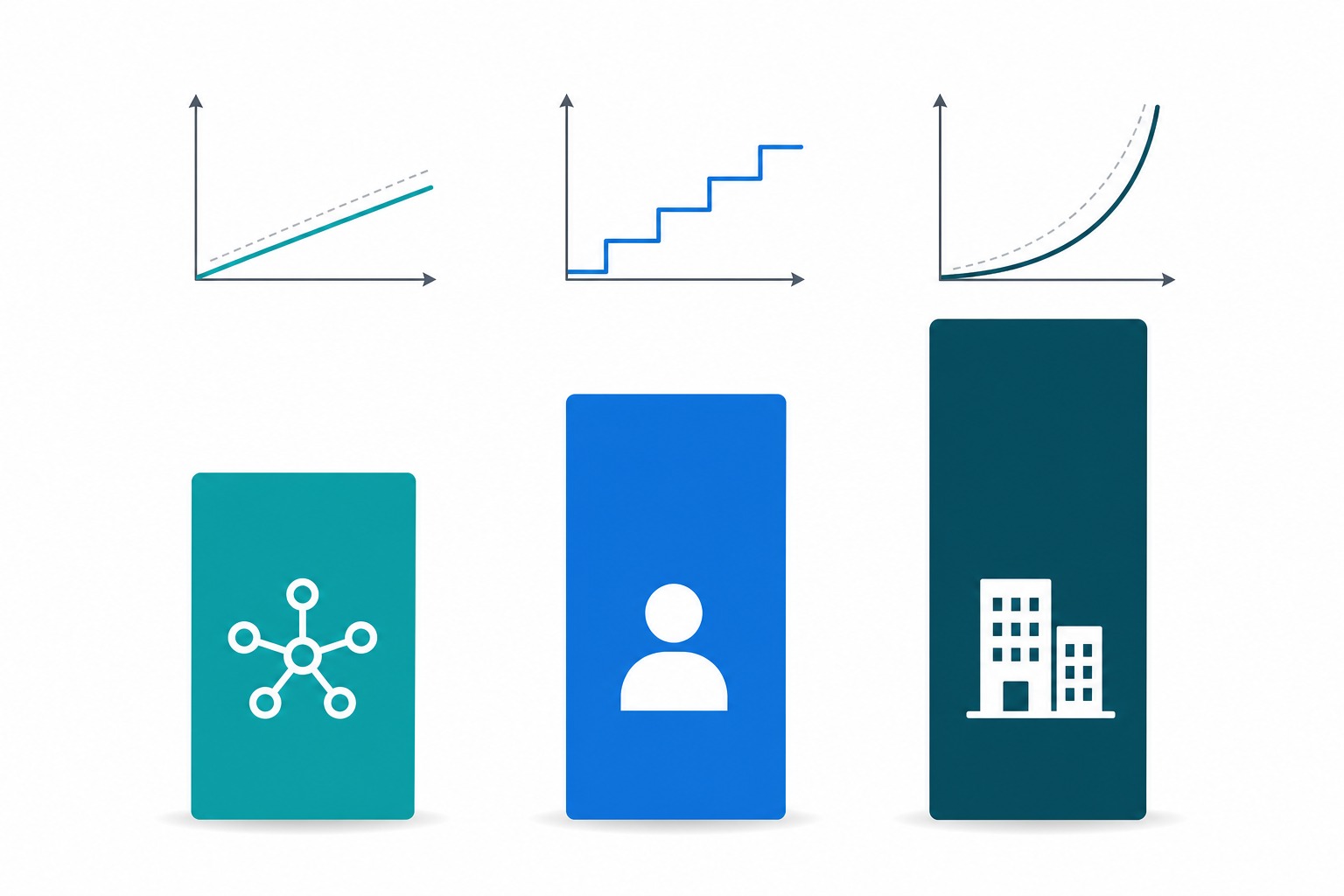
Buffer charges per channel ($5-$10/channel/month), Hootsuite charges per user with account limits, and Sprout Social charges per seat ($79-$399/seat/month). These pricing models suit completely different team structures.
Threads API support varies widely. Some schedulers still use workarounds instead of official API integration.
A 14-day trial is enough to test publishing reliability, team handoffs, and analytics depth if you follow a structured protocol.
Why Scheduler Listicles Keep Failing You
Every major social media scheduling comparison follows the same template. Pick eight to twenty tools, give each a paragraph of features, assign a "best for" label, and rank them. The criteria behind those rankings are rarely explained, and the pricing data is often months out of date.
The result is that you end up comparing tools that serve different audiences. Buffer is built for solo creators and small teams who want simplicity. Sprout Social is an enterprise platform starting at $199 per seat per month. Recommending both in the same "best" list without context is misleading.
A better approach is to start with your needs, define what matters, and evaluate tools against those criteria. That is what this framework does.
The 8-Criteria Evaluation Framework
Use these eight criteria to score any scheduler you are considering. Score each from 1 to 5, then weight them based on your priorities. The framework works whether you are evaluating two tools or twenty.
Platform coverage: Does the tool support every platform you post to natively? If you post to Threads, check whether it uses the official Threads API documented by Meta, or a workaround. API-based publishing is more reliable and gets better analytics back. The same check applies to TikTok, LinkedIn, and Pinterest.
Publishing reliability: Does the tool publish on time consistently? This is the single most important criterion and the hardest to evaluate from a feature list. Look for user reviews that mention failed posts, delayed publishing, or media upload errors. Trial the tool and schedule at least ten posts across different platforms before trusting it.
Scheduling depth: Beyond basic time-based scheduling, does it support queue categories, best-time suggestions based on your data, content recycling, first-comment scheduling, and bulk uploads? These features separate a scheduling tool from a publishing system. Analytics quality: Does the tool report on metrics that matter to your goals, or just vanity numbers? Check whether analytics are included in the base plan or gated behind a higher tier. Sprout Social includes deep analytics but at enterprise pricing. Buffer offers analytics starting on its Essentials plan. Collaboration features: If you work with a team, check for approval workflows, role-based permissions, shared calendars, and assignment features. Solo creators can skip this criterion entirely. The social media approval workflow you build should match what the tool supports. API access: If you automate publishing or build custom integrations, API access matters. Buffer offers API access starting on its free plan with rate limits. Some enterprise tools restrict API access to top-tier plans only. Pricing transparency: Can you understand the pricing without a sales call? Per-channel pricing (Buffer) scales differently from per-seat pricing (Sprout Social) and per-user-with-account-limits pricing (Hootsuite). Calculate your total cost at your actual scale. Support responsiveness: When a scheduled post fails at a critical time, how fast can you get help? Check whether the tool offers live chat, email-only support, or priority support on higher tiers. Read recent support reviews, not marketing claims.

Match the Tool Category to Your Team Type
Instead of ranking individual tools, match your situation to a tool category. The right category narrows your shortlist to three or four options.
Solo creators and solopreneurs: You need reliable publishing across two to five platforms, a simple content calendar, and basic analytics. Per-channel pricing works best because you only pay for what you use. Look at tools like Buffer (starting at $5 per channel per month on the Essentials plan) and Metricool. Avoid enterprise platforms where you pay for features you will never touch.
Small teams of two to five people: You need shared calendars, a basic social media approval workflow, and analytics that help you improve. Per-user pricing with reasonable account limits is the sweet spot. Hootsuite's Standard plan manages up to ten social accounts, while Hootsuite Professional offers unlimited accounts with automation features.
Agencies and multi-brand operators: You need role-based permissions, client approval workflows, white-label reporting, and the ability to manage dozens of accounts. Per-seat pricing at the enterprise level is expected. Sprout Social starts at $199 per seat per month for its Standard plan with five social profiles, scaling to $399 per seat for Advanced with unlimited profiles. API-first operators: If you publish programmatically or integrate scheduling into a custom workflow, API access is the primary criterion. Check rate limits, authentication methods, and webhook support. Some tools include API access on lower tiers, others gate it behind enterprise plans.
Choosing based on brand recognition instead of fit. Hootsuite and Sprout Social are well-known but may be wrong for your team size and budget.
Ignoring per-seat vs per-channel pricing models. A $10/month tool can cost more than a $50/month tool depending on your account count.
Skipping the trial and committing based on feature lists alone. Publishing reliability only shows up under real use.
Assuming all tools support all platforms equally. Threads, TikTok, and Pinterest support vary significantly across schedulers.
Forgetting to check what happens when you leave. Data export and migration difficulty create hidden switching costs.
Real Pricing Comparison: What Each Model Actually Costs
Pricing data comes from official plan pages as of July 2026. Always verify current pricing on the tool's own website before deciding, because plans change.
Buffer uses per-channel pricing. The free plan covers up to three channels with ten scheduled posts each. Essentials costs $5 per channel per month with unlimited scheduling and analytics. Team costs $10 per channel per month with unlimited team members and collaboration features. This model is favorable for solo creators managing a few profiles but gets expensive if you manage many channels.
Hootsuite uses per-user pricing with account limits. The Standard plan manages up to ten social accounts per user. Professional adds unlimited accounts and automation. Advanced adds approval workflows and team coordination. Enterprise adds SSO and advanced listening. Hootsuite does not display specific prices publicly without selecting a billing cycle, which is a transparency flag.
Sprout Social uses per-seat pricing with social profile limits. Essentials costs $79 per seat per month for five profiles. Standard costs $199 per seat per month for five profiles with deeper features. Professional costs $299 per seat with unlimited profiles. Advanced costs $399 per seat with API access and sentiment analysis. This model suits established teams with budget but is overkill for solo creators. Calculate total cost of ownership, not just the headline price. A tool at $10 per month with a steep learning curve and limited analytics may cost more in lost productivity than a $50 per month tool that works out of the box. Factor in onboarding time, the cost of add-ons, and the cost of switching if the tool does not work out.

The Threads Support Checklist
Threads has become a major platform for text-first creators, but scheduler support is inconsistent. Some tools integrate via the official Threads API that Meta opened to developers. Others use unofficial workarounds that can break without notice or miss analytics data.
When evaluating a scheduler for Threads support, check four things. First, does it use the official Threads publishing API documented by Meta? Official API integration means better reliability and access to insights. Second, does it support Threads-specific features like topic tags and carousel posts? Third, does it return analytics data from Threads, or just confirmation that the post published? Fourth, does it support media attachments including images and videos within Threads' format requirements?
If Threads is a primary platform for you, API-based scheduling matters. A scheduling tool that relies on browser automation or notification-based reminders will fail silently when Threads updates its interface. The official Threads API documentation covers supported post types, media limits, and publishing workflows that compliant tools should follow.
JoltSage is built specifically for Threads scheduling via the official API. If Threads is central to your content strategy, tools with native API support will save you from failed posts and missing data. You can also use the free Threads post creator to draft posts before scheduling them through any tool.
Red Flags That Should Stop You
Some warning signs indicate a scheduler will cause problems regardless of its feature list. Watch for these during your evaluation and trial.
Hidden per-user costs: A tool advertises a low base price but charges extra for every team member, every social profile beyond a low cap, or every feature that should be standard. Calculate your actual monthly cost at your real scale before comparing headline prices.
No API access on lower tiers: If you might need automation or integration, check whether API access requires an enterprise plan. Some tools lock API keys behind plans that cost ten times more than the base tier.
Inconsistent publishing: During your trial, watch for posts that publish late, fail silently, or lose media attachments. One failed post per week is a significant reliability problem for a tool whose only job is publishing on time. Analytics behind a paywall: The tool publishes your posts but gates the analytics you need to improve behind a higher tier. This is common and frustrating. Check what analytics are included in the plan you can afford. No export or migration path: If you decide to leave, can you export your scheduled content, analytics history, and media library? Tools that lock your data in create switching costs that grow over time.
The 14-Day Trial Testing Protocol
Most schedulers offer a free trial between seven and thirty days. Use the first fourteen days to test the criteria that matter most before committing to a paid plan.
Days 1-3: Set up your accounts and connect every platform you use. Note any platforms that are not supported or require workarounds. Schedule five posts across different platforms and verify they publish on time with correct formatting.
Days 4-7: Test scheduling features at depth. Try queue categories, best-time suggestions, content recycling, and bulk uploads. If you work with a team, invite a collaborator and test the approval workflow end to end.
Days 8-11: Evaluate analytics. Pull a report and check whether it includes the metrics you actually use. Compare the tool's numbers against native platform analytics to verify accuracy. Note any data gaps. Days 12-14: Stress test reliability. Schedule posts at unusual times, test media-heavy posts, and check how the tool handles errors. Contact support with a real question and measure response time. Decide whether to commit or try the next tool on your shortlist. Document everything during the trial. If you end up comparing two or three tools, your trial notes will make the final decision far easier than re-reading feature lists.
Action checklist
Use this as the practical next pass after reading the guide.
- +List every platform you post to and verify scheduler support for each
- +Calculate total monthly cost at your actual number of accounts and team members
- +Score three candidate tools against the 8-criteria framework
- +Run a 14-day trial with at least ten scheduled posts per tool
- +Test the approval workflow if you work with a team
- +Contact support with a real question during the trial
Conclusion
The best social media scheduler is not the one with the most features or the biggest brand. It is the one that reliably publishes your content to your platforms, fits your team workflow, and costs a reasonable amount at your scale.
Use the eight-criteria framework to evaluate any tool. Match the pricing model to your team type. Test with a real trial before committing. And revisit your choice every six months as your needs and the available tools change.
If Threads is central to your strategy, prioritize tools with official API integration and check out the Threads scheduling workflow guide for a step-by-step approach.