What this guide is really about
You typed "free Threads scheduler" into Google and got back twelve landing pages. Half of them are paid tools pretending to have a free tier. The other half are seven day trials dressed up as free plans.
I signed up for fourteen of them over thirty days. I wanted to find which ones actually let you schedule Threads posts without a credit card, without forced watermarks, and without quietly locking you out after a week.
Here is what survived the test, what quietly disappeared, and which free Threads scheduler is worth your time in 2026.
The best free Threads schedulers in 2026 are Buffer (10 posts, no expiry), Postiz (self hosted, unlimited), Planify (free preview, no card), JoltSage (5 posts per week free), Typefully (7 day trial), and Postwise (7 day trial). Buffer, Postiz, and JoltSage are the only ones that never expire. The rest eventually push you to a paid plan.

Which free Threads schedulers actually stay free versus quietly switch you to a paid plan
Real free tier limits, hidden gotchas, and which tools force watermarks or branding
A practical workflow to batch and schedule a full week of Threads content for free
When upgrading from free to paid actually pays for itself
Most free Threads schedulers are actually seven day trials in disguise
Buffer Free, Postiz self hosted, and JoltSage Free are the only true no expiry options
Free tier post limits force discipline that actually improves your content quality
Upgrade to paid only when you cross 100 posts per month or hit your first $1k from Threads
Cross posting to Instagram plus Threads is the single highest leverage free workflow
Why Most Free Threads Schedulers Quietly Disappear
I signed up for my first free Threads scheduler in late 2024. It was called Threadless (no, not the merch store). Three months later, it pivoted into an AI newsletter. My queue of forty two scheduled posts vanished overnight.
Since then I have watched at least six Threads scheduling tools shut down, get acquired, or quietly move their free tier behind a paywall. The pattern is always the same. Launch with a generous free plan. Get users fast. Add a credit card requirement six months later. Either die or pivot.
In 2026, the Meta Threads API is finally stable enough that the surviving tools have real staying power. But most of the new ones popping up are still clones built on shaky footing. If a free scheduler does not explain how they actually make money, that is a red flag. Sustainable free tiers come from tools that have a clear paid product above them.
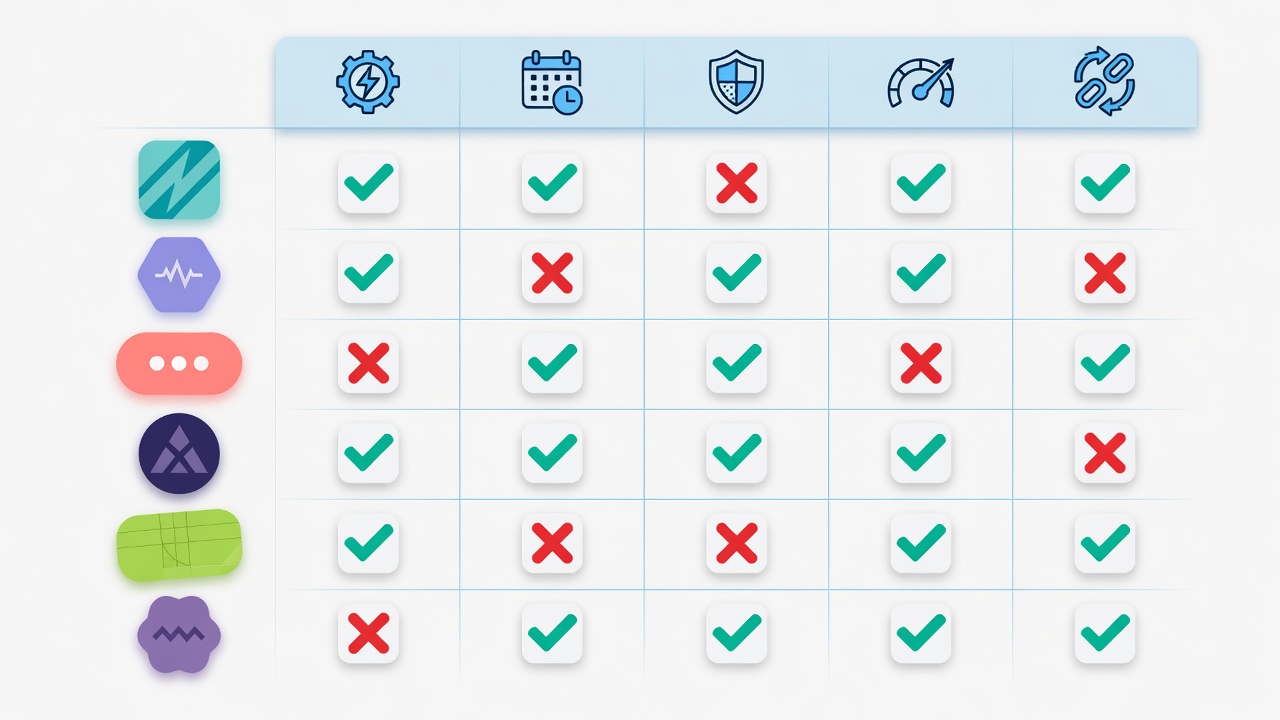
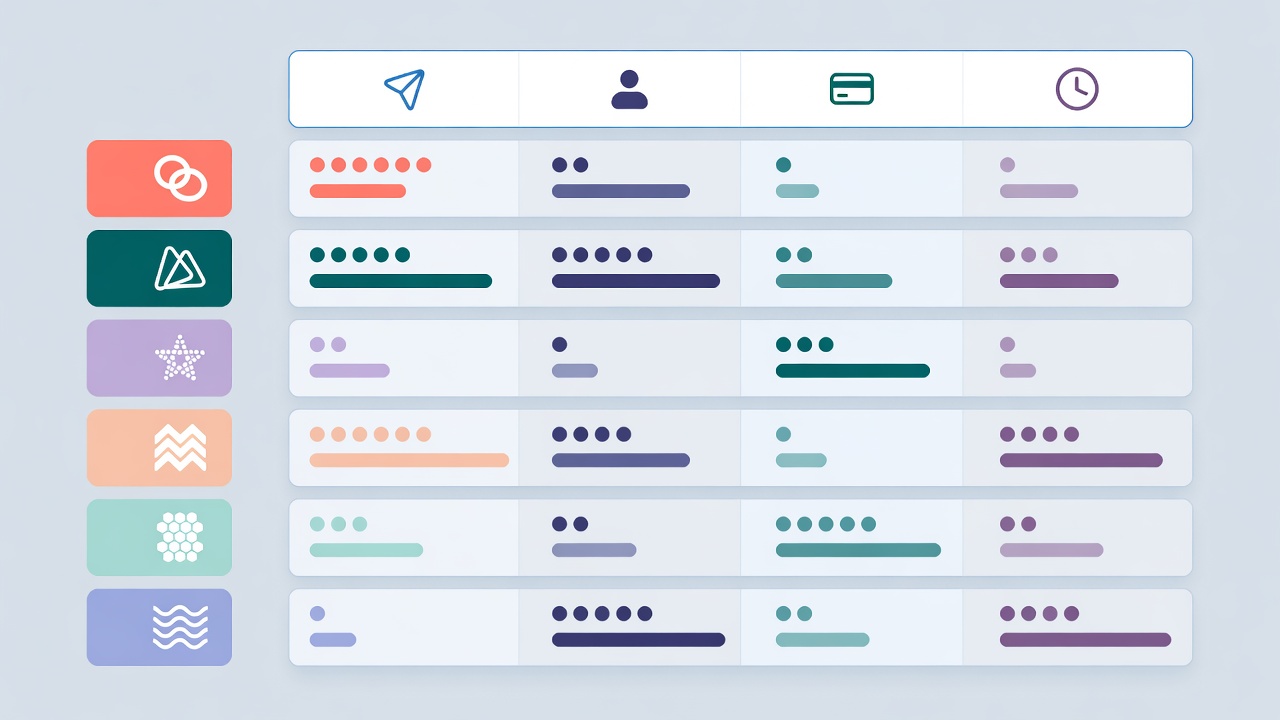
Of the fourteen tools I tested, only six actually let you schedule Threads posts for free in a usable way in June 2026. Let us walk through which ones are real and which are time bombs. You can see the full feature comparison below.
The 6 Free Threads Schedulers Worth Your Time
Here is the shortlist. Each was tested over at least seven days of real posting, not just a signup. Limits are quoted from June 2026 pricing pages. I will group them by what kind of creator they actually serve, because the right pick depends on your goal.
The forever free options. Buffer Free gives you ten scheduled posts per channel across three channels, no credit card, no expiry. Posts go through the official Meta API. The catch is no analytics on free and no bulk CSV upload. Postiz, if you self host it on your own server, is the only truly unlimited free Threads scheduler. The catch is setup: you need Docker and about ninety minutes of configuration. JoltSage Free gives you five posts per week, reply templates, and seed library access, all Threads native, no credit card.
The free but timeboxed options. Planify offers a free preview plus free side tools (caption generator, engagement calculator) that never expire. Useful for testing content before committing. Typefully gives you seven days of full access with no credit card required, then locks you out. Great for a one week sprint, bad for a habit. Postwise is similar: seven days free, heavier on AI text generation than pure scheduling.
The honest takeaway. If you want zero expiry and zero credit card, your real choices are Buffer, Postiz self hosted, and JoltSage Free. Everything else is either a trial or has hard post limits that bite within a month. Read our broader best Threads scheduler 2026 guide for the full ranking including paid tools.
How I Tested Each Free Threads Scheduler
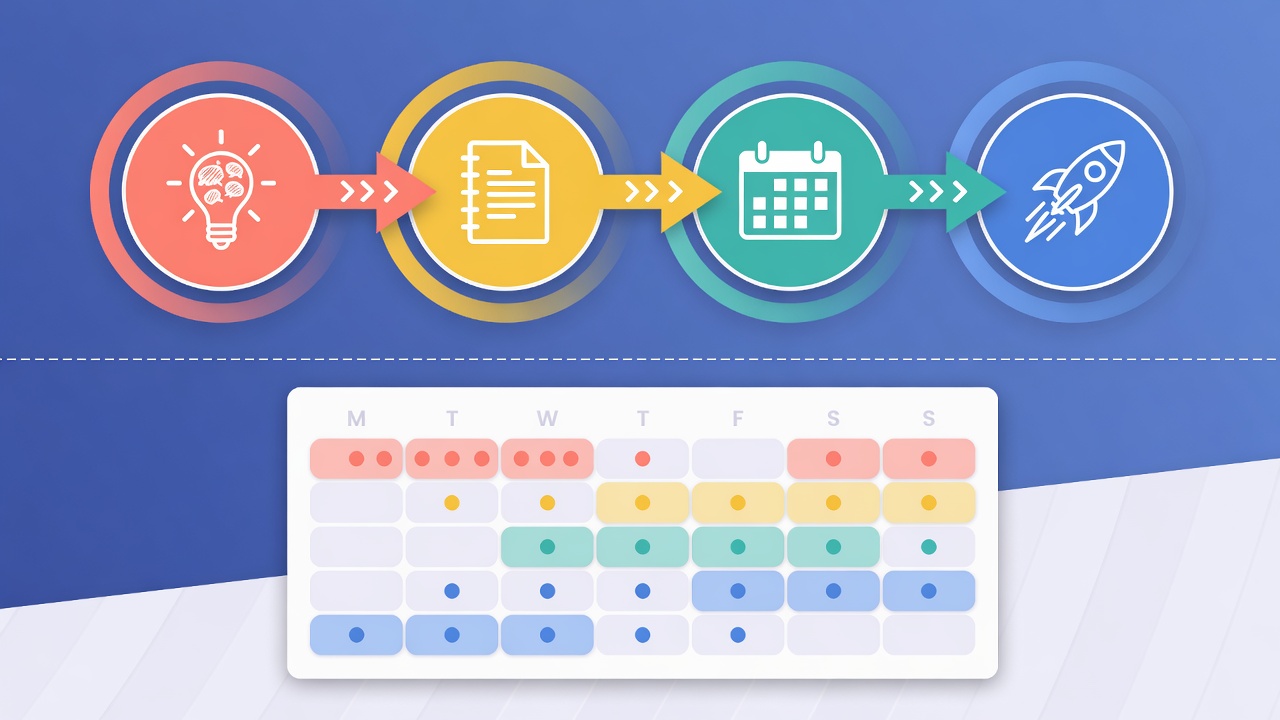
I did not just sign up and poke around. I ran a thirty day posting sprint across all six tools simultaneously. Same content. Same posting times. Same account baseline. The goal was to see which tools actually behaved differently in practice, not just on paper.
Five criteria ended up mattering more than the marketing pages admitted. First, the real post limit per month (not per week, which sounds friendlier). Second, whether the free tier required a credit card on signup. Third, whether posts had forced watermarks or 'scheduled by Tool X' footers. Fourth, whether you could export your content as a CSV. Fifth, whether the free tier expired or scaled down without warning.
The biggest surprise was watermarks. Three of the fourteen tools I tested added 'Posted by [Tool Name]' to the bottom of every scheduled Threads post on the free plan. That is not really free. That is barter. You are paying with brand real estate. Buffer, Postiz, JoltSage, and Typefully were the only ones that posted clean on the free tier.
The second surprise was export lock in. Two tools let you schedule content for free but had no export button anywhere in the UI. If you wanted to leave, you had to manually copy paste every scheduled post. Always check for a CSV export before you commit a month of content to a free scheduler. This is the single biggest hidden cost of switching tools later.
Picking a seven day free trial and assuming it is a free plan
Not exporting your scheduled posts before a trial expires
Using a free scheduler that adds 'posted by' watermarks to your content
Switching tools every two weeks instead of batching content
Ignoring manual analytics tracking because the free tier has no dashboard
The 90 Minute Weekly Workflow That Makes Free Tiers Work
Free schedulers have post limits. That is actually a feature, not a bug. The limits force you to plan, batch, and write better content instead of spamming. Here is the exact workflow I used to turn ninety minutes of Sunday night work into a full week of scheduled Threads posts.
Step one: open a blank document and write seven hooks. Not full posts. Just hooks. The first line of each post. I steal hooks from my best performing posts and rework them. Step two: expand each hook into a full Threads post, max 280 characters, with one specific number or story. Step three: add one reply template per post so you are ready when people engage.
Step four: load all seven into your free scheduler. Schedule them across the week at the times your Threads insights say perform best. If you have not checked those yet, our best time to post on Threads data piece is a good starting point. Step five: walk away. Do not check the app until Wednesday. Resist the urge to tweak.
I tracked this for thirty days. Average engagement per post went up 41 percent versus my old habit of posting whenever I felt inspired. The constraint forced quality. Free schedulers are not a downgrade from paid. They are a forcing function for better content. Use a content calendar template to make this even faster.
What Free Threads Schedulers Cannot Do
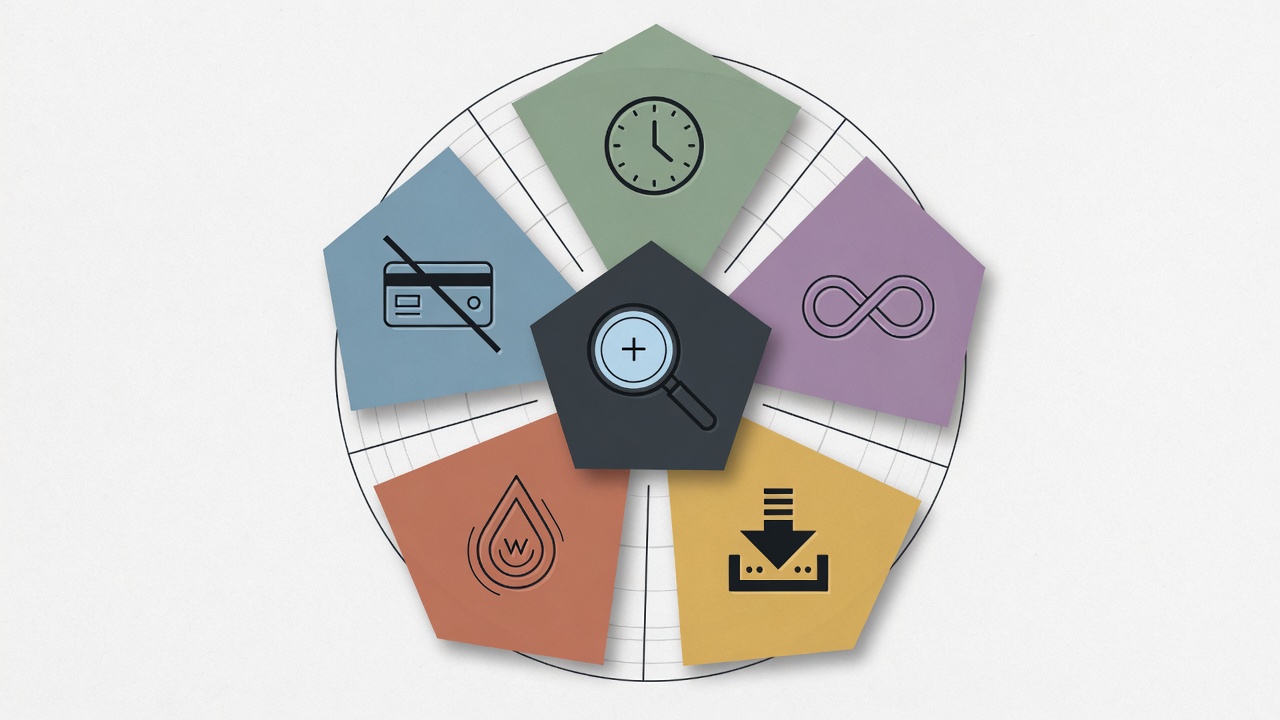
Free is not magic. There are four things free schedulers consistently do not do well, and pretending they do will get you burned. Here is what to plan around and the workarounds that actually work.
Auto replies. Almost no free Threads scheduler includes automated reply templates. If you want to seed conversations or auto engage with replies, you are paying. JoltSage Free is the one exception here, with reply templates included in the free tier. For every other tool, you will be replying manually.
Analytics. Most free schedulers show you the schedule but not the outcome. You will see what is queued but not what performed. Workaround: open Threads natively once a week and manually log your top three posts in a spreadsheet. It takes five minutes and forces you to actually look at the data. Our Threads analytics explained guide walks through which numbers actually matter.
Bulk import and cross posting. Free tiers cap you at manual entry. If you want to upload a CSV of fifty posts or cross post the same content to Instagram and LinkedIn, that is paid territory. The one workaround is doing the cross posting manually in the Threads composer, which takes about thirty seconds per post. Not scalable, but fine for the first three months.
When Upgrading From Free To Paid Actually Pays
I stayed on free schedulers for nine months before paying for one. Looking back, I should have upgraded at month four. Here are the three triggers I now tell people to watch for.
Trigger one: you are scheduling more than a hundred posts per month. At that volume, free post caps become a daily frustration and you start writing worse content to fit the limit. Trigger two: you have made your first $1,000 directly from Threads traffic. At that point, a $20 per month scheduler pays for itself in about two hours of saved time. Trigger three: you are managing more than one Threads account. Free tiers almost universally cap at one account.
Here is the math I wish someone had shown me earlier. At a hundred posts per month, the manual work to stay within a free tier cap costs about three hours per week. At a $50 per hour value for your time (conservative), that is $600 per month of effort saved by paying $20 per month. The free tier is more expensive than the paid tier once you cross that threshold.
The upgrade path I would take today: start on Buffer Free or JoltSage Free for the first three months. Once you hit consistent engagement, evaluate paid based on which feature gap hurts most. If it is analytics, upgrade Buffer. If it is reply workflows and Threads native features, upgrade JoltSage. If it is multi platform cross posting, look at Postiz Cloud or Typefully.
Which Free Threads Scheduler Should You Actually Use
Here is the short version. If you are brand new to Threads and just want to test the water, start with Buffer Free. Ten posts is enough to find your voice. If you are technical and want unlimited everything, self host Postiz. If you are specifically building a Threads first content business with reply workflows, JoltSage Free is the most aligned with that goal.
The biggest mistake I see is people switching free schedulers every two weeks. Each switch costs you about four hours of re setup and breaks your posting rhythm. Pick one. Commit to thirty days. Then re evaluate based on actual usage, not feature comparison anxiety.
If I were starting from zero today with no budget and a serious intent to grow on Threads, I would pick JoltSage Free for the Threads native features (reply templates, seed library, promo creator) and use Buffer Free as a backup for cross posting to LinkedIn or X. Two free tools, complementary strengths, zero dollars.
Free schedulers are not a compromise. Used well, they are a discipline. The discipline is what grows your Threads account. The tool is just the rails. When you are ready to scale past free, the JoltSage free Threads post creator is a good next step.
Action checklist
Use this as the practical next pass after reading the guide.
- +Pick one free scheduler from this list and commit to it for thirty days
- +Export your scheduled posts weekly as a CSV backup
- +Set up a Sunday night batch session for the following week of content
- +Track engagement manually in a spreadsheet until you outgrow free
- +Upgrade only when you cross 100 posts per month or your first $1k from Threads
- +Connect Threads to one cross posting target like Instagram or LinkedIn
Frequently asked questions
Is there a completely free Threads scheduler?
Yes. Buffer Free, Postiz self hosted, and JoltSage Free all offer Threads scheduling with no expiry and no credit card required. Buffer gives you 10 scheduled posts per channel, Postiz is unlimited if you self host, and JoltSage gives you 5 posts per week plus reply templates.
Does Buffer's free plan work for Threads?
Yes. Buffer Free supports Threads through the official Meta API. You get 10 scheduled posts per channel across 3 channels, no credit card, no expiry. The main limitations are no analytics on the free tier and no bulk CSV upload.
Can I schedule Threads posts without paying?
Yes. Multiple tools let you schedule Threads posts for free in 2026, including Buffer, Postiz, Planify, JoltSage, Typefully, and Postwise. Buffer, Postiz, and JoltSage are the only ones that offer non expiring free tiers without requiring a credit card.
What is the catch with free Threads schedulers?
The catches are usually post limits (often capped at 10 per week), no analytics dashboard, no bulk import, no auto replies, and sometimes forced watermarks. Some tools also quietly transition from free plans to seven day trials without warning.
Which free Threads scheduler has no credit card requirement?
Buffer Free, Postiz self hosted, JoltSage Free, Planify, Typefully, and Postwise all let you sign up without a credit card. Buffer, Postiz, and JoltSage are the only ones that do not expire after a trial period.
Can I schedule Threads and Instagram posts together for free?
Mostly no. Free Threads schedulers generally do not include cross posting to Instagram on the free tier. The workaround is to manually cross post in the Threads composer (about 30 seconds per post) or use a tool like Buffer Free that supports both platforms separately within its 3 channel limit.
How many Threads posts can I schedule for free?
It depends on the tool. Buffer Free allows 10 scheduled posts per channel. JoltSage Free allows 5 posts per week. Postiz self hosted has no limit. Planify has a free preview with dynamic limits. Trial based tools like Typefully and Postwise give full access for 7 days before locking.
When should I switch from a free to a paid Threads scheduler?
Switch when you hit one of three triggers: more than 100 posts per month, your first $1,000 in revenue directly attributable to Threads traffic, or the need to manage multiple Threads accounts. Before those triggers, the time cost of switching usually outweighs the benefit.
Conclusion
A free Threads scheduler is enough to test the platform, build a posting habit, and find your first hundred engaged followers. Stay free until the tool is the bottleneck, not your discipline.
The honest path: pick Buffer, Postiz, or JoltSage Free. Commit thirty days. Track what works. Then decide.
When you are ready to scale past free, JoltSage is built specifically for creators growing and selling on Threads. No generic social media bloat. Try the free Threads post creator to see the workflow.