How to Build a Threads Content Calendar That Actually Works
Last updated: February 10, 2026. Threads features and availability can vary by region, account type, and policy updates.
Threads, Instagram's text-based cousin, demands a consistent content strategy. But simply posting random thoughts won't cut it. You need a content calendar – a roadmap for your Threads content. This guide will show you how to build a Threads content calendar that not only saves you time but also helps you achieve your growth goals.
Why You Need a Threads Content Calendar
Before diving into the 'how,' let's address the 'why.' A well-structured content calendar offers several key benefits:
- Consistency: Regular posting keeps your audience engaged and attracts new followers. A calendar ensures you publish content according to a schedule.
- Time Management: Planning ahead reduces the daily scramble for content ideas, freeing up your time for other tasks.
- Strategic Alignment: A calendar allows you to align your content with your overall marketing objectives, promoting specific products, services, or events.
- Content Quality: Rushed content is often low-quality content. Planning allows for better brainstorming, drafting, and editing.
- Data-Driven Optimization: Tracking your calendar’s performance helps identify what works and what doesn’t, allowing you to refine your strategy.

Step-by-Step Guide to Building Your Threads Content Calendar
Creating a content calendar doesn't need to be complicated. Follow these steps to build a calendar that works for you:
Step 1: Define Your Goals and Audience
Before you start brainstorming content, clarify your objectives. What do you want to achieve with your Threads presence? Common goals include:
- Increasing brand awareness
- Driving traffic to your website
- Generating leads
- Building a community
- Promoting a product or service
Knowing your target audience is equally crucial. Consider their:
- Interests and pain points
- Preferred content formats (e.g., tips, stories, questions)
- Language and tone
- The times of day they are most active
Understanding your goals and audience will guide your content creation and ensure it resonates with the right people.
Step 2: Choose Your Calendar Format
Several tools and formats can be used for your Threads content calendar. Here are some popular options:
- Spreadsheet (Google Sheets, Excel): A simple and flexible option, allowing you to customize columns for dates, times, topics, text, visuals, and performance metrics.
- Trello or Asana: Project management tools that offer visual organization and collaboration features. You can create cards for each post and track its progress.
- Dedicated Content Calendar Tools: Platforms like CoSchedule, Buffer, or Hootsuite offer integrated calendars with scheduling, analytics, and collaboration features.
- Old-Fashioned Planner: Yes, a physical planner can work! Especially if you are a visual person.
Select the format that best suits your workflow and budget. For beginners, a spreadsheet might be the easiest place to start.
Step 3: Brainstorm Content Ideas
Now for the fun part: generating content ideas. Here are a few brainstorming techniques:
- Keyword Research: Use tools like Google Keyword Planner or Ahrefs to identify trending topics and relevant keywords in your niche.
- Competitor Analysis: Analyze what your competitors are posting and identify content gaps you can fill. Don't copy, but get inspired.
- Audience Feedback: Ask your followers what they want to see. Use polls, Q&A sessions, or direct messages to gather insights.
- Evergreen Content: Create content that remains relevant over time, such as tutorials, guides, or FAQs.
- Current Events: Tap into relevant news stories or trends to create timely and engaging content. Be mindful of being respectful and relevant.
Write down all your ideas in a central location. Don’t worry about filtering them yet; just focus on generating a large pool of potential content.
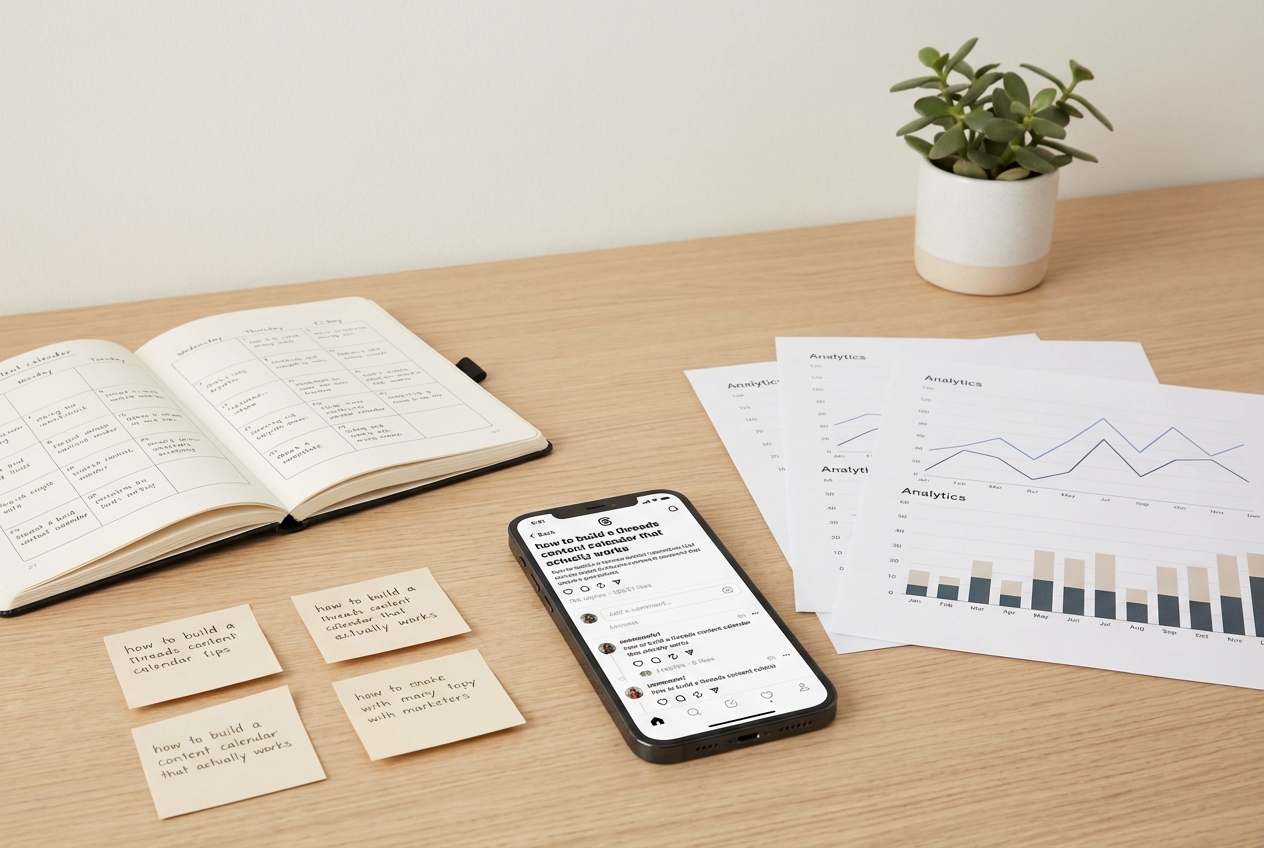
Step 4: Categorize and Prioritize Your Ideas
Once you have a list of ideas, organize them into categories or themes. This will help you create a balanced content mix. Common categories include:
- Educational: Tips, tutorials, guides, and how-to’s.
- Promotional: Product announcements, sales, discounts, and offers.
- Behind-the-Scenes: Glimpses into your company culture, team, or workspace.
- Inspirational: Quotes, stories, and motivational messages.
- Interactive: Polls, questions, contests, and challenges.
Prioritize your ideas based on their relevance to your goals and audience. Focus on the content that is most likely to drive engagement and achieve your objectives.
Step 5: Create a Posting Schedule
Determine how often you want to post on Threads. Consistency is key, but avoid overwhelming your audience with too much content. A good starting point is 1-3 posts per day.
Research the best times to post based on your audience's activity patterns. You can use Threads' built-in analytics or third-party tools to identify peak engagement times. Experiment with different posting times to find what works best for you.
Allocate specific time slots for each post in your calendar. Be realistic about your capacity and avoid overcommitting. It's better to post less frequently but with higher quality.
Step 6: Populate Your Calendar
Now it's time to fill your calendar with specific content. For each post, include the following information:
- Date and Time: The scheduled date and time for publishing.
- Topic/Title: A brief description of the post's topic.
- Text: The actual text of your Threads post. Keep it concise and engaging.
- Visuals (If Applicable): Any images or videos you plan to include.
- Call to Action (CTA): What you want your audience to do after reading the post (e.g., visit your website, follow you, leave a comment).
- Status: The current status of the post (e.g., draft, editing, approved, published).
Write your Threads posts directly in your calendar, or link to separate documents if you prefer. Be sure to proofread everything before scheduling or publishing.

Step 7: Schedule or Publish Your Content
Depending on your chosen calendar format, you can either schedule your content in advance using a social media management tool or manually publish it on Threads.
Scheduling tools like Buffer, Hootsuite, or Later allow you to automate your posting process, saving you time and ensuring consistency. If you prefer to publish manually, set reminders in your calendar to ensure you don't miss any posts.
Step 8: Track and Analyze Your Results
Once your content is live, it's essential to track its performance. Monitor key metrics such as:
- Engagement: Likes, comments, shares, and saves.
- Reach: The number of unique users who saw your post.
- Website Traffic: The number of visitors who clicked on the link in your bio.
- Follower Growth: The number of new followers you gained.
Analyze your data to identify what types of content are resonating with your audience and which are underperforming. Use these insights to refine your content strategy and optimize your calendar for future posts.
Step 9: Review and Refine Your Calendar Regularly
Your Threads content calendar is not a static document. It should be reviewed and refined regularly to ensure it remains aligned with your goals and audience preferences.
Set aside time each month to evaluate your calendar's performance and make any necessary adjustments. Consider factors such as:
- Changing trends or topics
- New audience insights
- Updates to Threads' algorithm
- The performance of your previous posts
Adapt your calendar based on these factors to ensure your content remains relevant, engaging, and effective.

Tips for a More Effective Threads Content Calendar
Here are a few extra tips to help you create a winning Threads content calendar:
- Batch Content Creation: Dedicate specific time blocks to create multiple posts at once. This can save you time and improve your focus.
- Use a Consistent Brand Voice: Maintain a consistent tone and style across all your Threads posts. This will help build brand recognition and establish a strong brand identity.
- Engage with Your Audience: Respond to comments and messages promptly and engage in meaningful conversations with your followers. This will help build a strong community around your brand.
- Repurpose Content: Repurpose your existing content from other platforms (e.g., blog posts, videos, podcasts) into Threads posts. This can save you time and expand the reach of your content.
- Collaborate with Other Creators: Partner with other Threads creators to cross-promote each other's content. This can help you reach a wider audience and gain new followers.
- Be Flexible: Don't be afraid to deviate from your calendar if necessary. If a trending topic or breaking news story is relevant to your audience, jump on it!
Conclusion
Building a Threads content calendar that actually works takes time and effort, but the rewards are well worth it. By following the steps outlined in this guide, you can create a content strategy that drives engagement, builds your audience, and helps you achieve your marketing goals.
Your Next Steps:
- Define your Threads goals and target audience.
- Choose a calendar format that suits your needs.
- Brainstorm a list of content ideas.
- Create a posting schedule.
- Start populating your calendar and scheduling your posts.
- Track and analyze your results regularly.
- Review and refine your calendar as needed.
With a well-planned and executed content calendar, you can unlock the full potential of Threads and grow your brand effectively. Good luck!