What this guide is really about
Wednesday night, 11:42 PM. You're staring at a blank text box on Threads, thumbs hovering, and somehow a single post takes 45 minutes. The week is half gone, your engagement is flat, and you're already dreading tomorrow's scramble. Sound familiar? That was me — until I designed a 60-minute batch sprint that swapped chaos for a repeatable system.
Batching your Threads content plan a week of posts in 60 minutes isn't about grinding faster. It's about building a small assembly line for ideas, hooks, and replies so you stop starting from zero every day. This article walks you through the exact workflow I use, the templates that make it stick, and the traps that'll cost you time if you're not careful.
Batch a week of Threads posts in 60 minutes by using a three-phase sprint: 15 minutes of idea collection (repurpose, react, reflect), 25 minutes of drafting hooks and body text using a simple fill-in-the-blank template, and 20 minutes of editing and scheduling in your tool of choice. The key is separating creation from editing — do not polish while you draft.
A repeatable 60-minute workflow that replaces daily panic with weekly confidence.
Specific templates for hooks, body structure, and closing lines that work across niche and tone.
The three biggest time-wasters in Threads batching and how to eliminate them.
A simple calendar layout (paper or digital) that keeps your week aligned without overcomplicating.
Batch your entire week in one focused session — never write a Threads post from scratch on a random Tuesday again.
Use a 'hook bank' and 'body skeleton' template to cut drafting time by 60%.
Separate drafting, editing, and scheduling into distinct phases to avoid perfectionist paralysis.
Mistake #1: trying to make every post a viral hit. Batch for consistency, not fireworks.
JoltSage's scheduling feature lets you review and queue posts so your batch is done in one click — the app handles the rest.
Why Most Creators Spend 5 Hours a Week on Threads (And How I Cut It to 60 Minutes)
Last year, I tracked my Threads time. Between writing, tweaking, posting, and replying, I was burning over five hours a week — and half of that was rewriting the same opening hook three times. The worst part? My growth was flat. I realized I wasn't creating; I was reacting to a blank screen every morning. That's when I decided to batch. Not carefully. Brutally.
Batching your Threads content plan a week of posts in 60 minutes forced me to decide what matters. I stopped trying to be clever on demand. Instead, I built a simple pipeline: one day, one hour, seven posts. The first batch was rough — two posts felt forced. But by week three, I had a rhythm. Now I spend that hour on Sunday morning, and the rest of the week I just show up to reply.
The 60-Minute Threads Batch Sprint: Phase by Phase
I split the hour into three timed blocks: 15 minutes for idea mining, 25 minutes for drafting, and 20 minutes for editing and scheduling. The first block is pure scavenging — I open my notes app, look at what I posted last week, check popular threads in my niche, and jot down three or four angles. No judgment, just raw possibilities. Then I pick the strongest seven and move on.
The drafting block is where the template saves you. I use a three-part skeleton: a hook (a bold claim, a question, or a short story), a body (2–3 bullet-like points or a mini-list), and a closer (an invitation to reply or a thought-provoking line). I write each post in under three minutes. If it's not flowing, I skip it and come back. The timer keeps me honest — perfectionism is the enemy of a finished batch.
- Minutes 0–15: Idea Mining — Scan your notes, repurpose a recent win, react to a trending topic, reflect on a lesson from the week. Write down 10 candidates. Circle the seven you can write fastest.
- Minutes 15–40: Drafting — For each of the seven, write a hook, 2–3 body points (bullet-style or short paragraphs), and a closer. Use the skeleton template. Do not edit. Do not second-guess. Just type.
- Minutes 40–60: Editing & Scheduling — Read each post aloud. Trim weak words. Cut any sentence that doesn't earn its place. Then paste into your scheduler (like JoltSage) and set publish times across your week. Done.
Three Skeleton Templates That Work for Any Threads Post
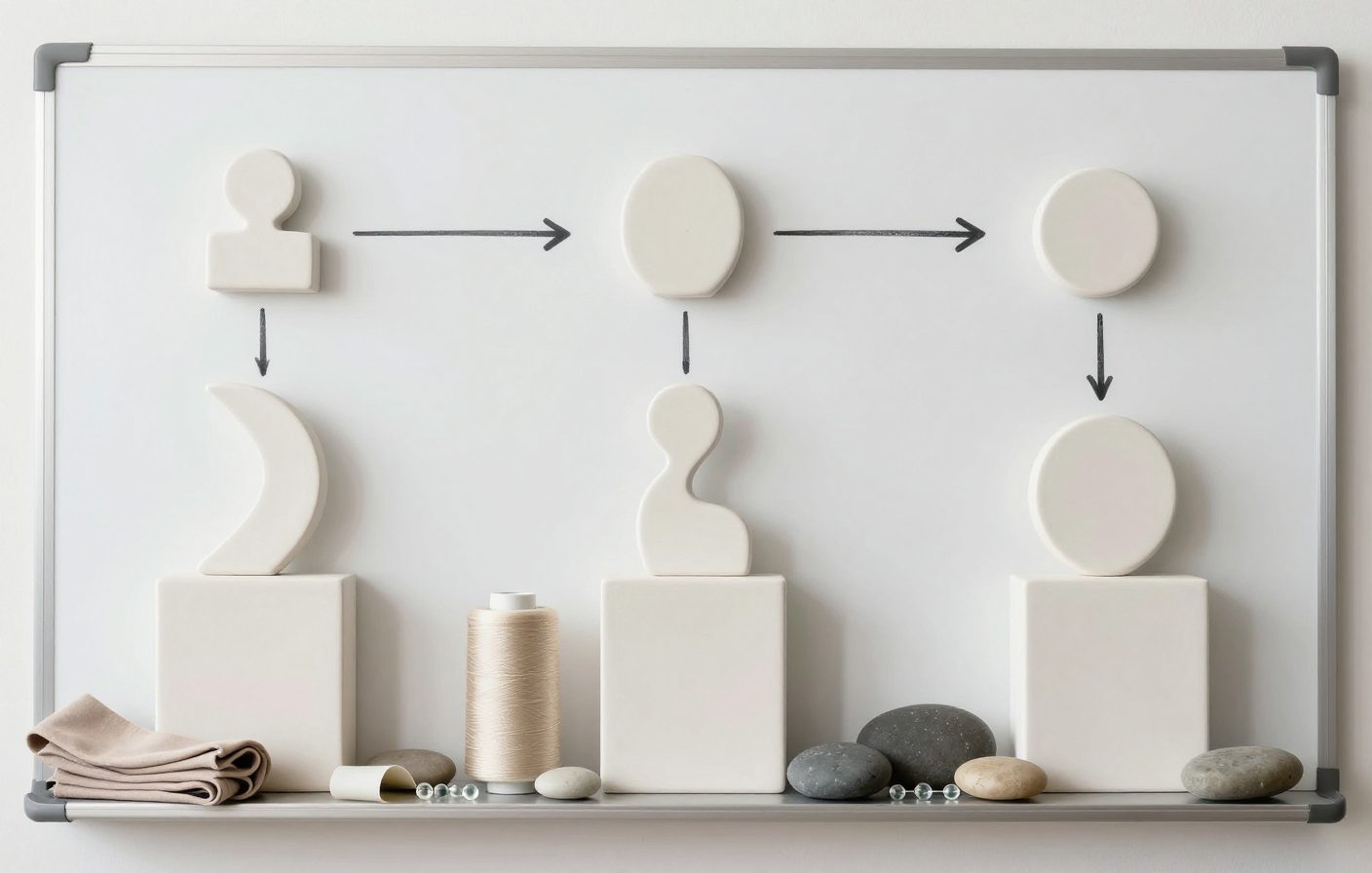
Template one is the 'Hot Take + Proof.' Hook: 'Most [niche] creators ignore [specific mistake].' Body: 'Here's why it's costing them: 1) [reason], 2) [reason], 3) [reason].' Closer: 'Try this one change and see what happens. Drop your experience below.' I use this when I want to challenge a common belief. It's conversational and drives replies.
Template two is the 'Mini-List Thread.' Hook: '5 things I learned about [topic] this month.' Body: list them with one short sentence each. Closer: 'Which one surprised you most?' Lists are easy to scan on mobile and often get saved. Template three is the 'Story + Lesson.' Hook: 'Last week I [embarrassing or surprising moment].' Body: briefly explain what happened. Closer: 'What I realized: [one-liner].' Stories get engagement because they feel human.
Editing while drafting: you kill momentum and end up with three over-polished posts and four blanks. Draft first, edit later.
Forcing a daily posting cadence when your niche doesn't need it. Three solid posts a week beat seven forgettable ones.
Ignoring engagement windows: batch posting at random times ignores when your audience is active. Use your scheduler to test two or three times early on.
Repeating the same hook structure for every post. Your batch should feel like a conversation, not a robot repeating 'X things about Y.'
Not reviewing analytics from last week's batch. If a post type flopped, don't batch another five like it. Let data guide your idea mining.
The #1 Reason Your Batch Sucks (And How to Fix It in 5 Minutes)
The biggest mistake I see in batching your Threads content plan a week of posts in 60 minutes is that people fill it with filler. They think 'I need to post every day, so I'll just throw something together.' That's the fast track to a bored audience. Your batch should still reflect real reactions — think of it as a curated snapshot of what you care about this week, not a bland slot-filler.
The fix is brutal: if a post doesn't pass the 'would I stop scrolling for this?' test, kill it. Replace it with something you actually have an opinion on. I keep a 'graveyard' file of rejected drafts — sometimes an old idea works a month later. But forcing a weak post into your batch wastes the one thing you can't get back: your audience's attention.
- Weak hooks like 'Here are some tips' get skipped. Make your hook a promise or a problem.
- Don't batch seven posts that all sound the same. Mix formats: one story, one list, one hot take, one question.
- If you're stuck on a post, skip it and come back after you've drafted the others. Fresh eyes fix forced writing.
The Minimum Viable Setup: What You Actually Need to Batch on Threads
I use Apple Notes for idea mining (a single note called 'Threads scrap') and a simple spreadsheet for my weekly calendar. The spreadsheet has columns for day, hook, body snippet, and call to action. The act of filling it in during the sprint forces me to commit. After the sprint, I paste the posts into JoltSage's scheduler, review the preview, and hit confirm. That's it.
The JoltSage free Threads post creator is useful for the drafting phase too — I'll paste a raw idea and get a first draft I can refine. But the real magic is the scheduling: I can set different times each day, see the whole week at a glance, and reply to comments without worrying about the next post. Batching doesn't just save time; it frees mental bandwidth for the conversations that actually grow your account.

Action checklist
Use this as the practical next pass after reading the guide.
- +Set a recurring 60-minute calendar block this Sunday for your first batch sprint.
- +Create a 'Threads scrap' note and spend 15 minutes filling it with 10 raw ideas.
- +Use the three skeleton templates to draft seven posts in 25 minutes — no editing.
- +Open your scheduler (JoltSage or another) and paste in each post, setting publish times for different days and times.
- +Review the week's batch one final time: read each post aloud, cut filler, check link accuracy.
- +Schedule a 5-minute daily check-in to reply to comments — not to write new posts.
Frequently asked questions
Can I really batch a week of Threads posts in 60 minutes if I'm not a fast writer?
Yes — the speed comes from the template, not your typing. The first few batches might take 90 minutes as you learn the rhythm. After that, the 60-minute mark becomes natural because you're not inventing structure each time.
Do I need to post every day for batching to work?
No. Batch for whatever cadence fits your schedule — three posts, five, or seven. The workflow scales down just as easily. The key is consistency within your chosen frequency.
What if I have a piece of news or a trend mid-week? How does batching handle that?
Leave room in your batch for one or two 'flex' slots. Schedule 5 of 7 posts, and keep two slots open for real-time reactions. Or simply replace a weaker post if something urgent comes up.
Should I use a content calendar template or just a list?
A simple calendar (paper, spreadsheet, or tool) helps you see the week at a glance and avoid repeating topics. But a list works fine if you're batching only a few posts. The template is for your own clarity, not for optics.
How do I avoid my batched posts sounding repetitive or robotic?
Mix formats within the batch: one story, one list, one hot take, one quote or lesson. Also vary your hook structure — start with a question one day and a bold statement the next. Read each post aloud before scheduling; if it doesn't sound like you, rewrite that one.
Can JoltSage help me schedule multiple posts at once?
Yes — JoltSage lets you draft, preview, and schedule multiple Threads posts in one session. You can set different publish times across the week and review the full queue before confirming.
What time of day should I schedule my batched posts?
It depends on your audience's time zone. Start with two test times — maybe morning (8-10 AM) and evening (6-8 PM) — and check your analytics after a week. Adjust the batch's schedule accordingly.
I'm a coach/founder/creator — does this workflow work for my niche?
Yes, because the template is niche-agnostic. The hooks and content come from your specific market insights. The batching structure just removes the friction of starting from zero each day. Your voice stays intact; the workflow only helps you write faster.
Conclusion
Batching your Threads content plan a week of posts in 60 minutes isn't a hack; it's a discipline. The first time you do it, you'll feel anxious leaving an empty draft box. By the fourth week, you'll wonder how you ever survived the daily scramble. The system works because it respects your time and your audience's attention equally.
Start small. Don't aim for perfection. Batch three posts next Sunday and see how the rest of your week feels. Once you taste the freedom of a pre-planned week, you'll never go back to writing at 11:42 PM on a Wednesday again. And if you want a tool that makes the scheduling part vanish, JoltSage has a free plan that handles the queue so you can focus on the ideas.